What does a chauffeur service need from its software?
A chauffeur or limousine service needs to dispatch the right driver and car to every booking, know where each ride is, handle waiting time between legs, and bill corporate clients accurately. Odobase does this with conflict-free dispatch, a driver app with live tracking, pause-and-resume trips, and invoices built from completed rides.
What Odobase does for chauffeur and limousine
Dispatch without clashes
Only free chauffeurs and cars are offered for each booking, and an overlapping assignment is refused.
Waiting time handled
Pause a trip while the client is in a meeting and resume it for the return; the car can take another job in between.
Know where every ride is
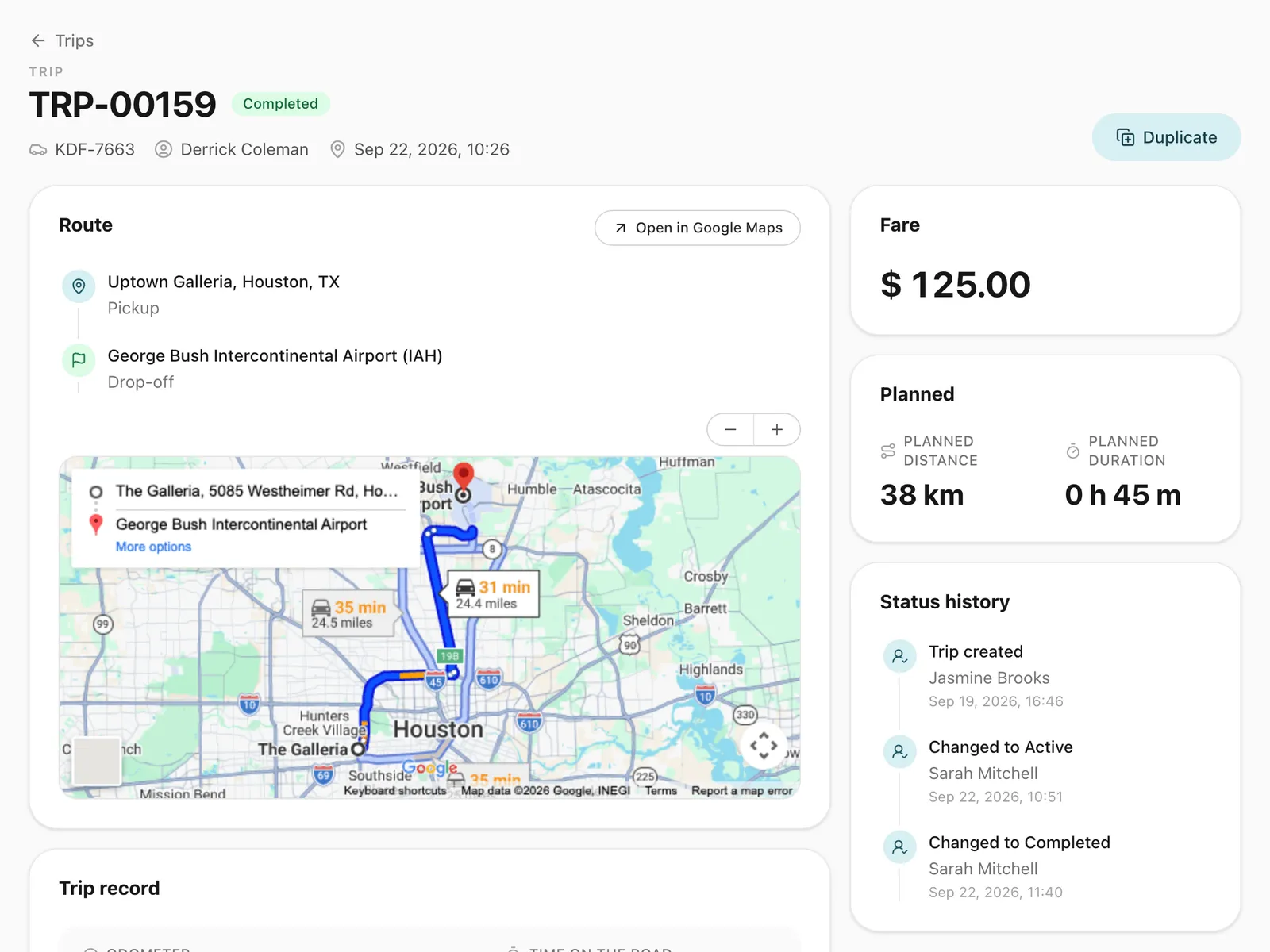
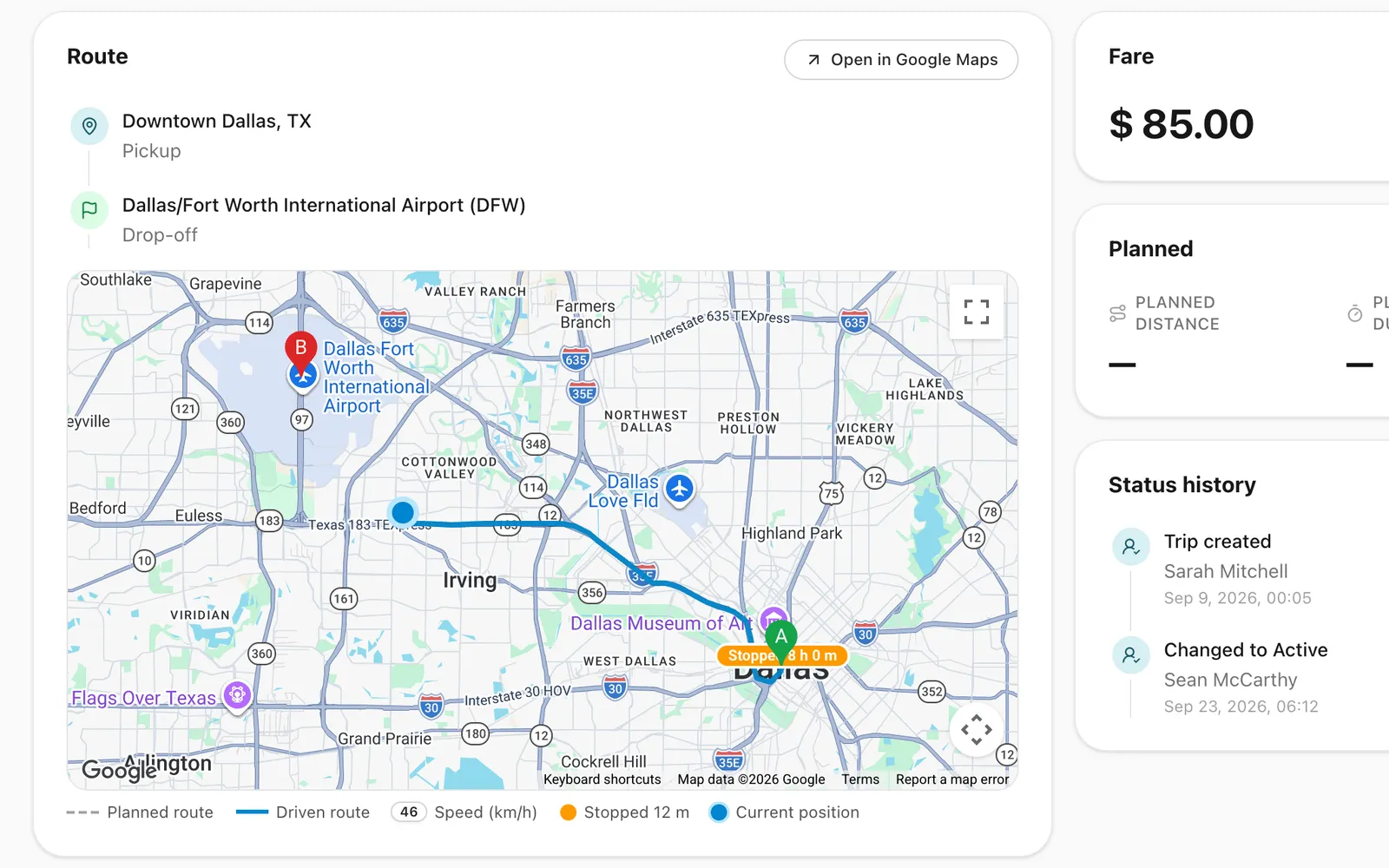
Follow running rides on the map and keep the route afterwards.
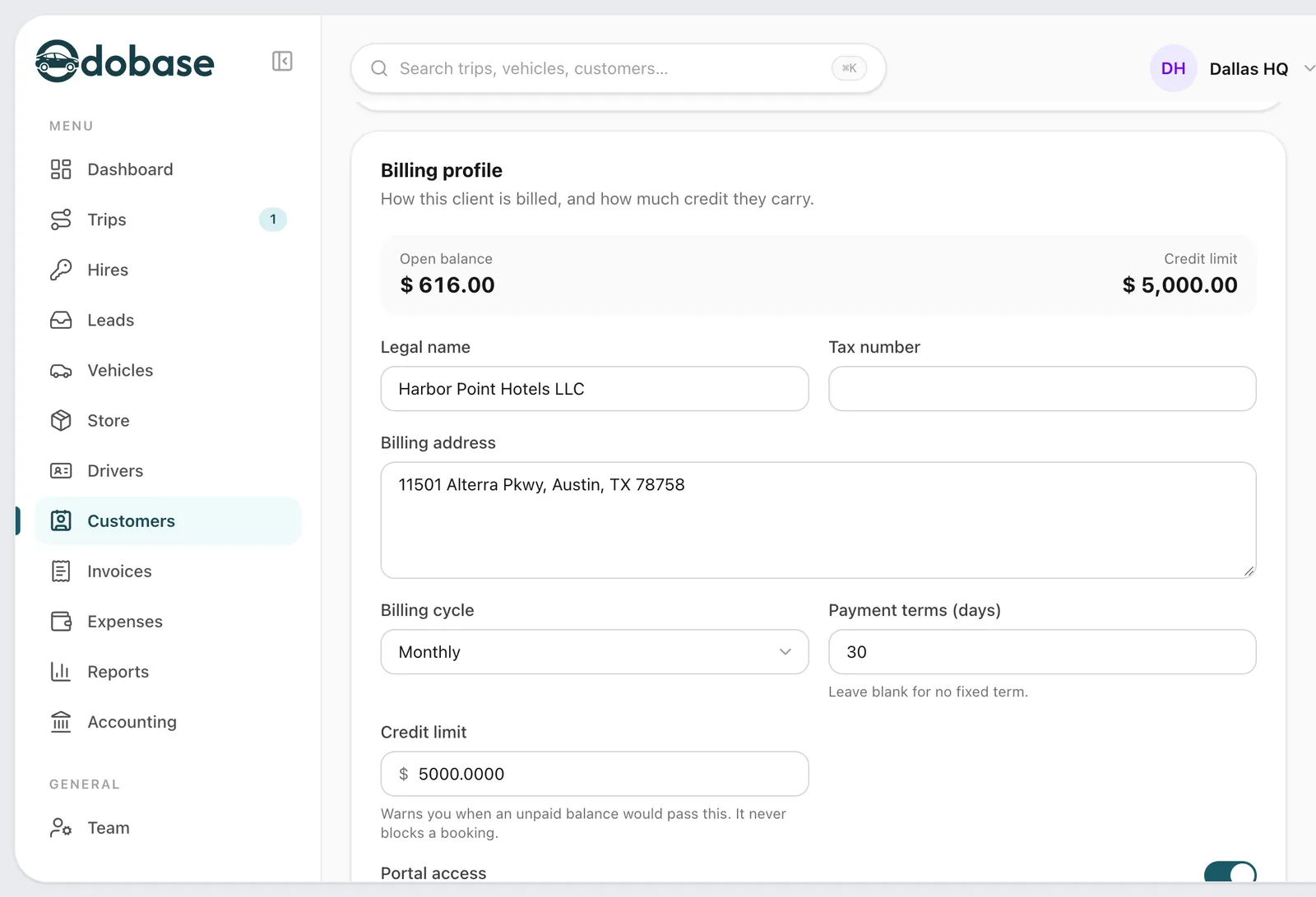
Corporate accounts billed monthly
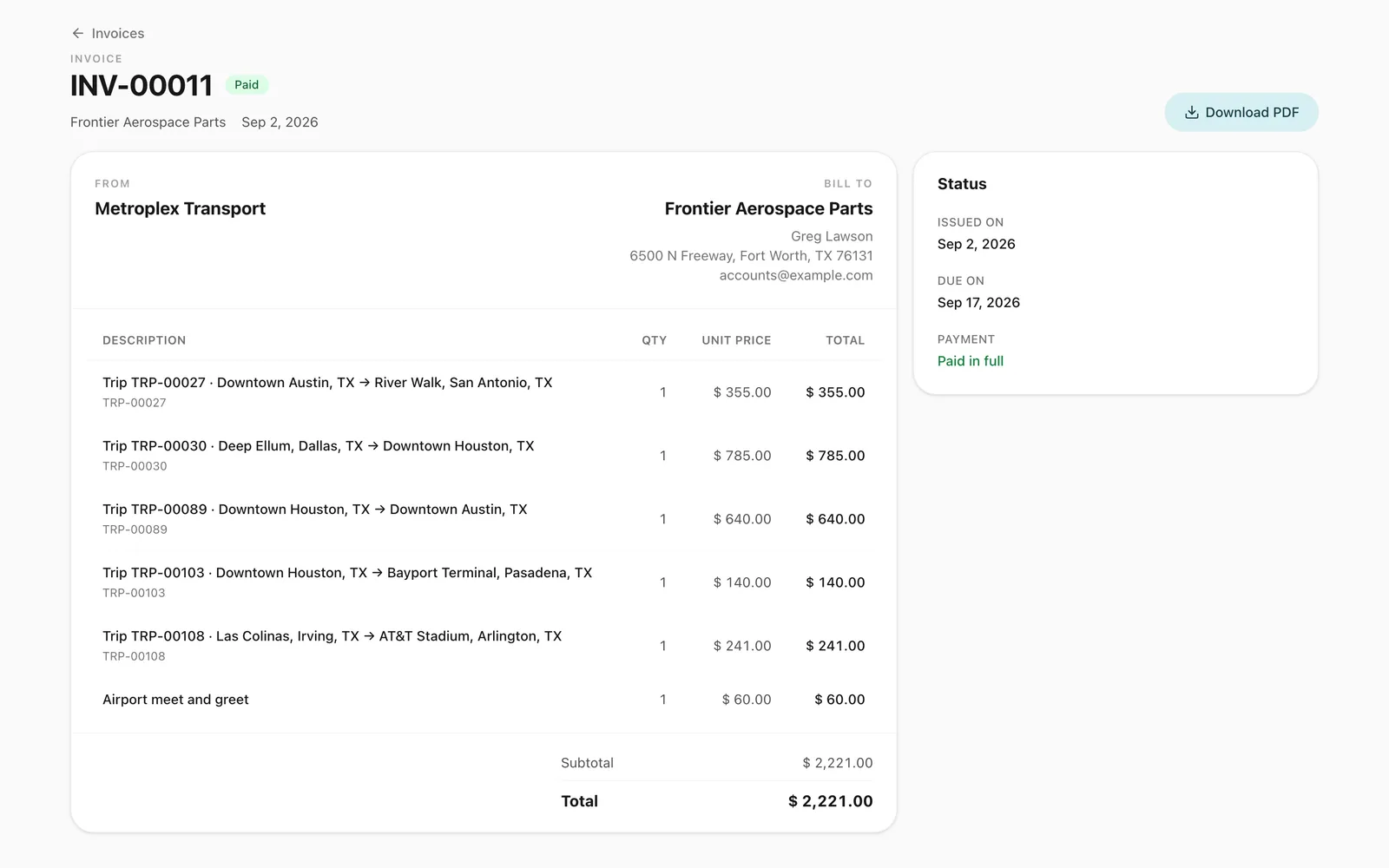
One invoice per client per month, built from their completed rides.
Standing bookings on a roster
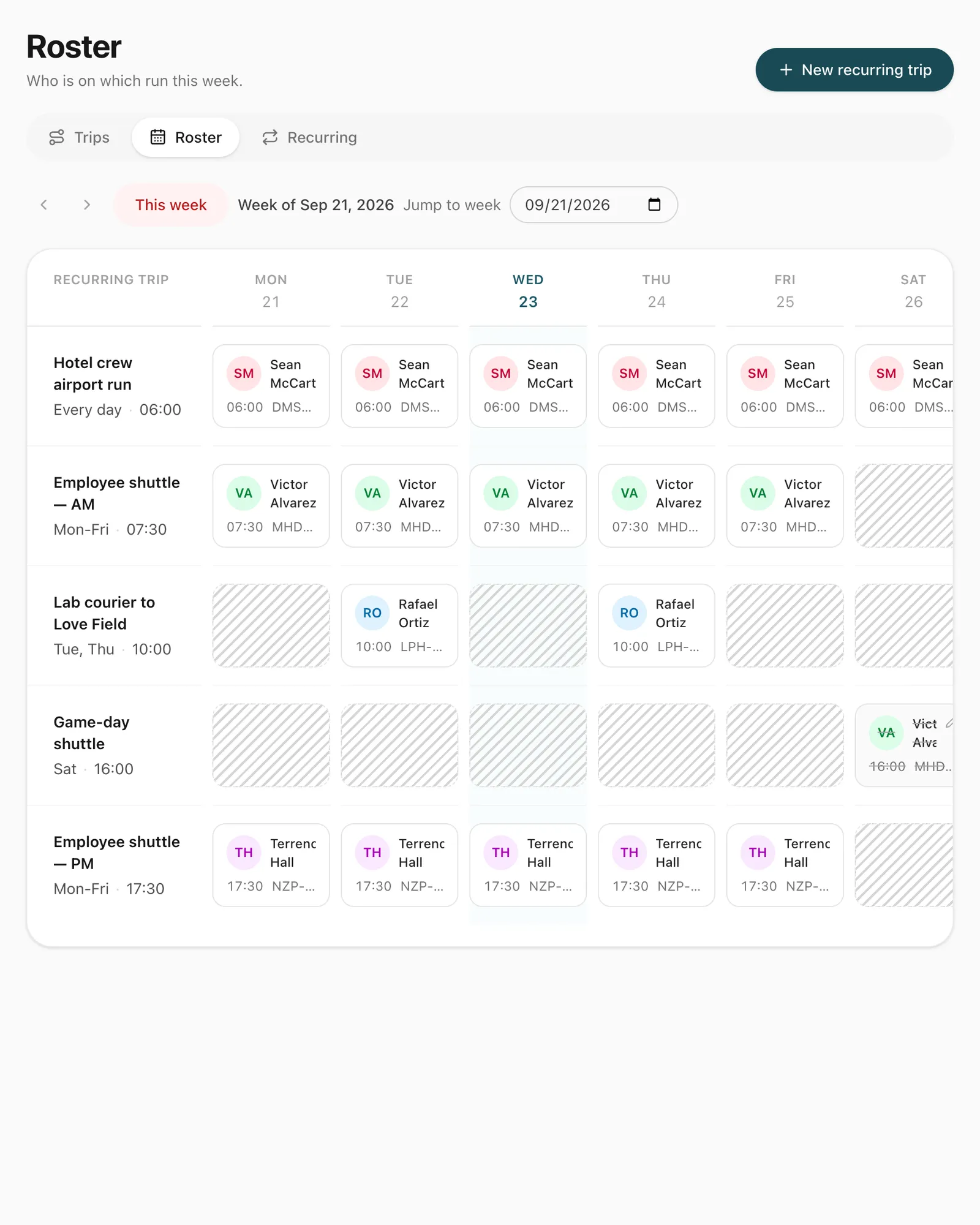
Regular executive runs or school transport set up once and managed week by week.
How do you dispatch chauffeurs with Odobase?
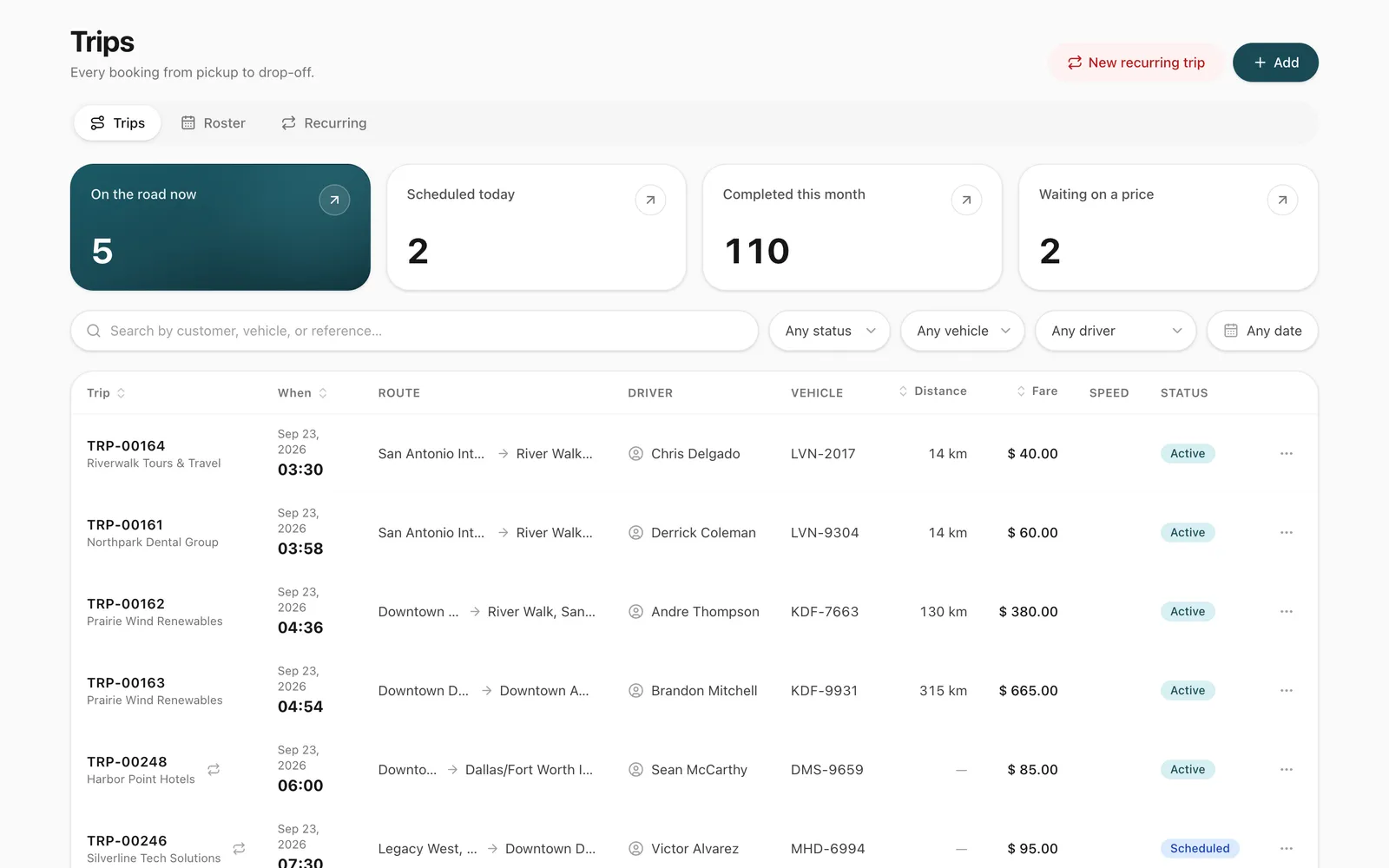
Create the booking with the pickup, any stops, the destination, time and client, and assign a chauffeur and a car. Odobase checks both against every scheduled and running ride, offers only those that are free, and refuses an assignment that would overlap. The chauffeur is notified on their phone at once, and the ride appears in their driver app.
How is waiting time between legs handled?
Airport pickups, meetings and events all involve waiting. In Odobase the chauffeur pauses the ride when the client leaves the car and resumes it for the next leg. While paused, the chauffeur and car are free for other work, and the ride’s distance and time leave out the gap, so the wait is never recorded as driving.
How do you keep track of rides in progress?
Every running ride appears on its live map, fed by positions the chauffeur’s phone records about every 30 seconds and sends about once a minute. After the ride, the route stays on the trip with the odometer readings, which settles questions about distance or timing.
How do you run regular bookings?
Executive airport runs, daily school transport and standing corporate bookings can be set up once as recurring trips and managed from the weekly roster, where a chauffeur on leave is swapped out in a click.
Comparing tools? Our GetDriver alternative guide sets Odobase beside an NCC-only system, including what each one covers for Italian operators.
The features you will use most
Each one has its own page with the screens and the details.
Trip management
Schedule trips, assign drivers and vehicles without double-booking, pause and resume round trips, and invoice completed work from one dashboard.
A portal under your logo where customers sign in with a code, follow trips, accept quotes and download invoices, with corporate accounts for companies.
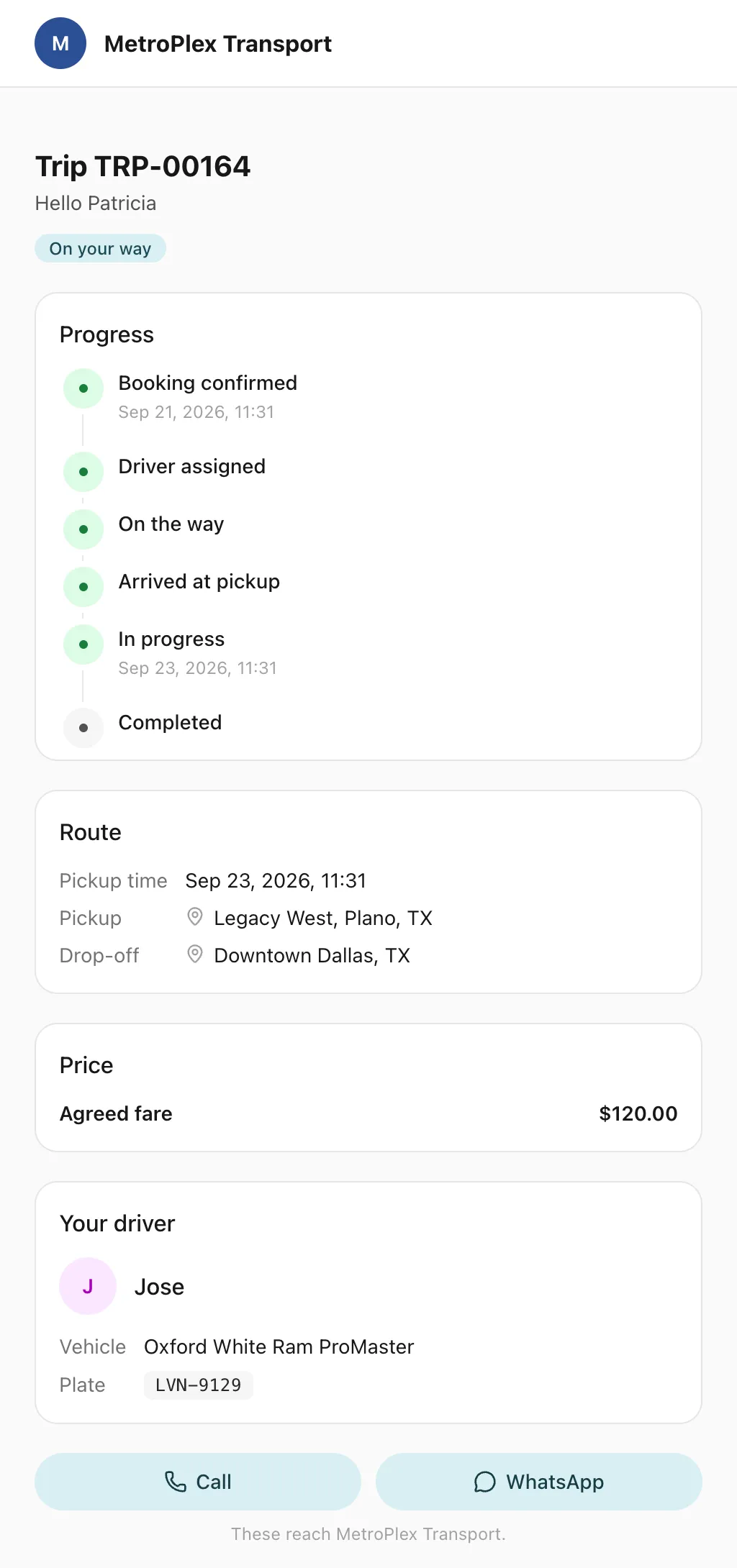
Send each passenger a link to a live trip page: status, route, the car on the map, the driver and the plate, with cancel, change and rating. No app, no login.
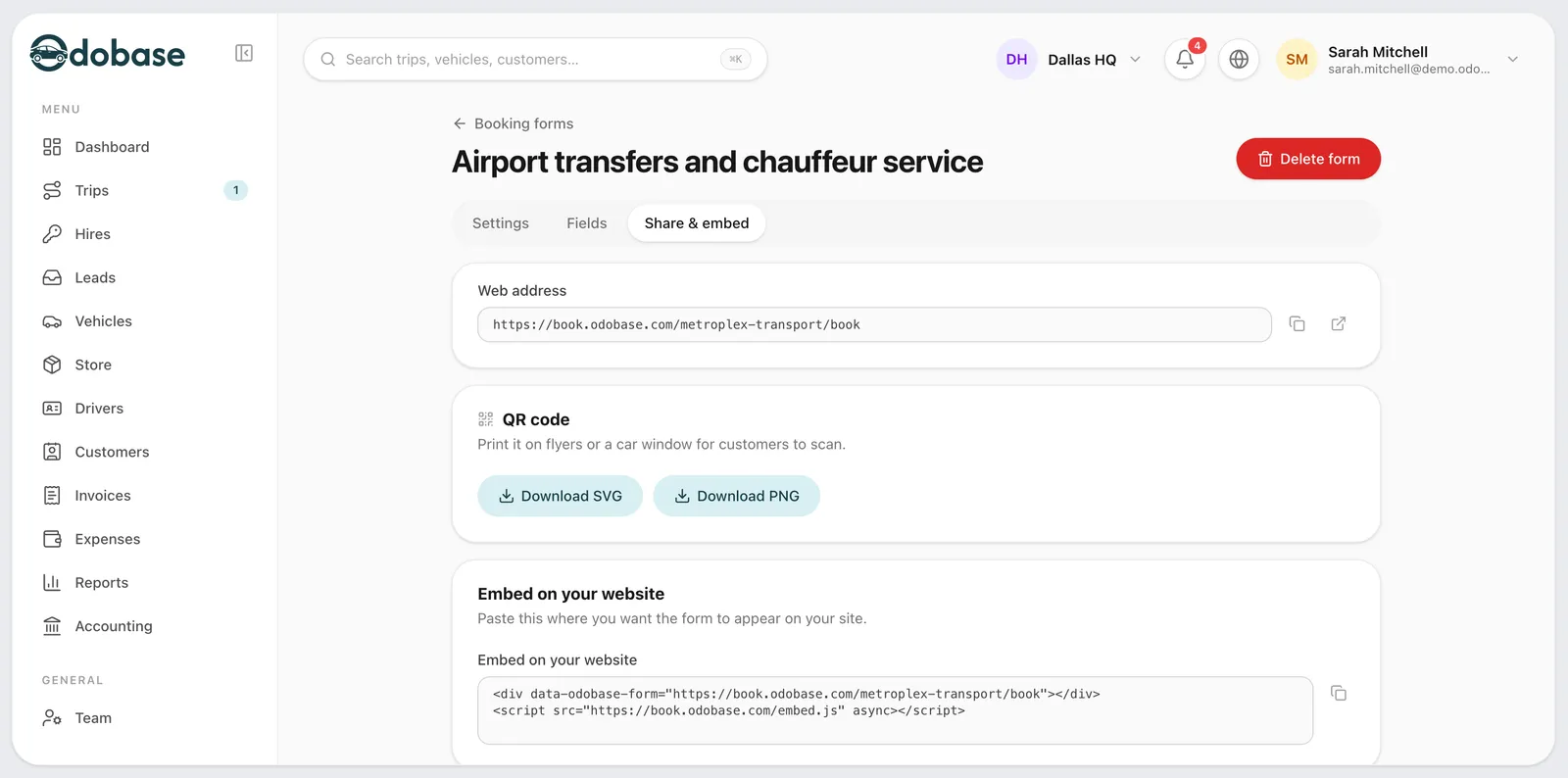
A booking form with your prices, on your website or as a link, for transfers, airport runs, hourly and day hire, plus quotes customers accept by phone.
How does Odobase handle a chauffeur waiting for a client?
The chauffeur pauses the trip when the client leaves the car and resumes it for the next leg. While paused, the chauffeur and car can be assigned to another job, and distance and time leave out the gap.
Can clients see where their car is?
Not directly. Live tracking is for your team, in the Odobase dashboard, so when a client asks, your dispatcher can see where the car is and tell them.
How do I bill a corporate client for a month of rides?
Choose the client, add their completed trips for the month as invoice lines, and issue one invoice. Each line fills in from the trip’s fare plus any expenses you marked as charged to the client, and your logo goes on the PDF.
Do chauffeurs need special equipment?
No. Chauffeurs use the Odobase Driver app on their Android phone or iPhone. It records the route only while a ride is running.
Is there free chauffeur and limousine software?
Yes. Odobase’s Starter plan is free for up to 2 vehicles and 1 driver, with no card needed and no time limit. It includes dispatch, the driver app, price lists, the booking form and invoicing, so a small chauffeur business can run on it before paying for anything.
Is there an app for chauffeurs?
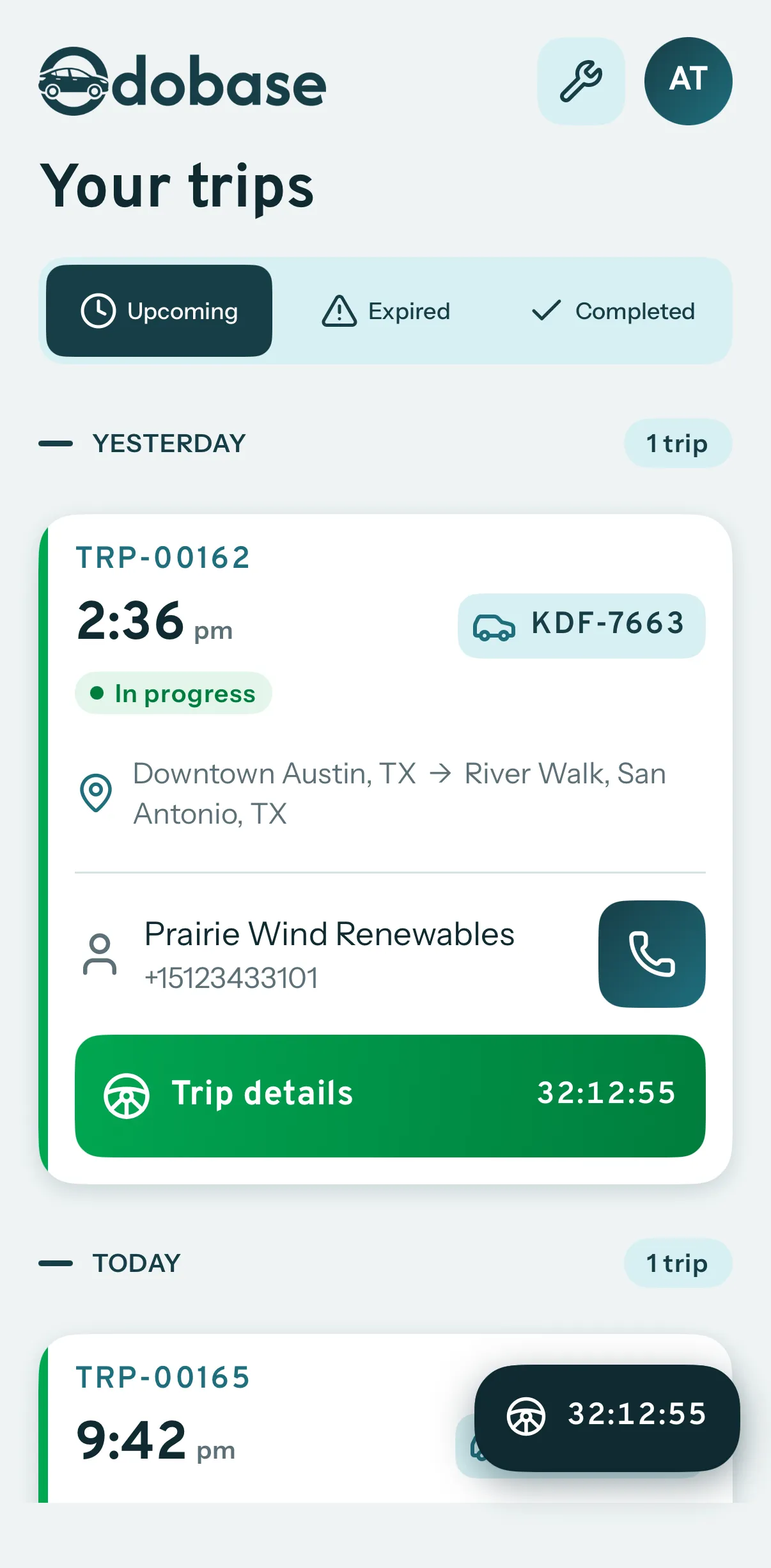
Yes. Chauffeurs use the free Odobase Driver app on Android or iPhone. They see their assigned trips, start and complete each one with an odometer reading, pause and resume for waits, log expenses with a receipt photo, and the phone records the route while the trip runs.
Last updated
Run your whole fleet from one dashboard
Start free, add your vehicles and drivers, and schedule your first trip in minutes. Move to a paid plan when your fleet grows.