
Feature
Trip management and dispatch
Schedule trips, assign drivers and vehicles without double-booking, pause and resume round trips, and invoice completed work from one dashboard.
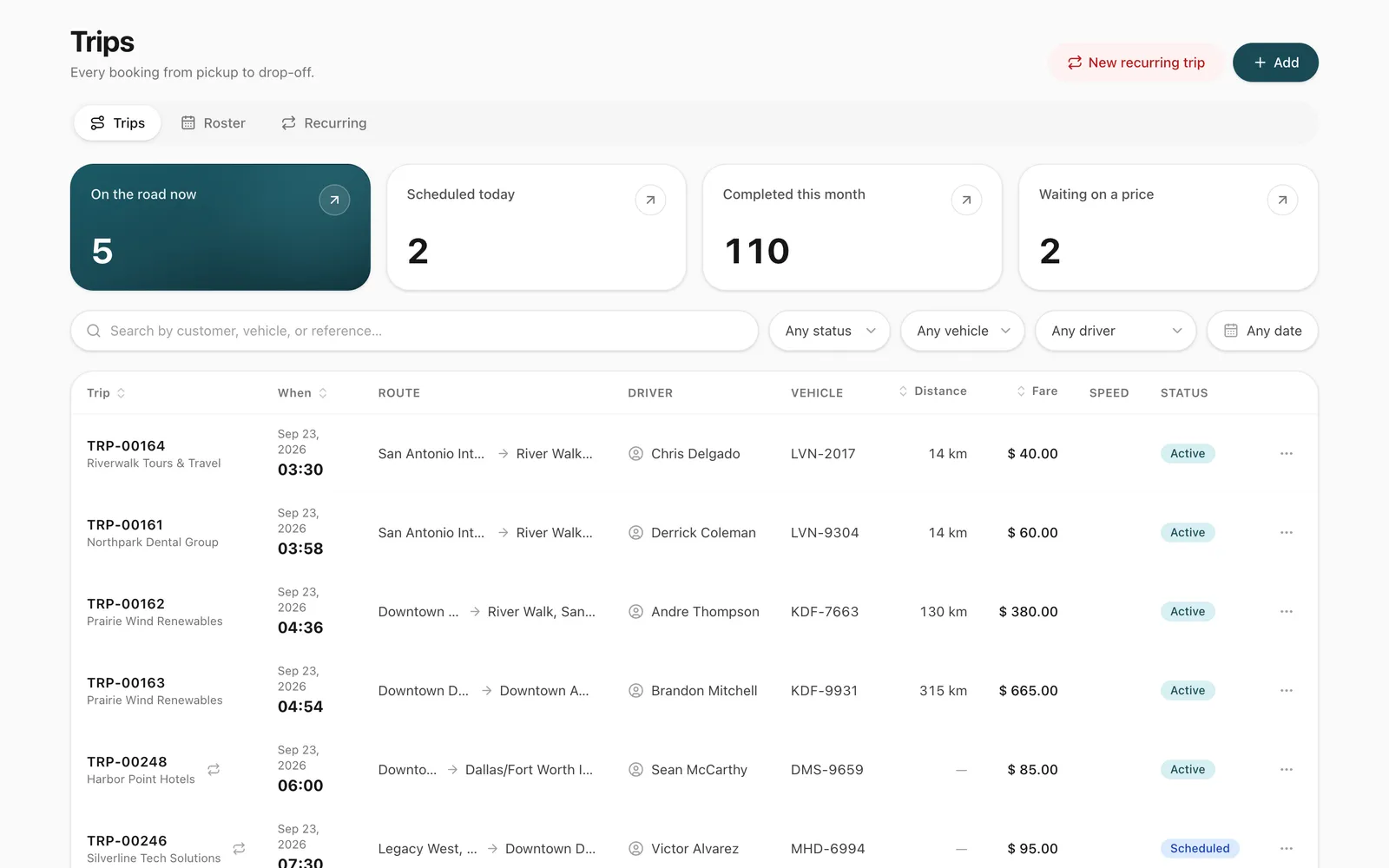
What does Odobase trip management do?
Odobase trip management lets dispatchers book a trip with a pickup, stops, destination, customer and time, assign a driver and vehicle that are free at that time, and follow it from scheduled to completed. It refuses double-bookings, lets a round trip pause while the driver takes another job, and turns completed trips into invoices.
What you get
No double-booking
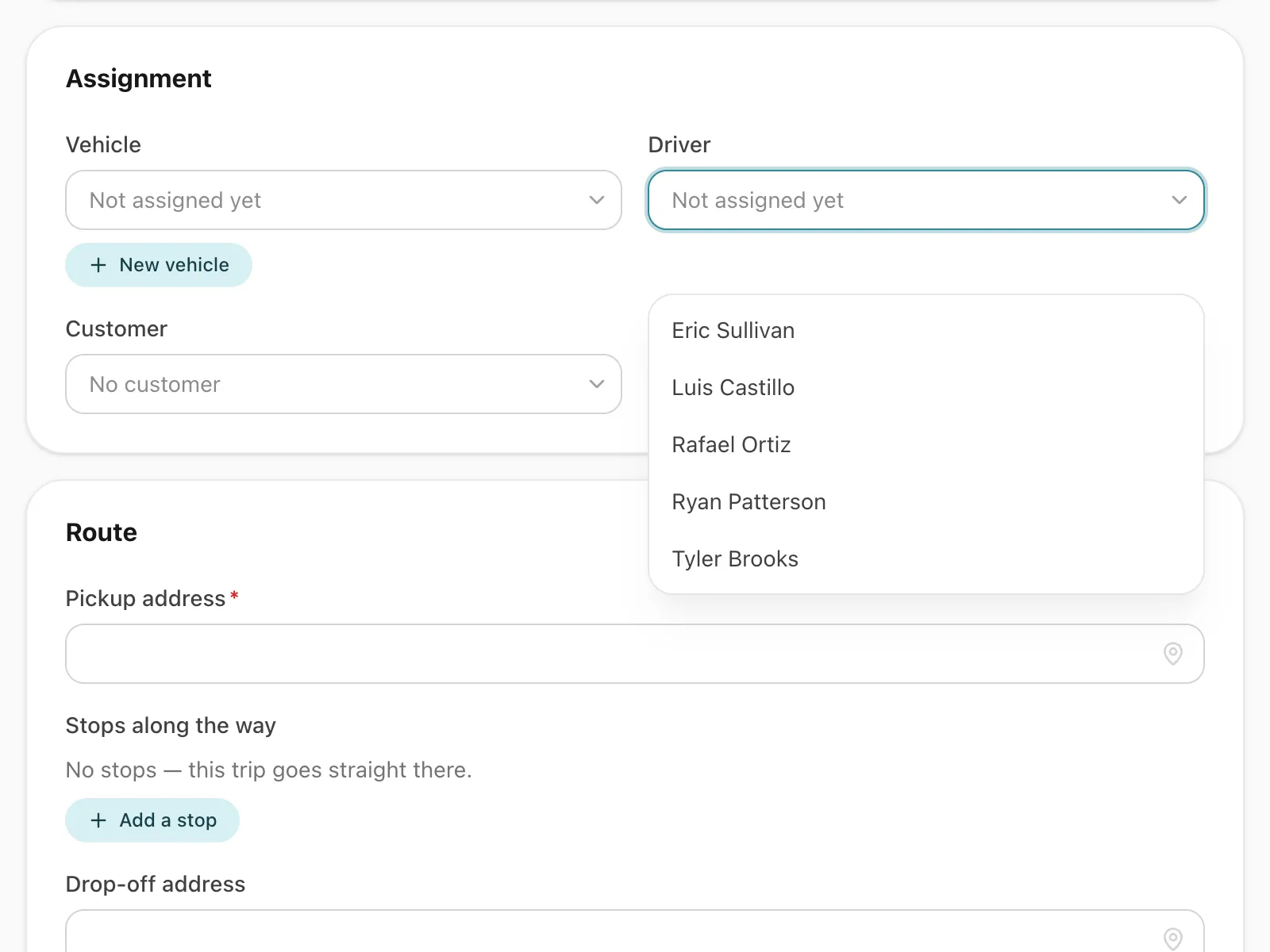
The pickers offer only drivers and vehicles free at that time, counting scheduled and running trips and cars out on self-drive hire, and a clash is refused when you save.
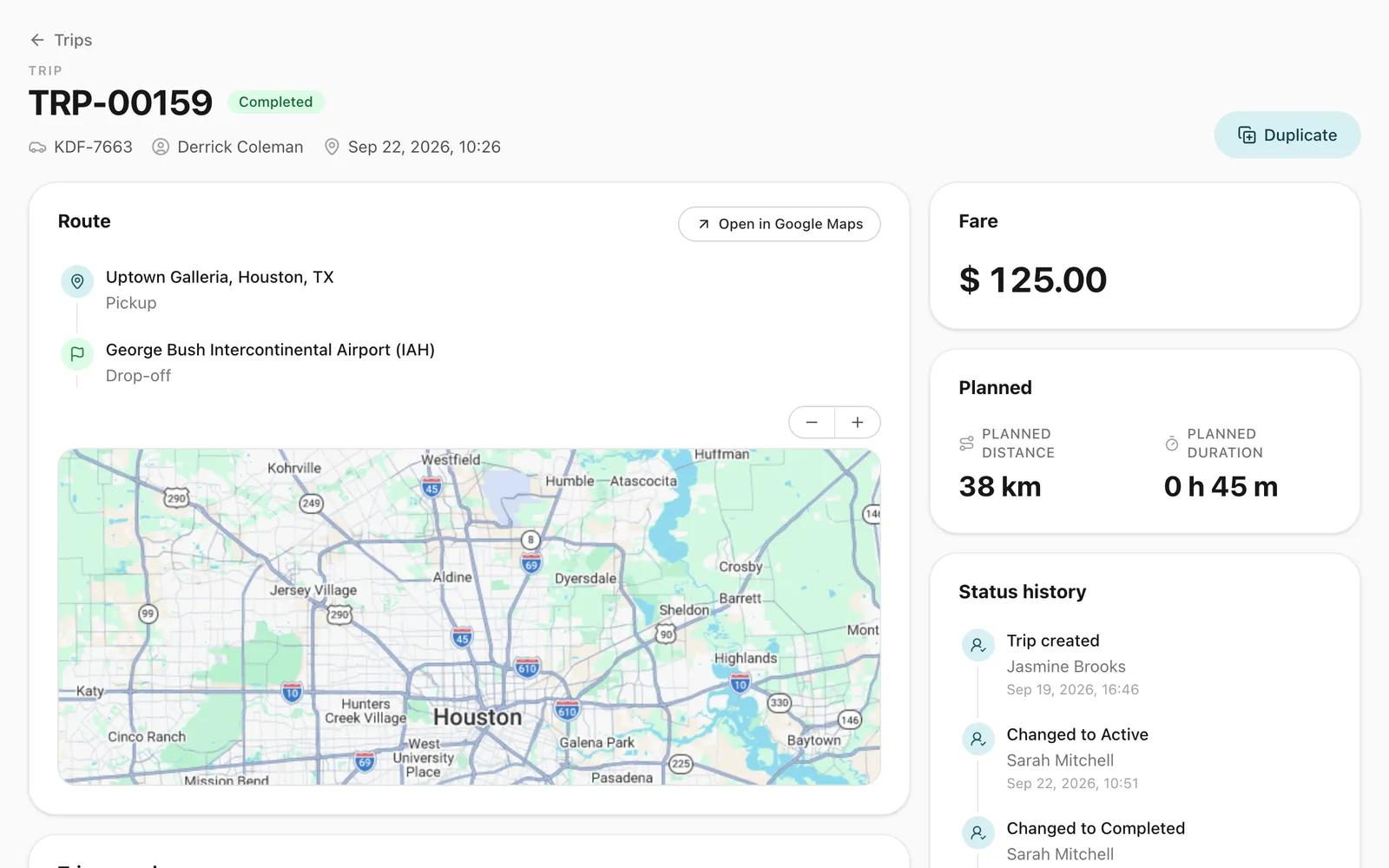
Every trip has a paper trail
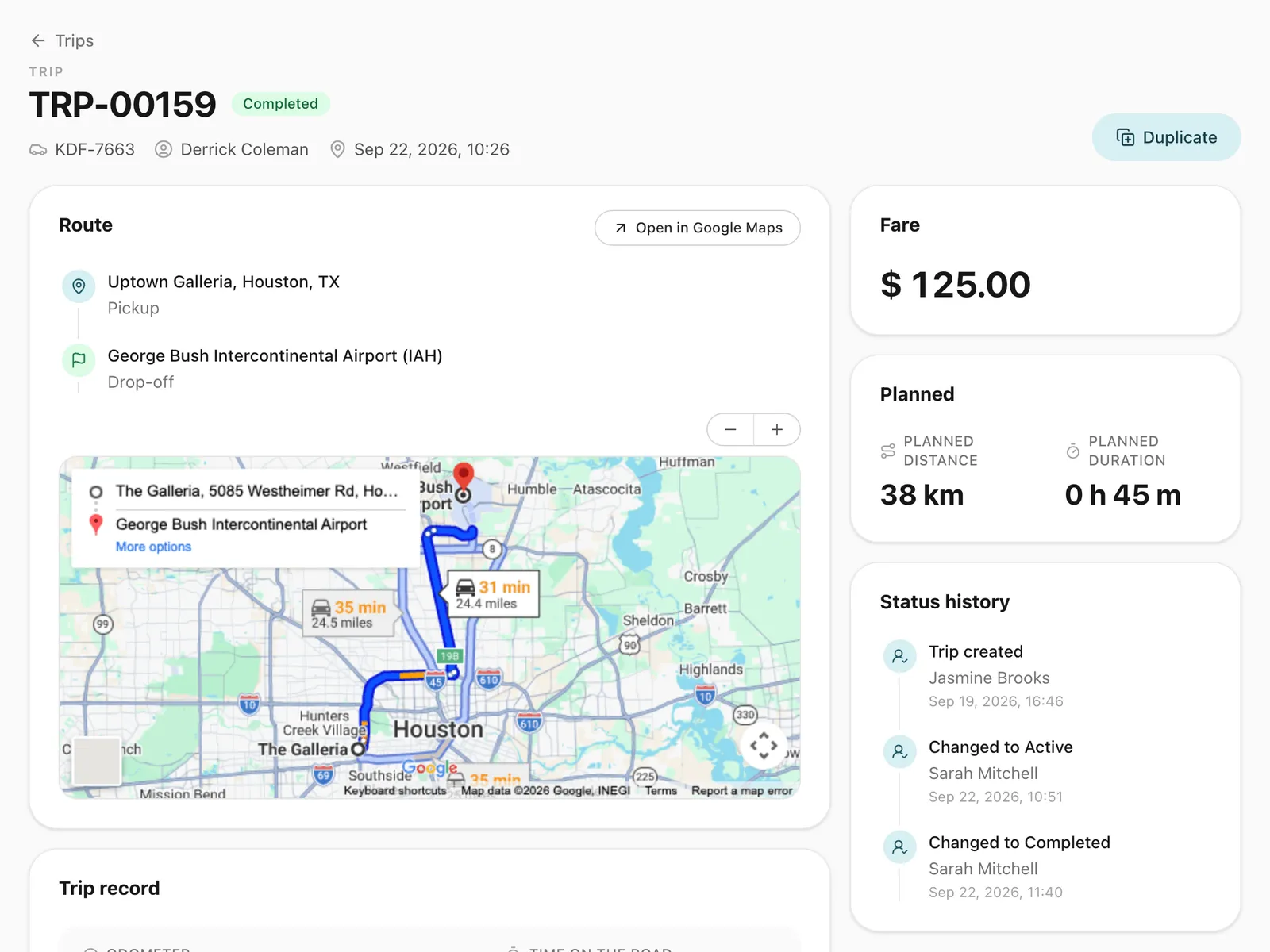
Odometer readings for each stretch, the route driven, expenses and receipts all sit on the trip record.
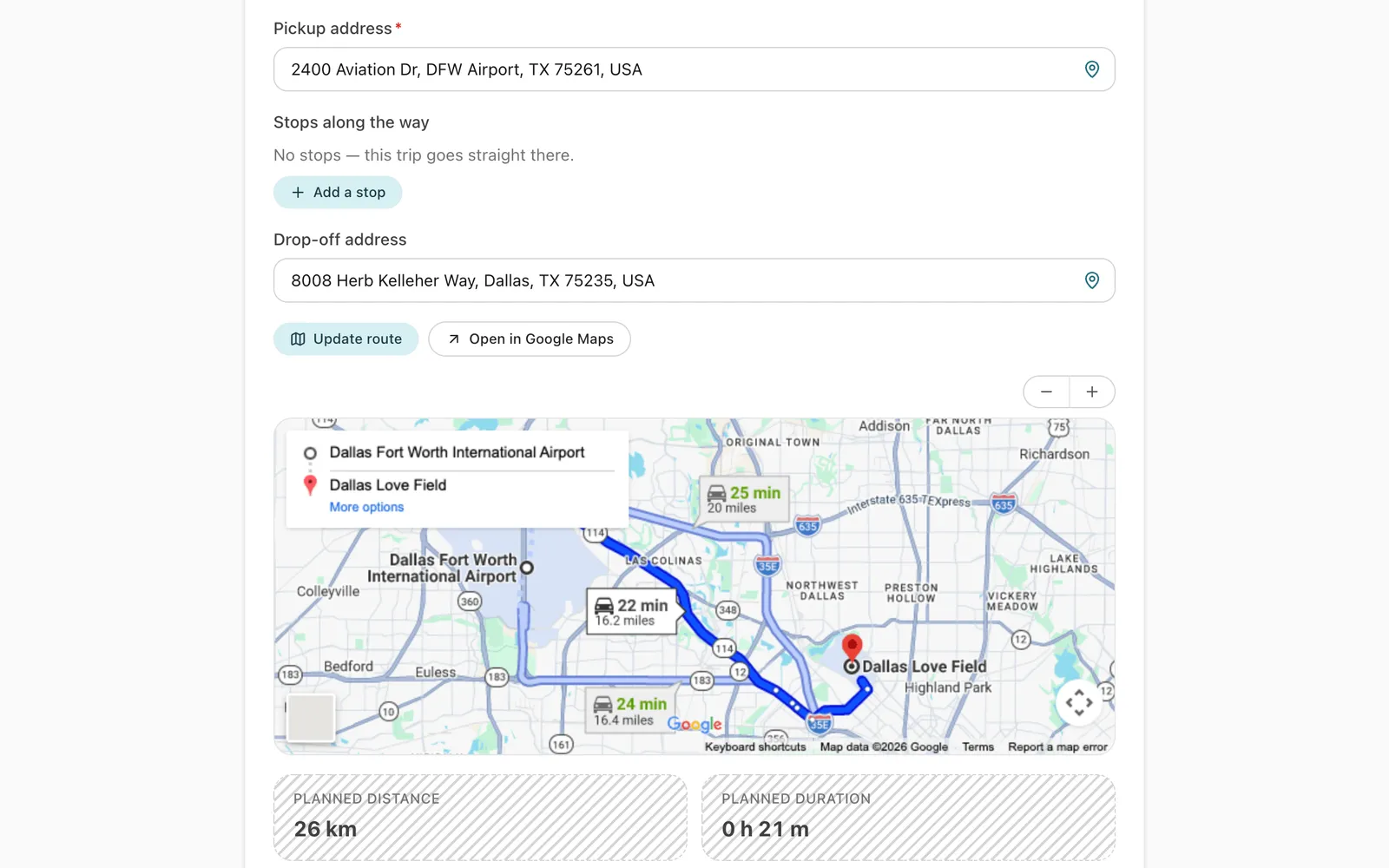
Addresses and stops in seconds
Pickup and destination suggest your own recent addresses first, then Google Maps places, and a trip can take up to 9 stops along the way.
-
Pause and resume round trips
Drop a client in the morning, pause the trip, take another job, and resume in the evening. The gap is left out of distance and time.
-
Drivers are told at once
The driver gets a push notification on their phone when a trip is assigned to them or cancelled.
-
From trip to invoice
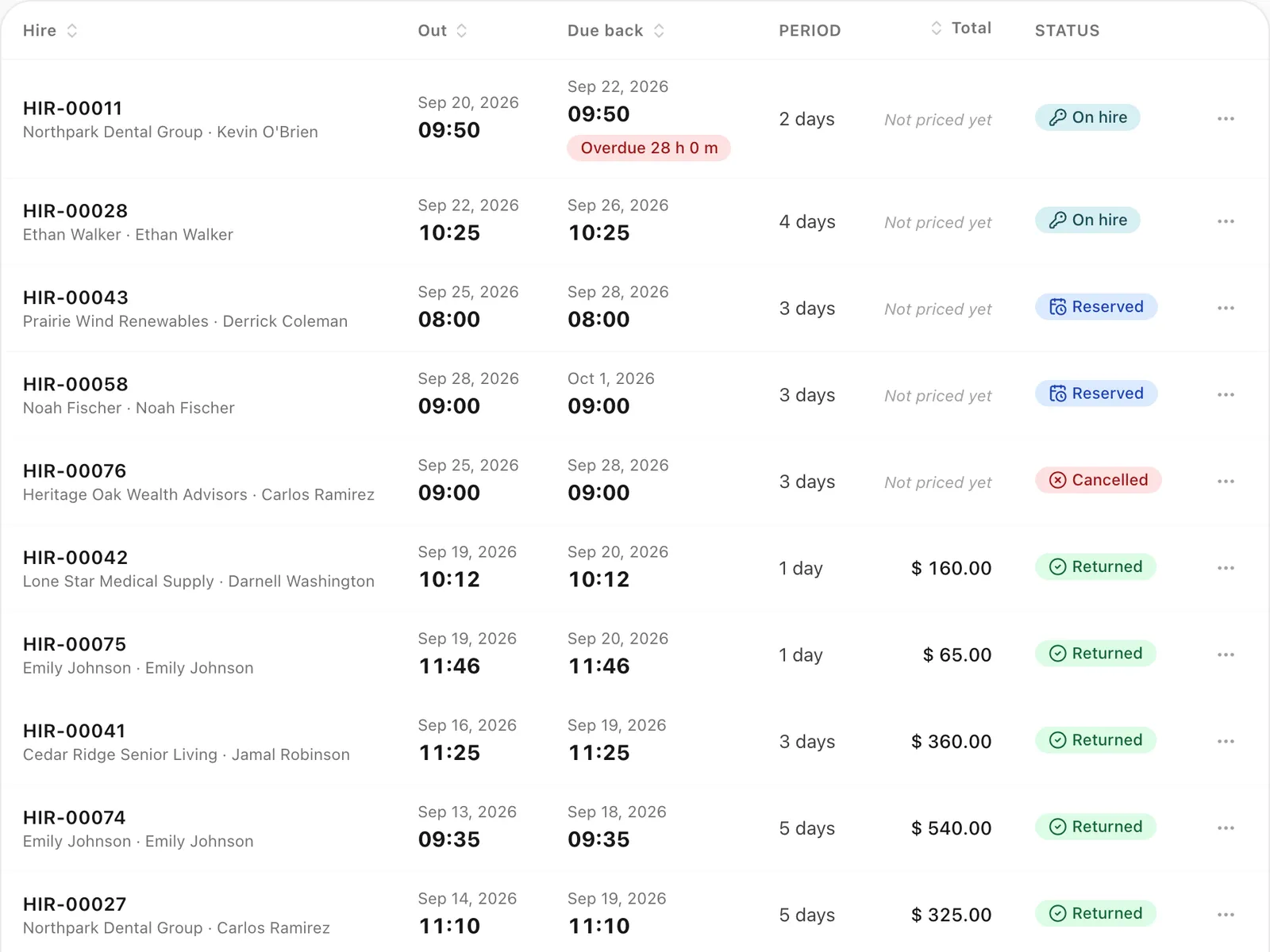
A completed trip’s fare, plus any expenses you mark as charged to the customer, goes straight onto an invoice.
How do you schedule a trip in Odobase?
You create a trip with a pickup address, any stops along the way, an optional destination, the scheduled date and time, the customer and any notes, then assign a driver and a vehicle. Odobase plans the route and estimates the distance and driving time before the trip starts, so you can quote and schedule with real numbers.
Addresses autocomplete from places you have used recently first, so a depot or a regular customer’s office is one tap away, and from Google Maps places after that.
What happens between booking and completion?
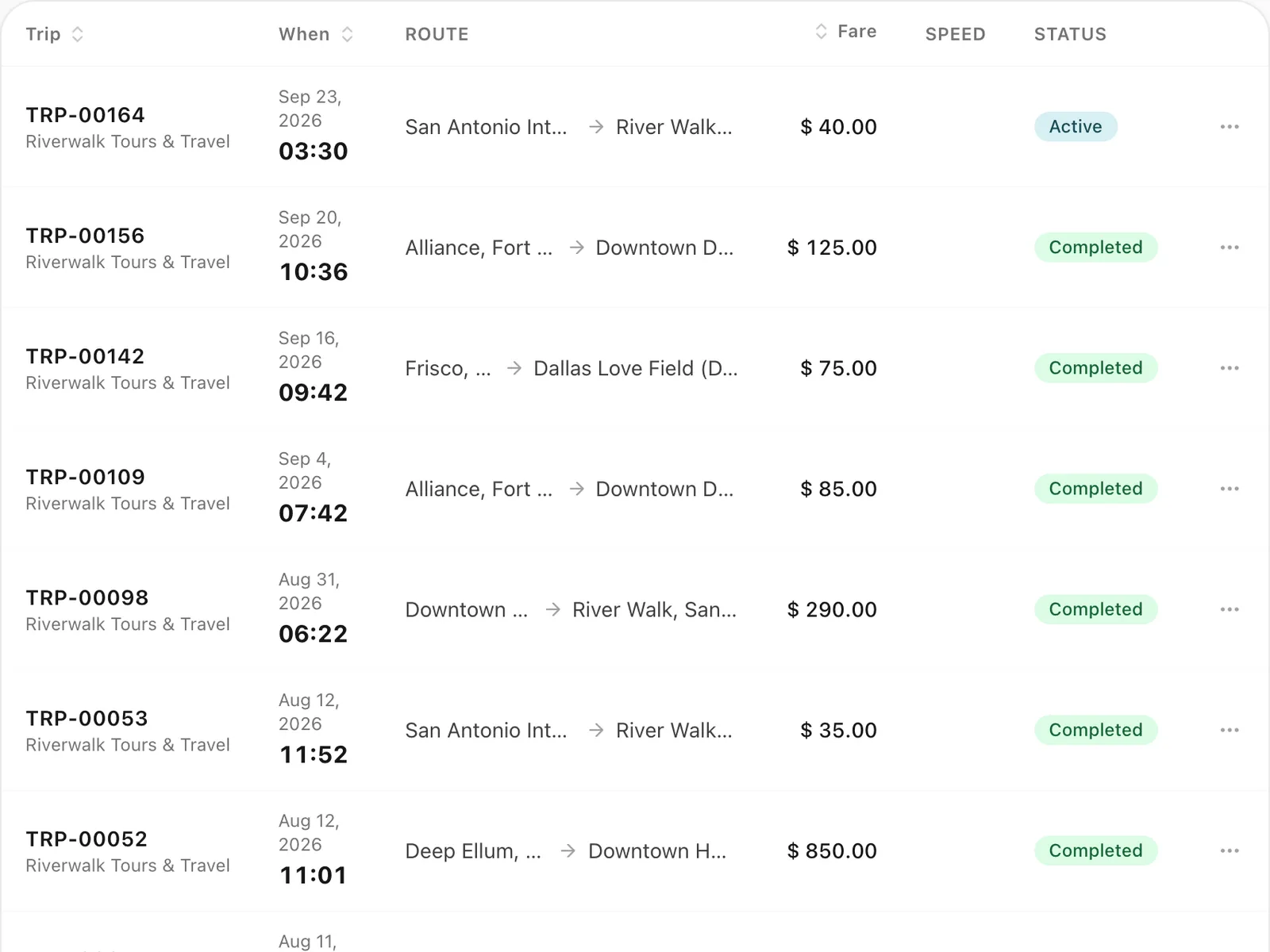
Every trip moves through clear states: scheduled, active, paused, completed, and when necessary cancelled or expired. The driver starts the trip from the Odobase Driver app with an odometer reading, and completes it with the closing reading. While it runs you can track it live on the trip page.
Your team sees new and changed trips in the dashboard’s notifications, and the assigned driver gets a push notification on their phone when a trip is assigned to them or cancelled.
How do round trips and waiting time work?
Many jobs are two stretches with a gap in the middle: take a client to a meeting in the morning, bring them back in the evening. In Odobase the driver pauses the trip after the first stretch and resumes it for the second, recording the odometer each time.
While a trip is paused, its driver and vehicle are free for other work, which is often the most profitable part of the day. Distance and time on the trip leave out the pause, so the midday job’s distance is never counted twice.
How are trips invoiced?
A completed trip carries its fare. Expenses the driver logged with receipt photos, such as fuel and tolls, flow into your cost reports, and any you tick as charged to the customer are added to what the customer pays. When it is time to bill, you pick the customer and their completed trips and issue one invoice.
What a trip owes its driver, or the owner of a third-party vehicle, is recorded on the trip as a payable, separate from what the customer is billed.
Does it handle regular, repeating trips?
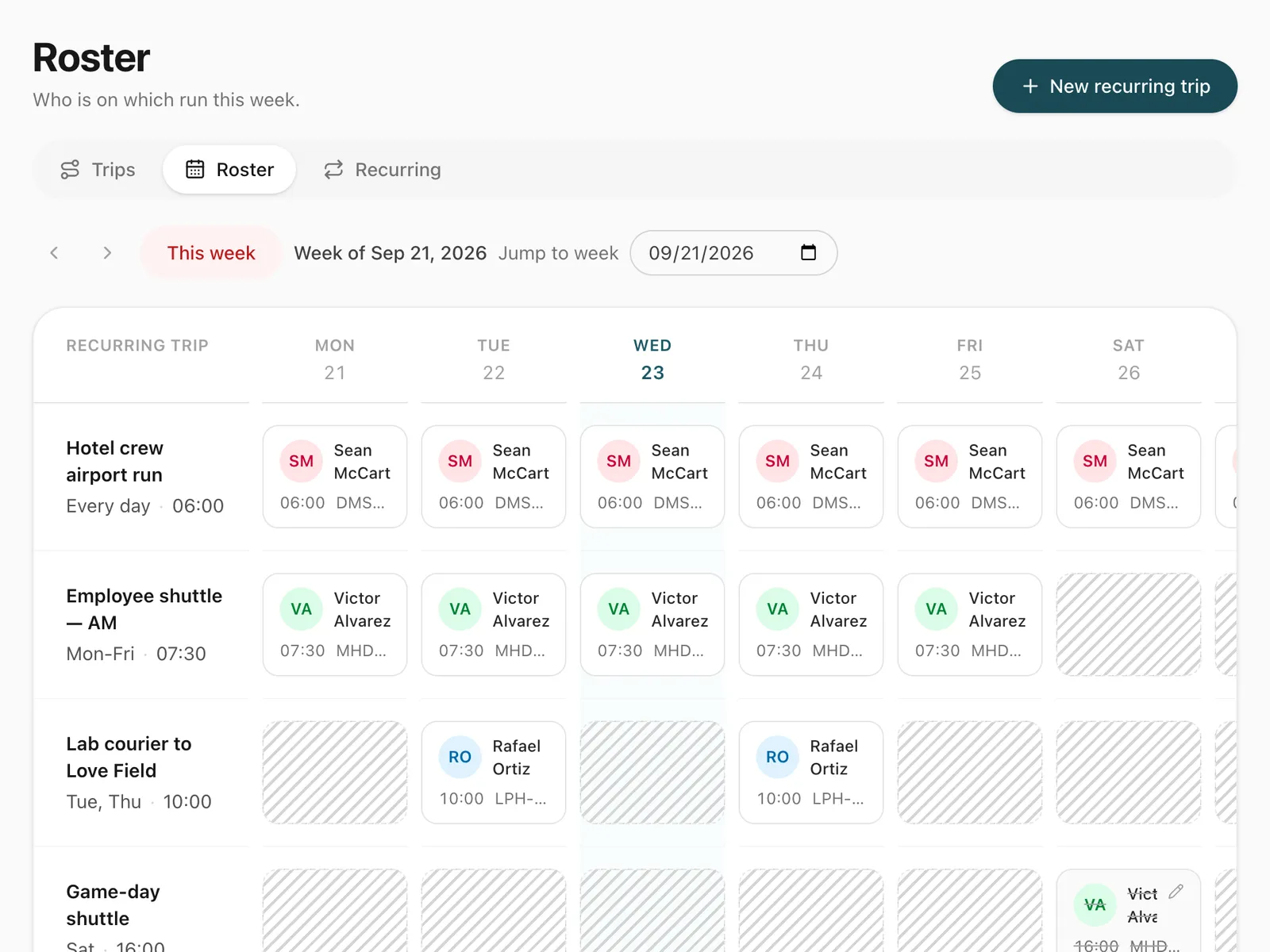
Yes. For a duty that repeats every week, such as a staff shuttle every weekday at 8:00, set it up once as a recurring trip and manage it from the weekly roster instead of creating each trip by hand.
Step-by-step guides
Already using Odobase? The help center shows each step in the dashboard.
Who uses trip management
-
-
Chauffeur and limousine
Dispatch, waiting time, corporate billing
-
-
Frequently asked questions
How does Odobase prevent double-booking?
When you assign a driver or vehicle, Odobase checks every scheduled and running trip and every self-drive hire in that time window. The picker offers only drivers and vehicles that are free at that time, and a booking that would still overlap another is refused when you save.
What happens to a trip that is never started?
By default, a scheduled trip that is not started within its start window (2 hours unless you change it) expires automatically, so your board shows only live work and the driver and vehicle are free again. Give an expired trip a new start time to put it back on the schedule, or cancel it.
Can a trip be split into several stretches?
Yes. A trip can be paused and resumed as many times as needed, with an odometer reading at each step. While paused it does not hold its driver or vehicle, and distance and time leave out the gaps.
Can I charge the customer more than the fare?
Yes. Tick any trip expense, such as a toll or a parking fee, as charged to the customer, and it is added to the fare when you invoice. A trip can also record what it owes the driver and, for a third-party vehicle, the vehicle’s owner, kept on the trip as payables.
Can I book the same job again quickly?
Yes. Duplicate any trip, including one that is completed, expired or cancelled, and the booking form opens filled in from it. Pick a new start time, and the pickers again offer only the drivers and vehicles free at that time.
Works with
-
Recurring trips and roster
Set up a repeating duty once, such as a weekday staff shuttle, and manage every day of it from a weekly roster where drivers are swapped in a click.
-
Driver app
Odobase Driver lets drivers sign in with a PIN, run assigned trips, record odometer readings, log expenses with receipts and get trip alerts.
-
Invoicing and accounting
Turn completed trips and hires into branded invoices, track what customers owe, and read profit and loss by month and by branch in Odobase.
-
Live trip tracking
GPS route monitoring from the driver's phone, with no tracker to fit. See running trips on a map, their speed and stops, and the route each one took.
-
Price lists
Price transfers, airport runs and hourly hire by zone, distance or time, with surcharges, extras and free waiting time. Each trip keeps its breakdown.
Last updated

Run your whole fleet from one dashboard
Start free, add your vehicles and drivers, and schedule your first trip in minutes. Move to a paid plan when your fleet grows.