
Feature
Invoicing and accounting for fleets
Turn completed trips and hires into branded invoices, track what customers owe, and read profit and loss by month and by branch in Odobase.
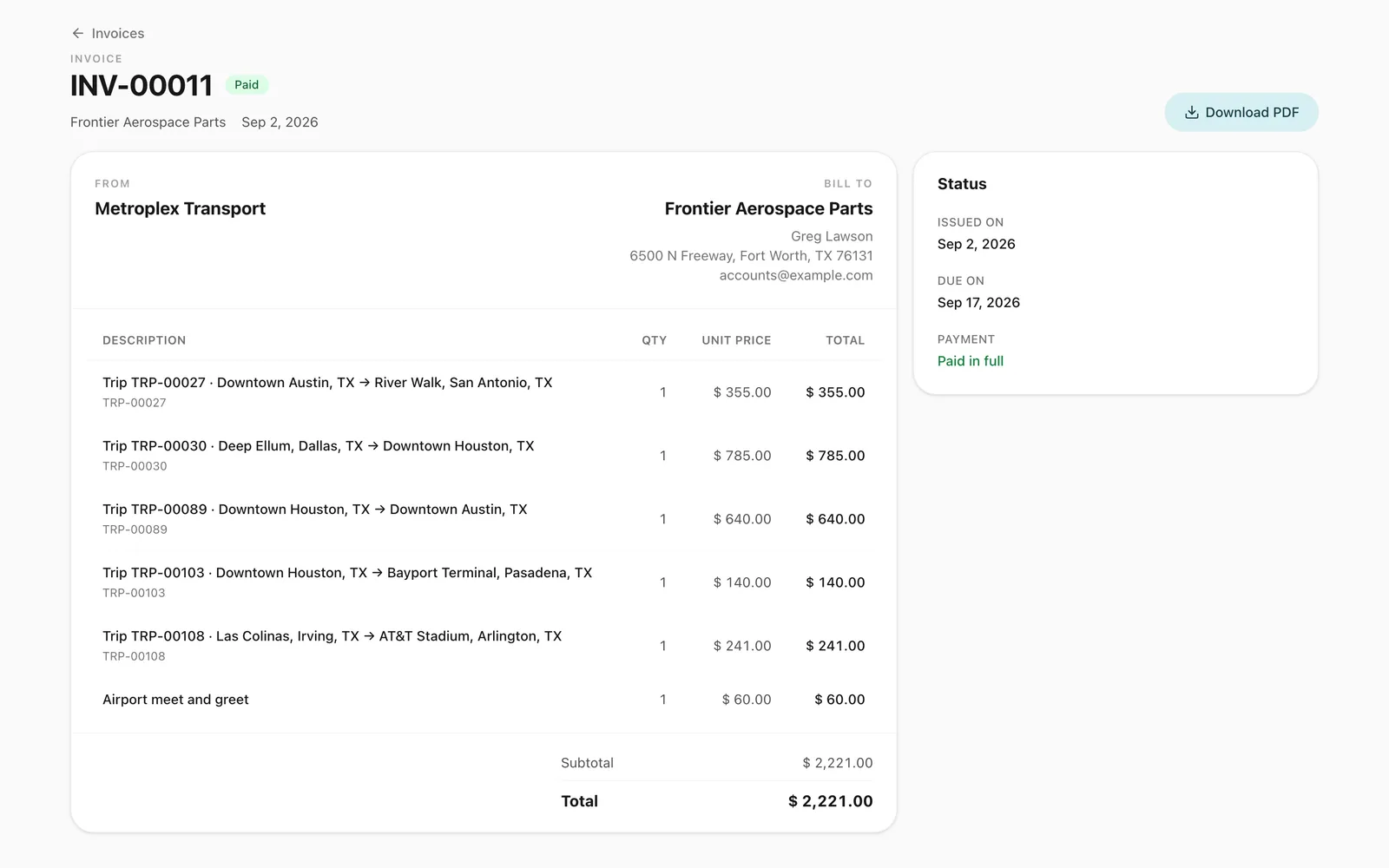
How does invoicing work in Odobase?
In Odobase you invoice a customer by linking their completed trips and returned self-drive hires as invoice lines, which fill in from each booking. The customer’s taxes and any discount are applied, and your logo goes on the PDF. Issued and paid invoices feed a profit and loss statement that also counts trip expenses, completed maintenance and overheads, by month and by branch.
What you get
Invoices from real work
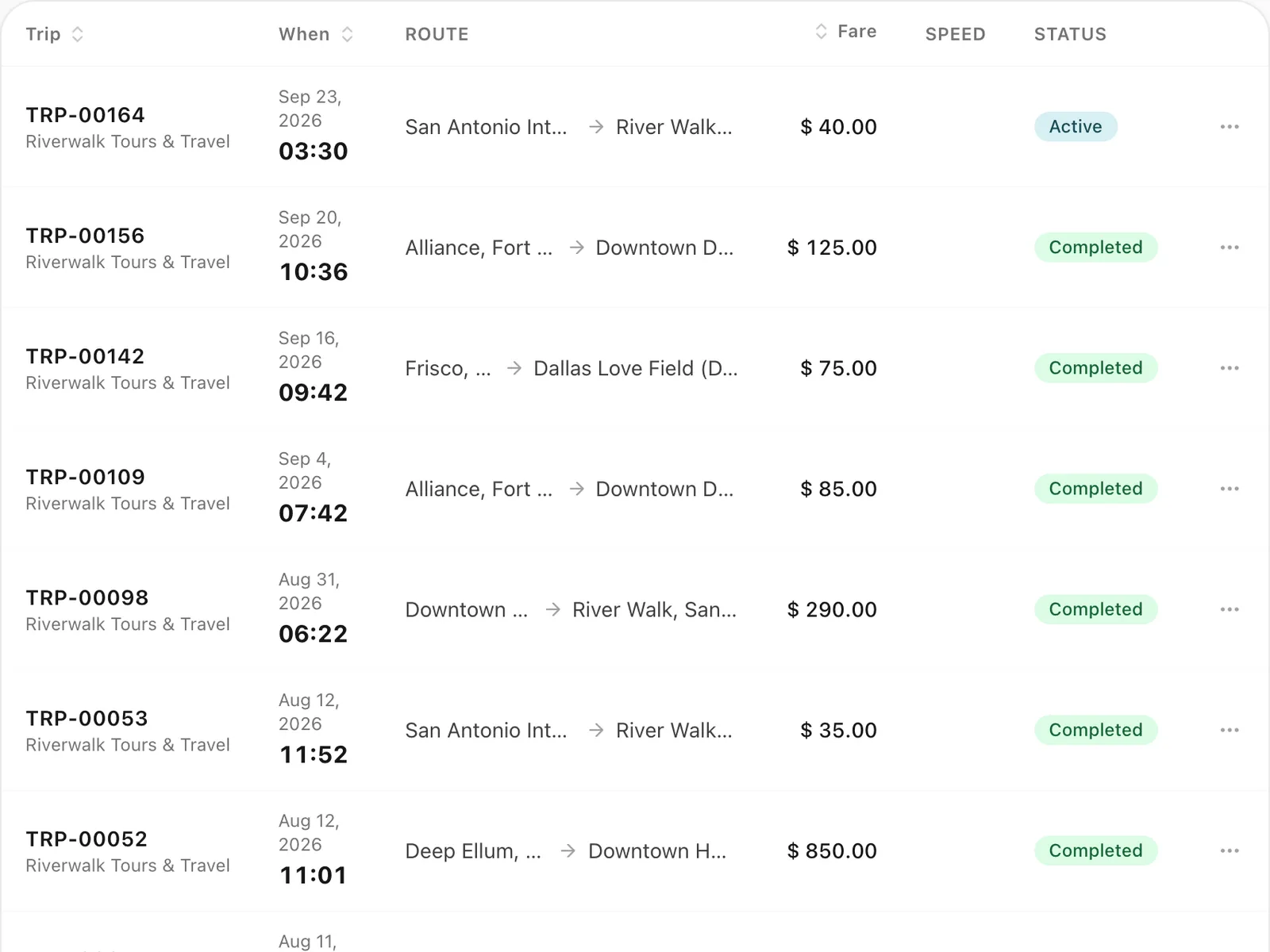
Completed trips and returned hires become invoice lines, and each one can be billed only once.
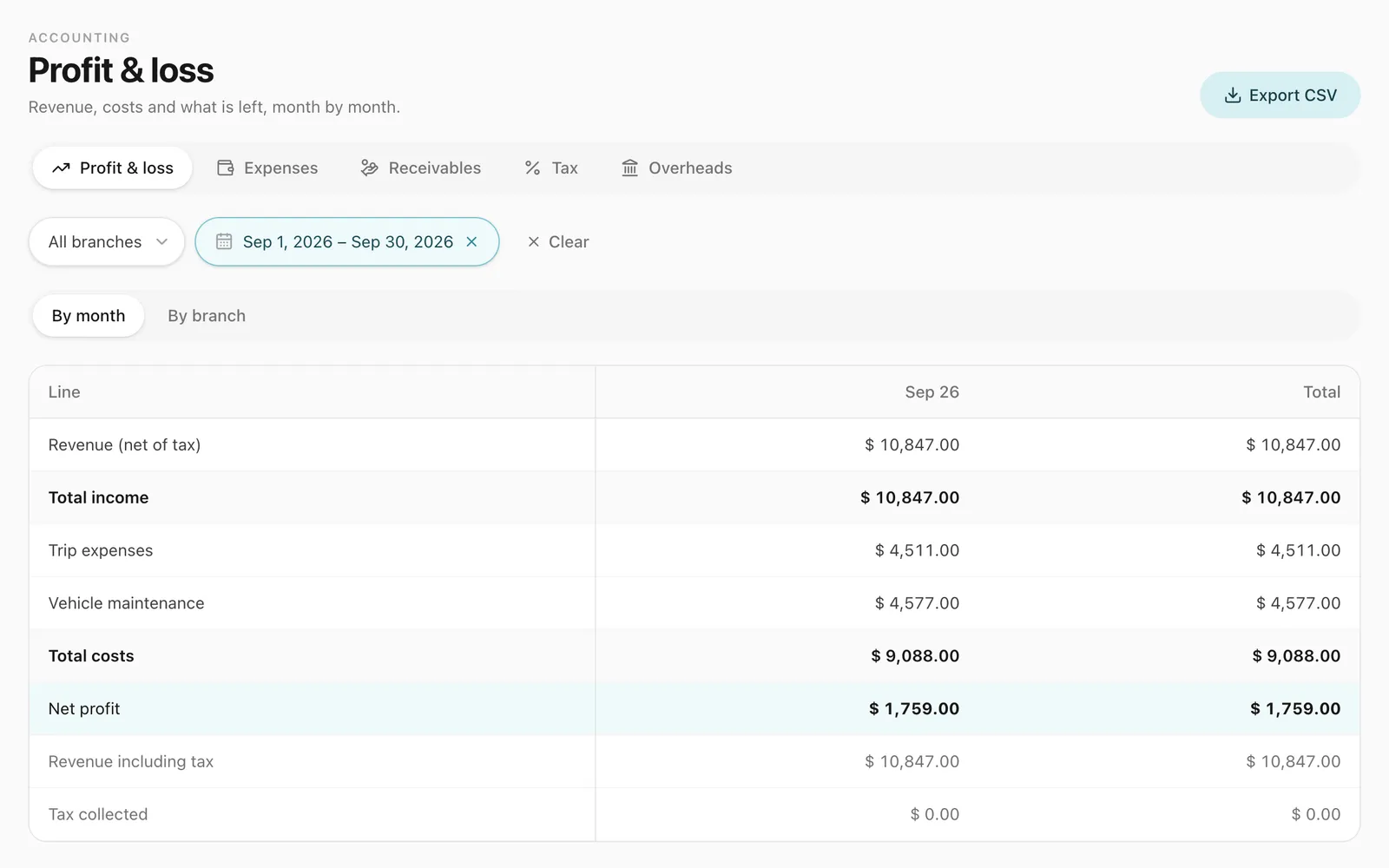
Profit and loss without a spreadsheet
Revenue, trip expenses, maintenance and overheads, month by month and branch by branch.
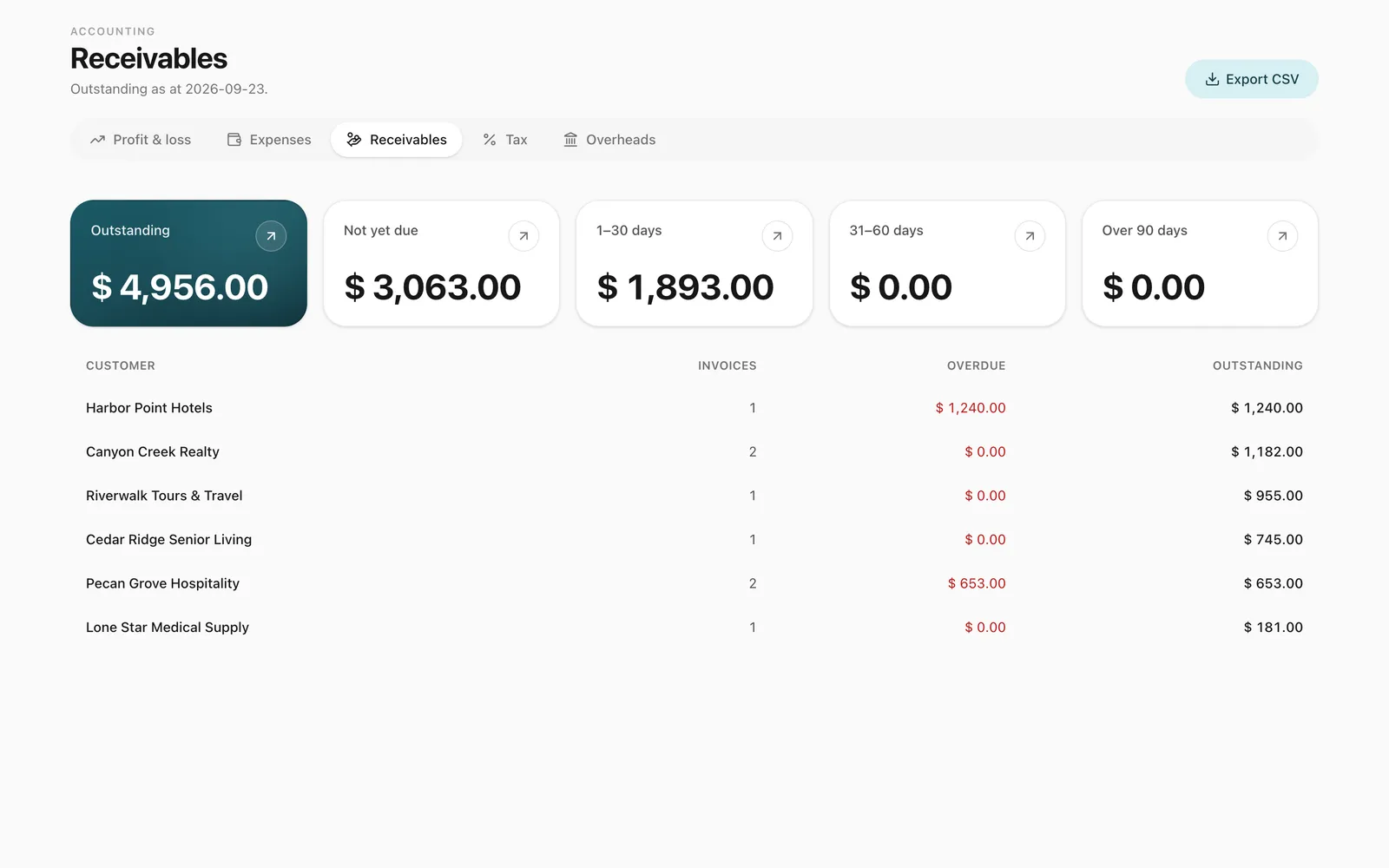
Know who owes you
Receivables show which customers owe you most, and how much is not yet due or overdue, in 30-day bands.
-
Your brand on every invoice
Your company name, logo and address on a clean PDF in your company’s currency, with your company stamp if you use one.
-
Your financial (fiscal) year
Set the month and day your financial year starts, and every accounting report follows it.
How do you create an invoice?
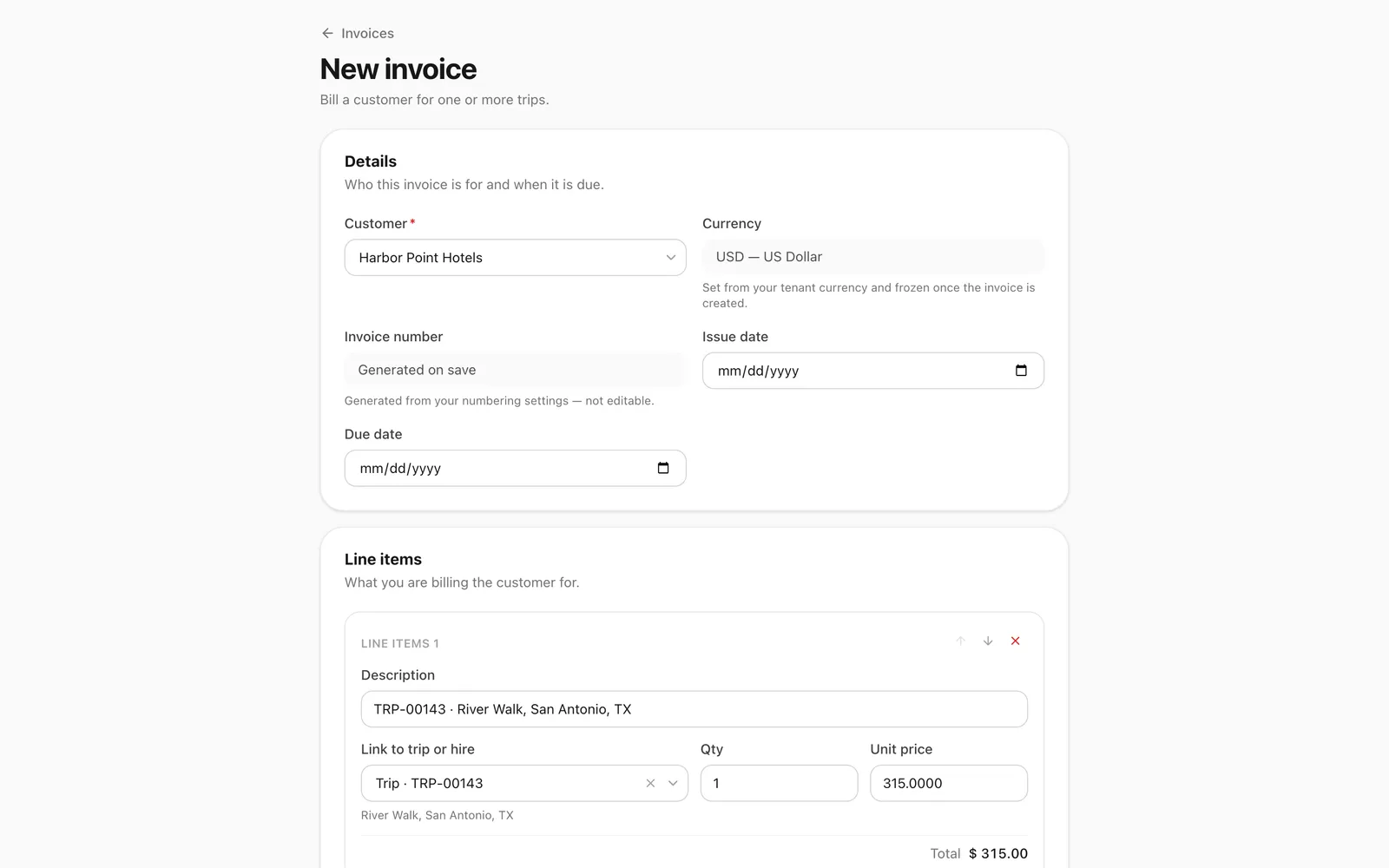
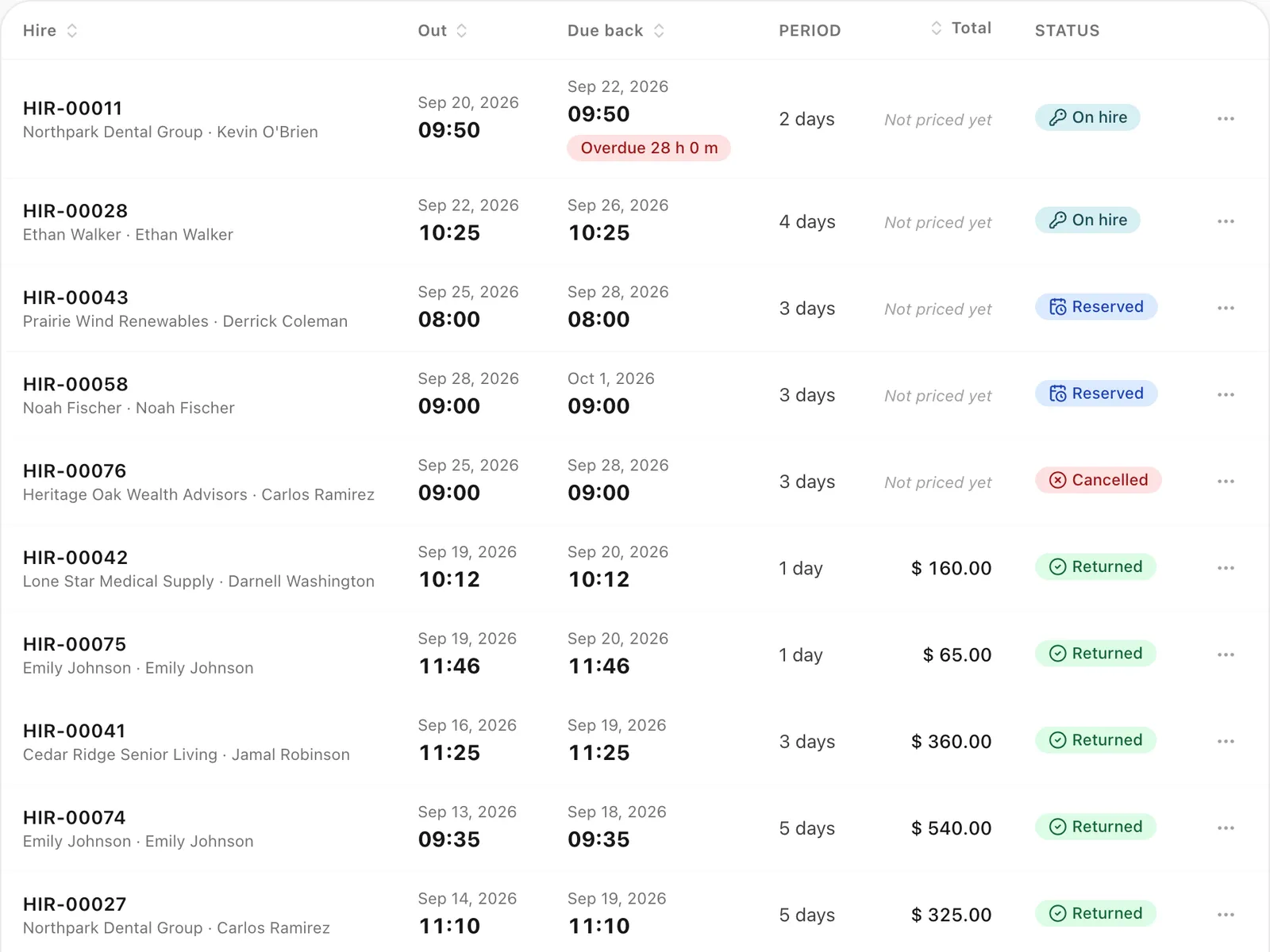
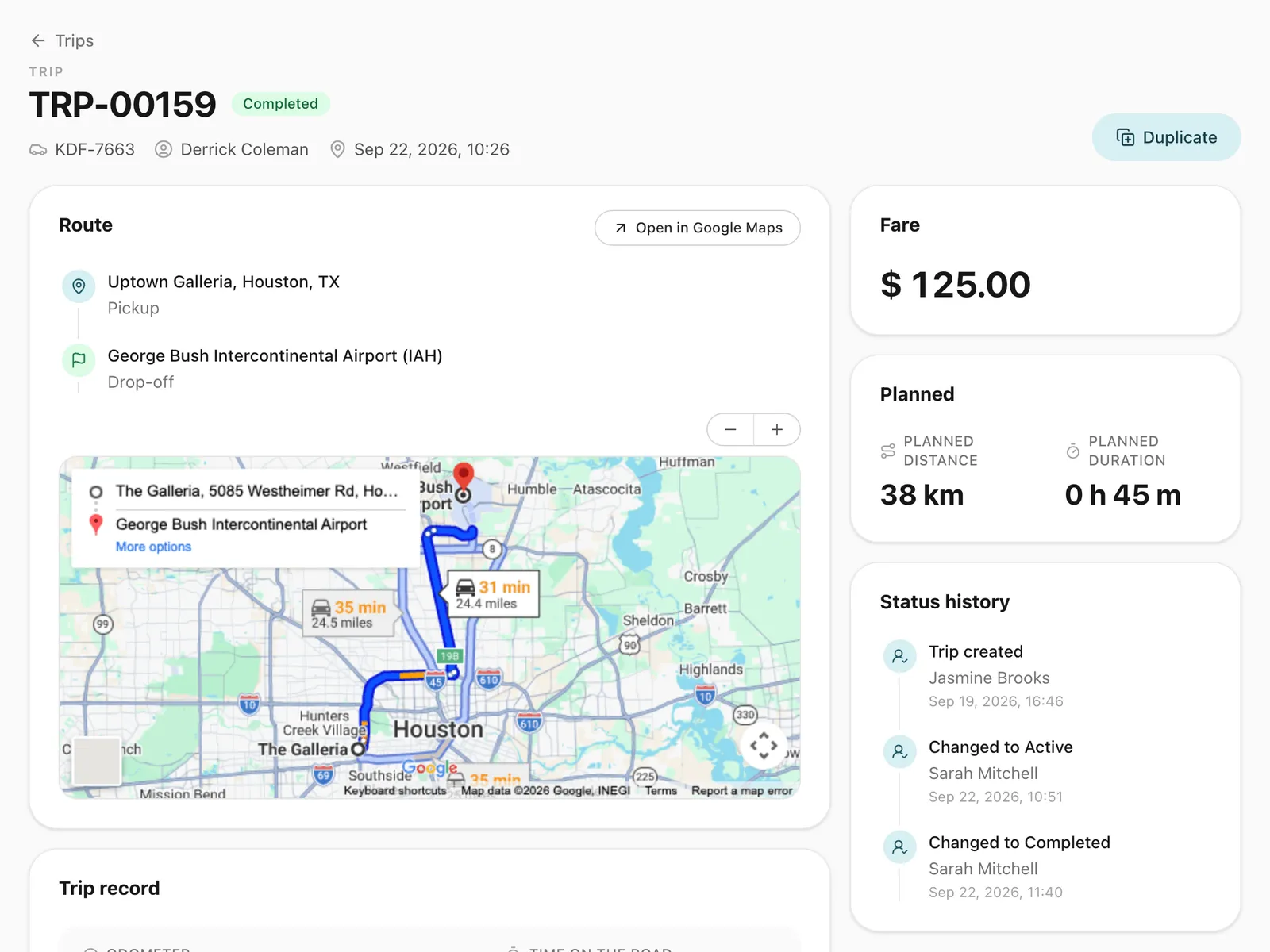
Choose the customer, then add a line for each of their completed trips and returned self-drive hires. A line linked to a trip fills in from its fare plus any expenses you marked as charged to the customer; a line linked to a hire fills in from its charges. You can edit any line, add lines of your own and add a discount. Our free car hire invoice template shows the same lines on a document, if you are not ready to switch.
The taxes that apply to the customer are added automatically, and you can switch one off for a single invoice. The PDF carries your company name, logo and address, your company’s currency, and your company stamp if you use one.
Invoices move from draft to issued to paid, and can be voided when needed. A draft that was never issued can simply be deleted; it never counts towards revenue. A trip or hire can sit on only one invoice, so nothing is billed twice, and returning a hire can raise its draft invoice on the spot.
Can one invoice cover a month of work?
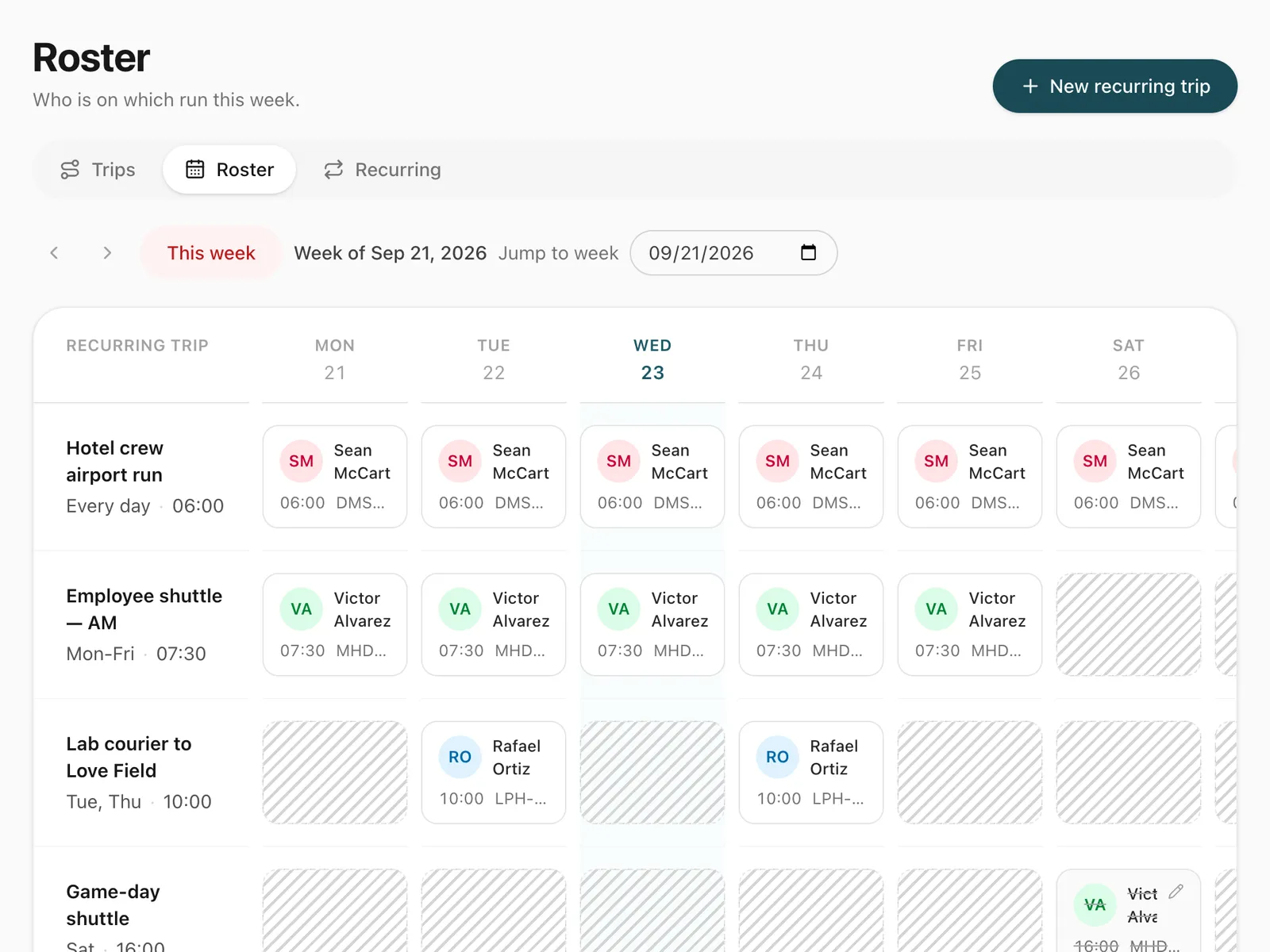
Yes. That is the most common case for corporate customers: one invoice at the end of the month for every trip you ran for them, including recurring staff shuttle duties, which are ordinary trips once they are driven.
What does the accounting module show?
The accounting module gives you a single-entry view of the whole company:
- Profit and loss by month and by branch, for your chosen financial year.
- Revenue from issued and paid invoices, counted on the issue date, net of tax and discounts.
- Costs from trip expenses, completed vehicle maintenance and overhead entries.
- Expenses: the same costs the profit and loss totals, broken down so you can see where the money went.
- Receivables: who owes you, and how much is overdue by up to 30, 60 or 90 days, or longer.
- Tax: what your issued invoices collected.
Each report can be exported to CSV.
Who can see the money?
Access is controlled by roles and permissions. Give your accountant access to invoices and accounts without letting them change trips, or give a dispatcher trips without showing them the books.
Step-by-step guides
Already using Odobase? The help center shows each step in the dashboard.
Who uses invoicing and accounting
-
-
Chauffeur and limousine
Dispatch, waiting time, corporate billing
-
-
Frequently asked questions
How is revenue counted in the profit and loss statement?
Revenue is counted when an invoice is issued, net of tax and discounts. Tax is shown separately, so the statement reflects what your business earned, not what it collected on behalf of the tax authority.
Which costs are included?
Trip expenses, completed maintenance visits on the date of service, and overhead entries such as office rent and salaries. Overheads can be assigned to a branch or left company-wide, and you can record other income, such as interest or the sale of a vehicle, the same way.
Can I see figures per branch?
Yes. The profit and loss statement breaks every line down by branch, and the branch columns always add up to the company total.
How are taxes applied to an invoice?
Set up your taxes once. A tax can apply to every customer, or to a tax group, such as one state, province or export customers, that you assign to customers. Each invoice applies the taxes that fit its customer automatically, you can switch one off for a single invoice, and the tax report shows what you collected.
Can invoices be sent to my accounting system?
Travel businesses using the Catalyst back office can post issued invoices to Catalyst from Odobase; contact us to connect it. Every accounting report, from profit and loss to tax, also exports to CSV for use in other systems.
Which plans include accounting and reports?
Invoices, VAT invoices, credit notes and expenses come with every plan, the free Starter plan included. The accounting reports (profit and loss, receivables, tax and overheads) and the reports by vehicle, driver and customer come with the paid plans; on Starter they show an upgrade prompt. See pricing.
Works with
-
Trip management
Schedule trips, assign drivers and vehicles without double-booking, pause and resume round trips, and invoice completed work from one dashboard.
-
Self-drive hire
Rent vehicles without a driver by the hour or day. Odobase blocks availability, records handover and return, and bills overtime and extra distance.
-
Vehicles and maintenance
Schedule services by date, send them to drivers and keep each vehicle's maintenance history, odometer and costs in one place, for cars, vans and buses.
-
Customer portal
A portal under your logo where customers sign in with a code, follow trips, accept quotes and download invoices, with corporate accounts for companies.
-
Price lists
Price transfers, airport runs and hourly hire by zone, distance or time, with surcharges, extras and free waiting time. Each trip keeps its breakdown.
Last updated

Run your whole fleet from one dashboard
Start free, add your vehicles and drivers, and schedule your first trip in minutes. Move to a paid plan when your fleet grows.