Employee transport management software plans and runs the daily staff shuttle (pick-and-drop) routes a company provides for its staff. With Odobase, each standing route is a recurring trip on a weekly roster: set it up once, let Odobase create the daily trips, swap drivers when someone is off, track every run, and invoice the client company at month end.
What Odobase does for employee transport
Set up each route once
Weekdays, start time, route and default driver and vehicle define the whole duty.
A roster instead of a spreadsheet
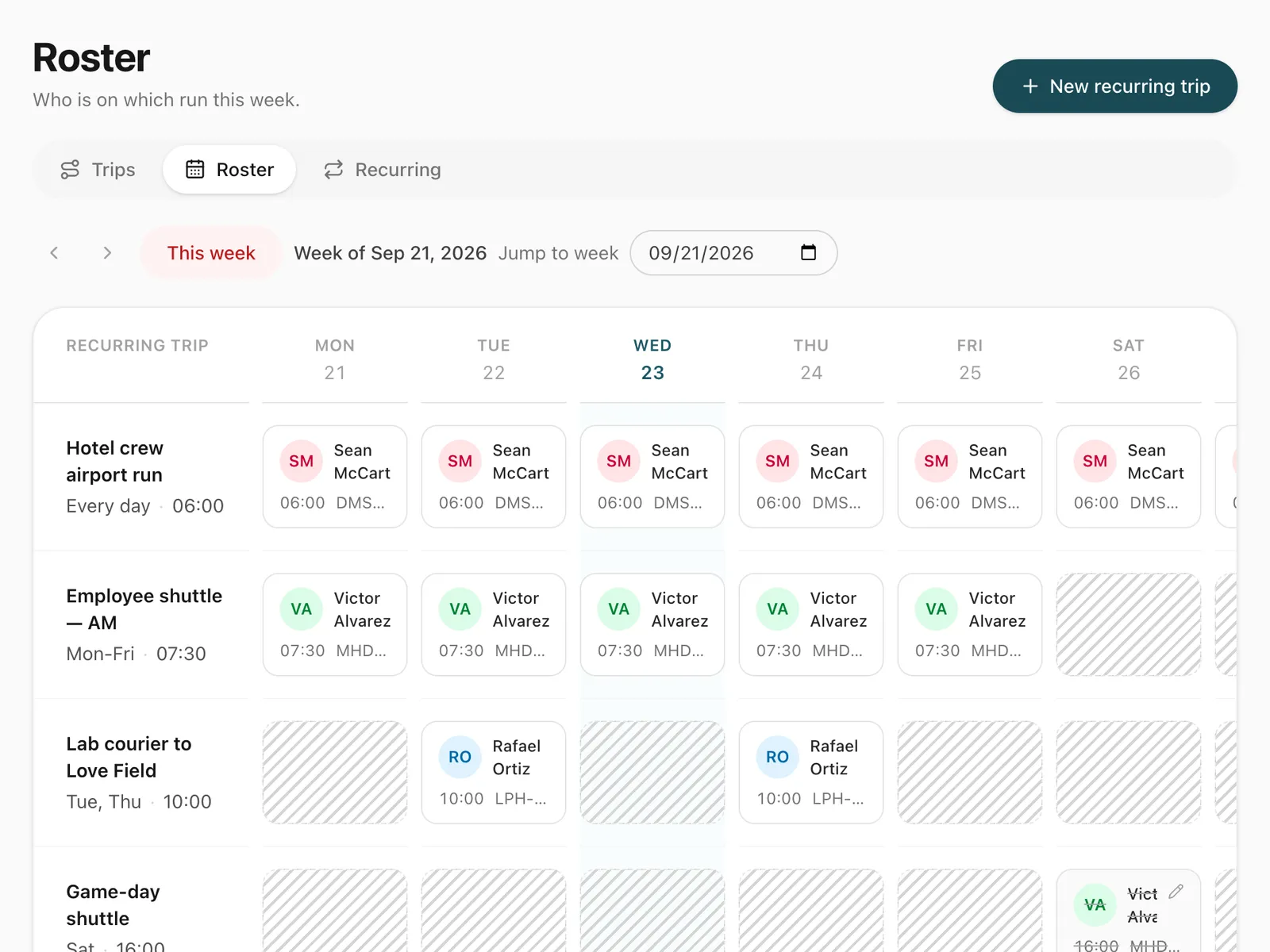
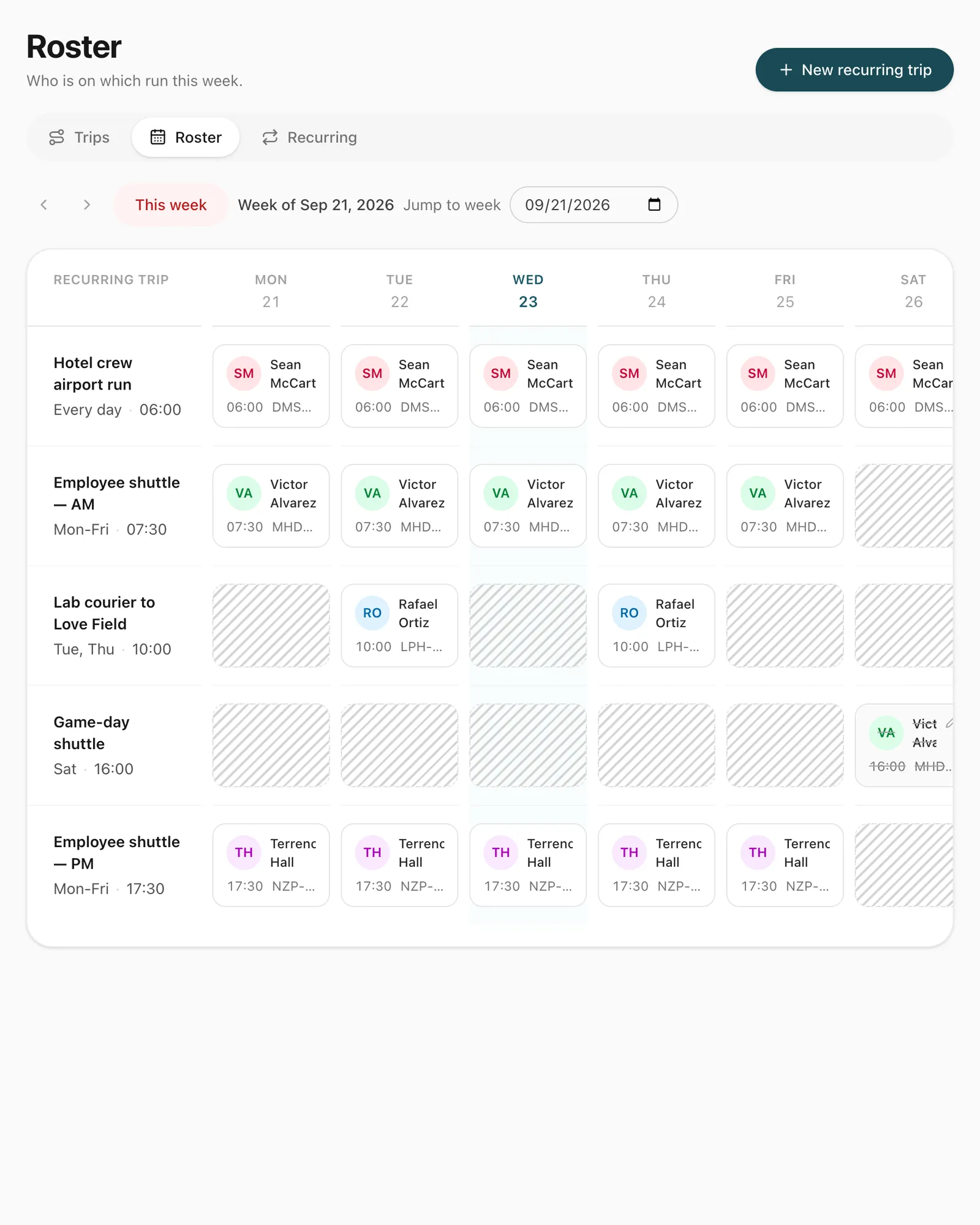
See every route against every day of the week and change any cell.
Driver swaps in a click
Reassign one day or the rest of the contract; clashing days are skipped and reported.
Holidays and breaks
Skip a public holiday or pause a route while the client’s office is closed.
Month-end billing made simple
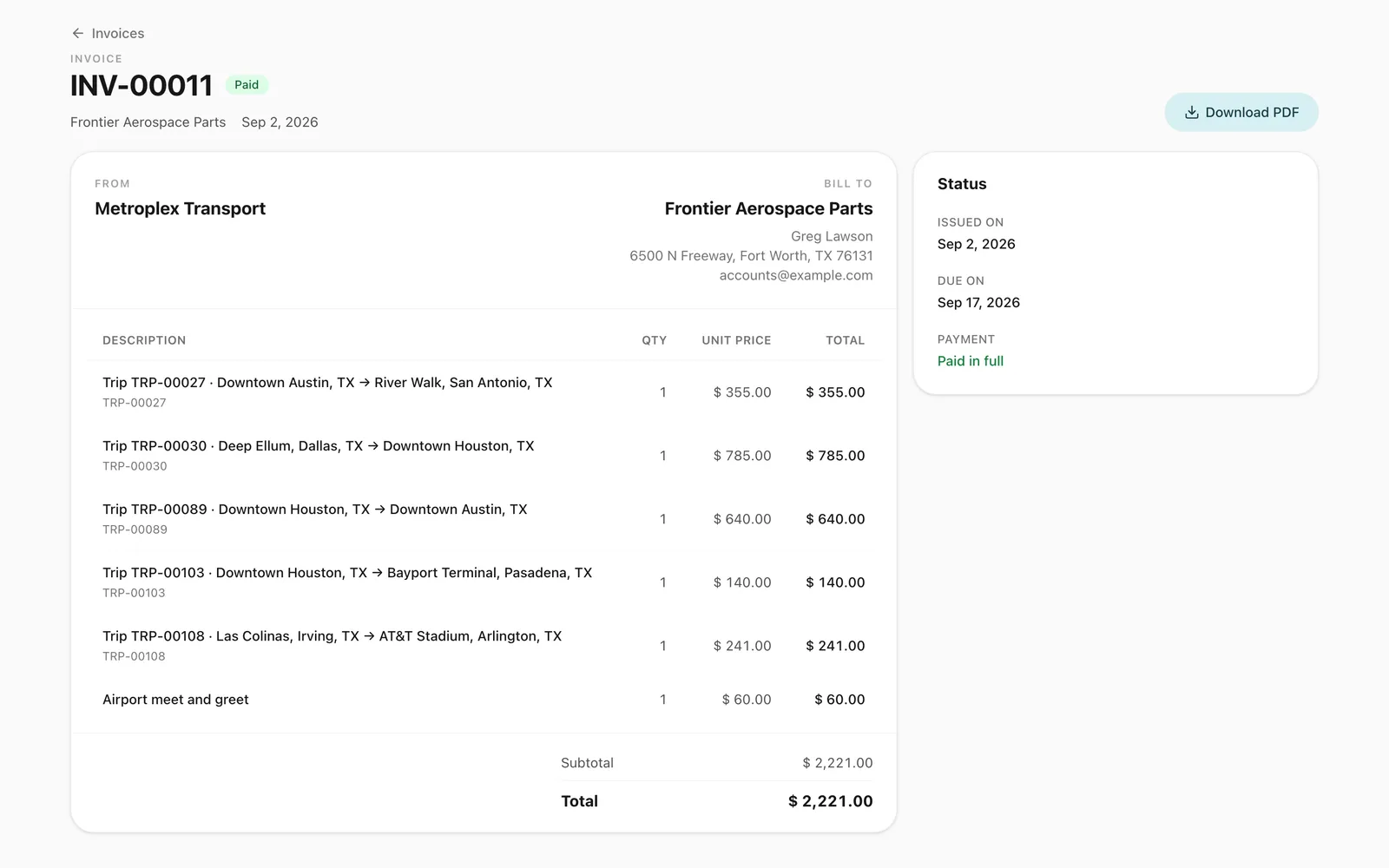
Every run is a completed trip, ready to invoice to the client company.
What does an employee transport contractor need?
Staff transport is repetitive by design: the same routes, at the same times, every working day, often for several client companies. What changes is who drives, which vehicle goes, which days are holidays, and when a contract starts or ends. A spreadsheet can hold the plan, but it cannot stop two routes being given the same van, and it cannot bill the client. Our guide shows how to run an employee transport roster without spreadsheets.
How do you set up a staff shuttle route?
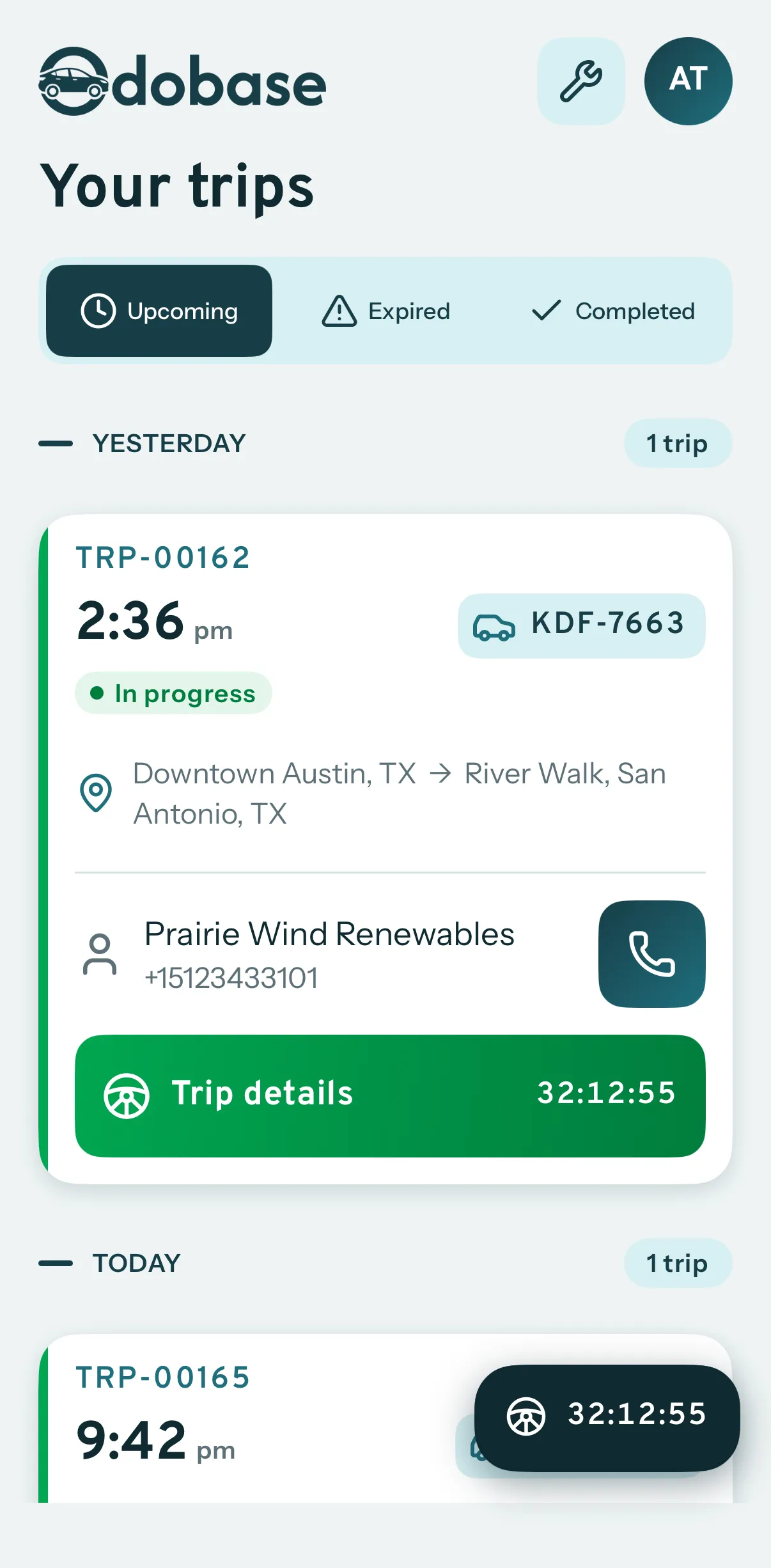
Create a recurring trip for each route: where it starts and ends, the weekdays it runs, the start time, the default driver and vehicle, and the contract’s start and end dates. Odobase creates each day’s run as a real trip ahead of time, so the driver sees it in the driver app and nobody else can book that van for the same time.
How do you manage changes day to day?
The roster shows every route against every day of the week. Change a driver for one day when someone is sick, or for the rest of the contract when routes are reshuffled. Skip public holidays, pause a route while a client’s office is closed, and resume it when they reopen.
How do you bill client companies?
Each run is a completed trip once it has been driven. At month end, select the client company and its completed trips and issue one invoice, with your company’s logo.
What about other regular transport?
The same roster runs any regular route a customer books, not only staff shuttles. For routes for factories, hotels and associations, one-off transfers and group trips, see our passenger transport software; for school runs, see school transport.
The features you will use most
Each one has its own page with the screens and the details.
Trip management
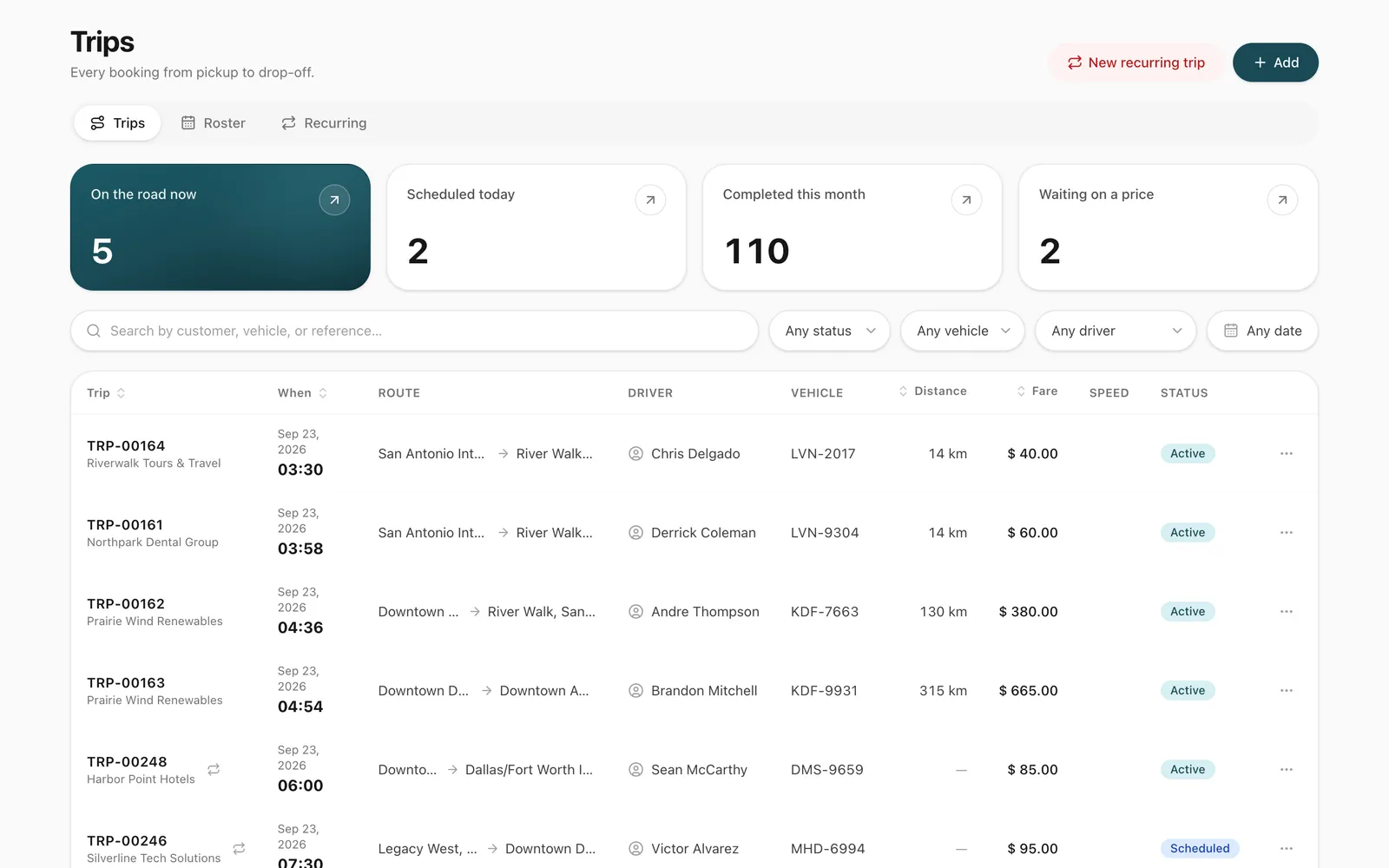
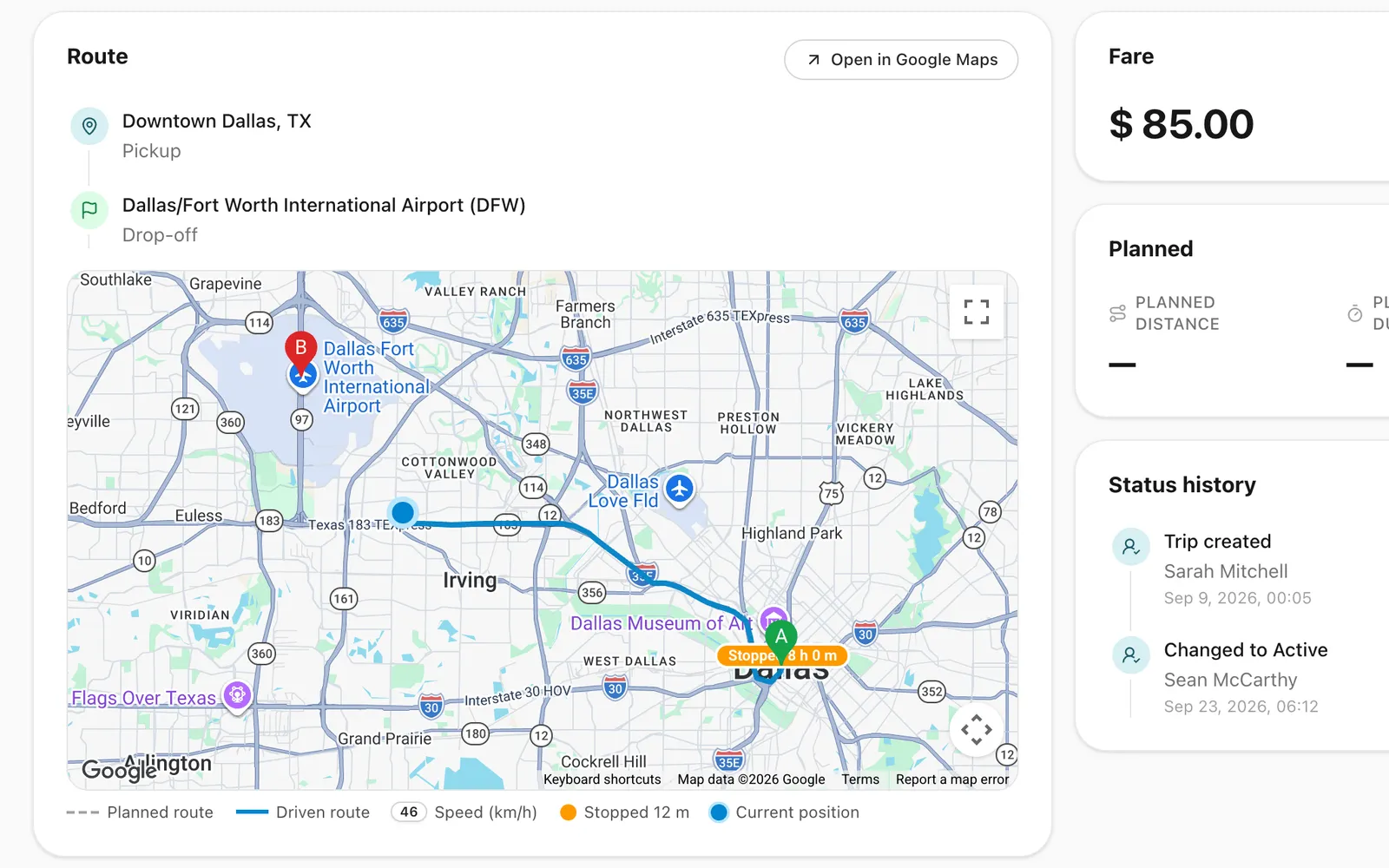
Schedule trips, assign drivers and vehicles without double-booking, pause and resume round trips, and invoice completed work from one dashboard.
A portal under your logo where customers sign in with a code, follow trips, accept quotes and download invoices, with corporate accounts for companies.
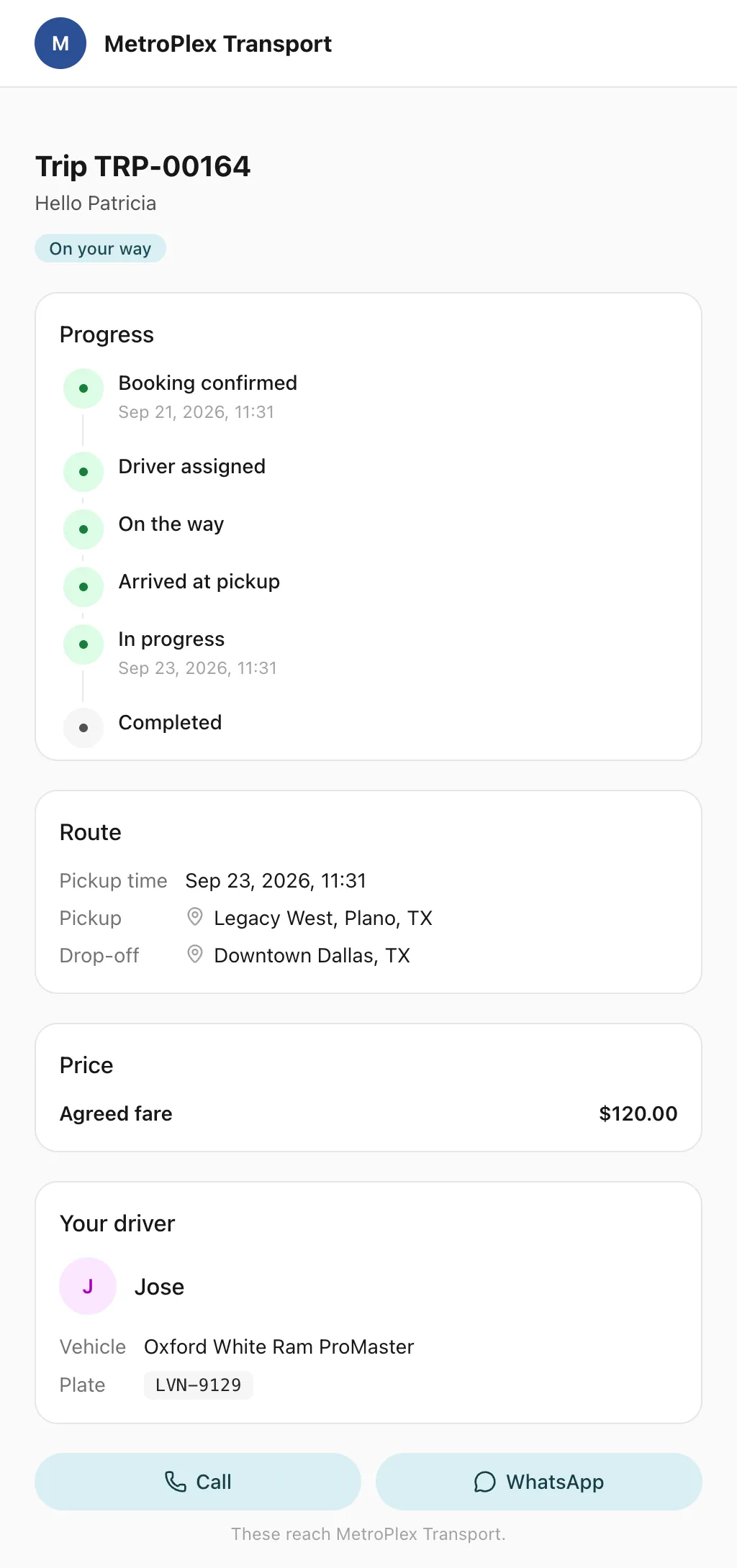
Send each passenger a link to a live trip page: status, route, the car on the map, the driver and the plate, with cancel, change and rating. No app, no login.
By default 14 days ahead, adjustable from 7 to 60 days. Each day’s run is a real trip that blocks its driver and vehicle, and the driver sees it in the app when it is next up.
What happens when a driver is on leave?
Open the roster, pick the day or days, and reassign to another driver. For “this and following”, Odobase moves every day where the new driver is free and lists any dates that clash.
Do drivers see every day of the route in their app?
No. Drivers see only the next run of each recurring route, so their list shows today’s work instead of weeks of identical trips.
Can I run routes for several client companies?
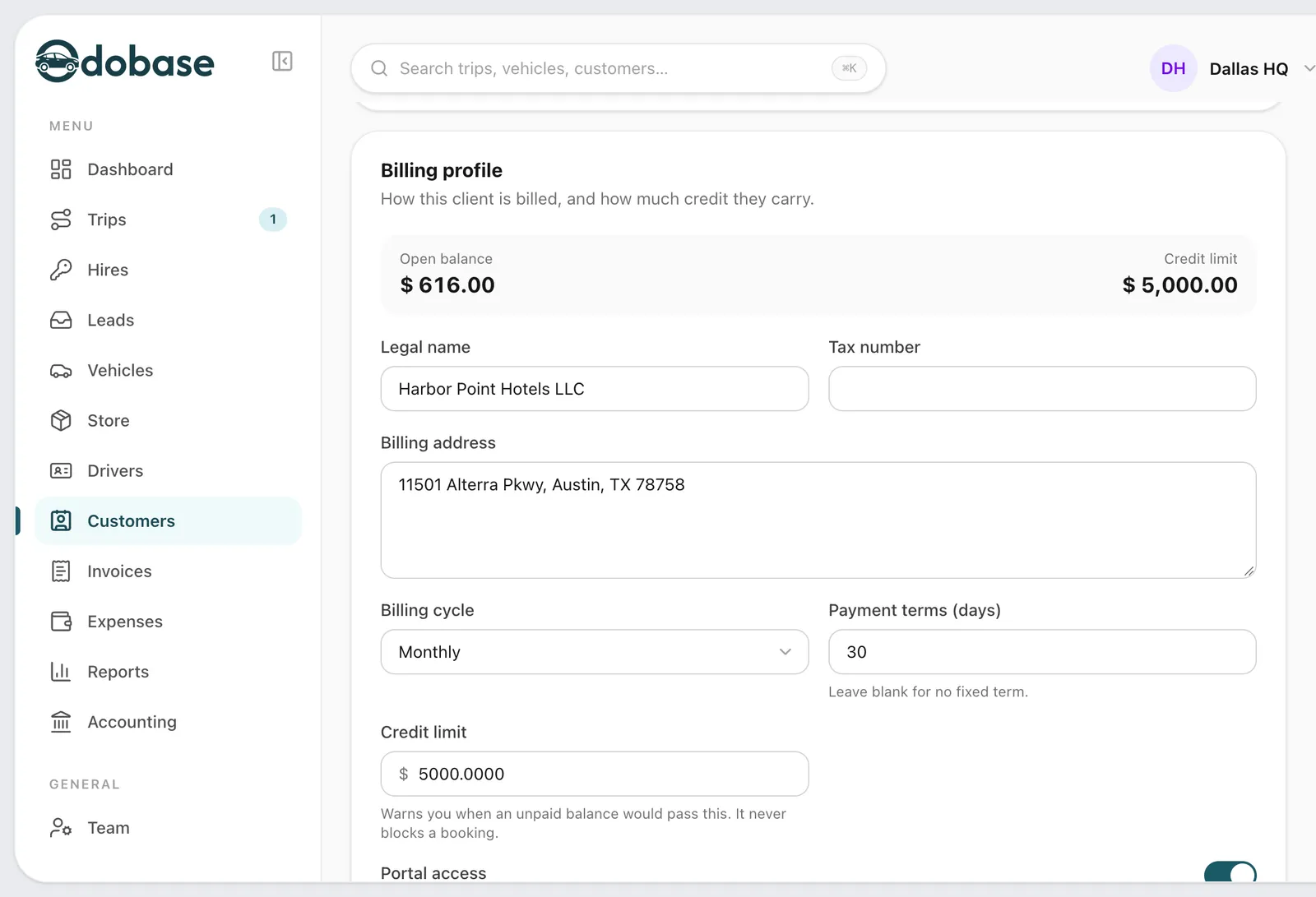
Yes. Each route belongs to a customer, so you can run routes for several client companies side by side and invoice each one for its own completed runs.
Is the recurring-trips feature included?
Yes. Recurring trips are switched on in every new account, including the free plan, so you can set up your first routes before you pay for anything.
Last updated
Run your whole fleet from one dashboard
Start free, add your vehicles and drivers, and schedule your first trip in minutes. Move to a paid plan when your fleet grows.