Schedule tour and transfer vehicles, keep multi-stop days in one trip, track every run, and invoice travel customers, with invoices posted to Catalyst.
Tour and travel operators use Odobase to run the transport side of their bookings: airport transfers, day tours and multi-stop itineraries. Each job is a trip with a driver, a vehicle and its planned stops, paused and resumed between legs, tracked live, and invoiced to the customer. Agencies using the Catalyst back office can post invoices to Catalyst.
What Odobase does for tour and travel
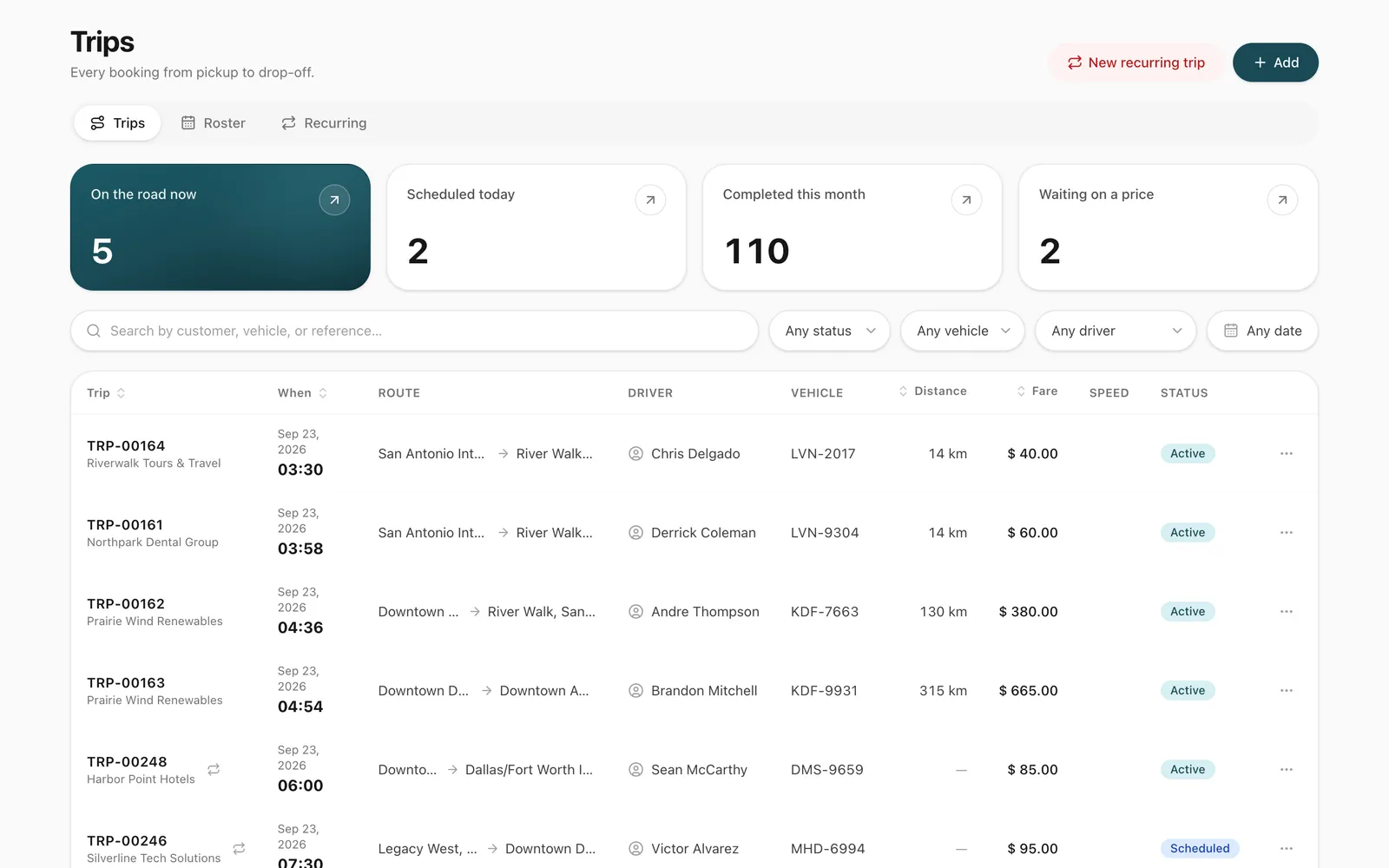
Transfers and tours in one board
Airport runs, city tours and multi-day itineraries scheduled and dispatched in one place.
Stops without the confusion
Plan up to 9 stops on one trip, and pause and resume it between legs, with distance and time kept honest.
No double-booked coaches or cars
Every vehicle and driver is checked against every other booking before assignment.
Travel back-office posting
Agencies on Catalyst can post issued invoices to Catalyst from Odobase.
What transport work does a travel operator run?
Airport arrivals and departures, hotel transfers, city tours, intercity trips and multi-day itineraries. Each needs the right vehicle and driver at the right time, and each has to be billed to the right booking.
How do you run tours and transfers in Odobase?
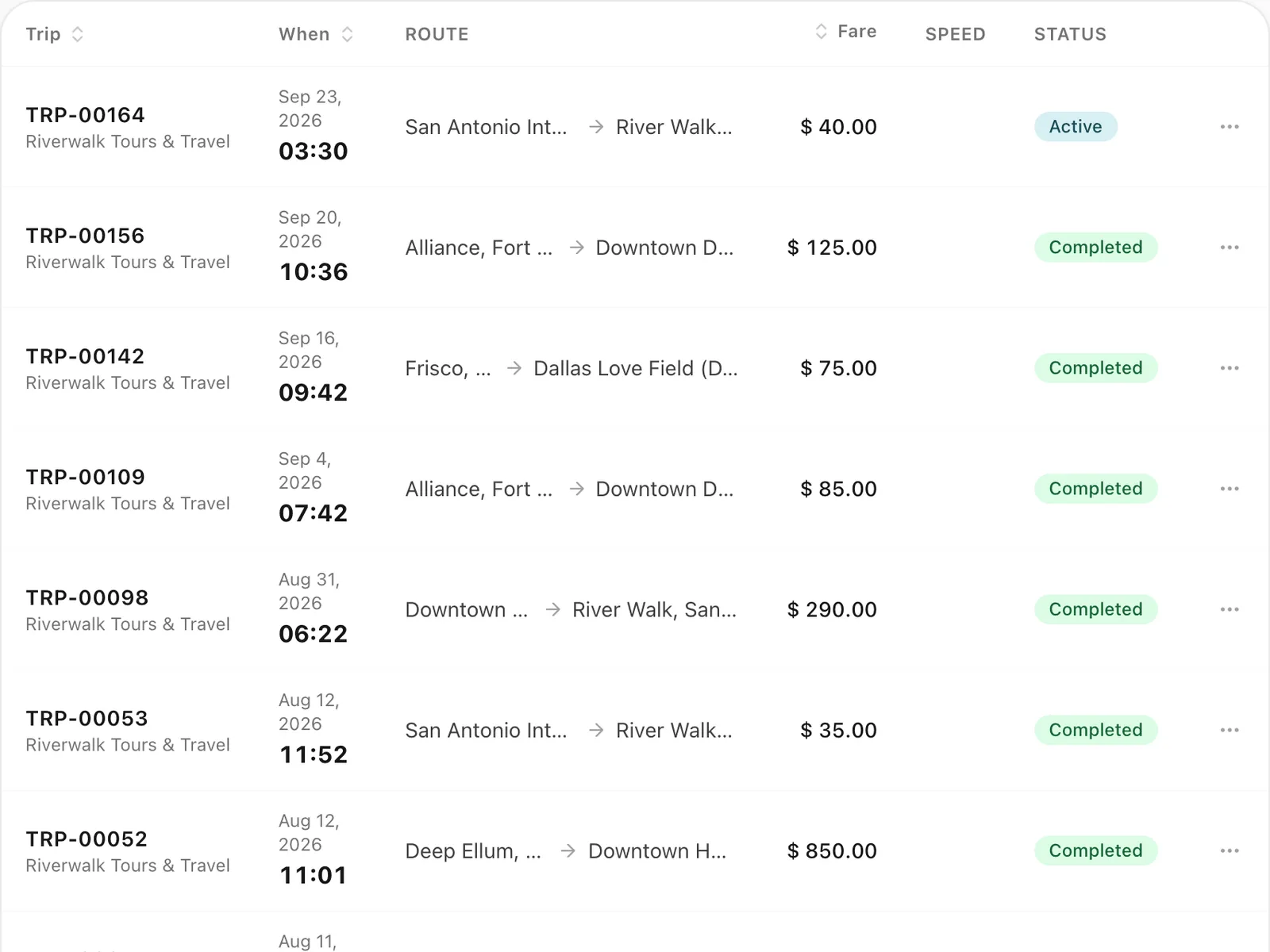
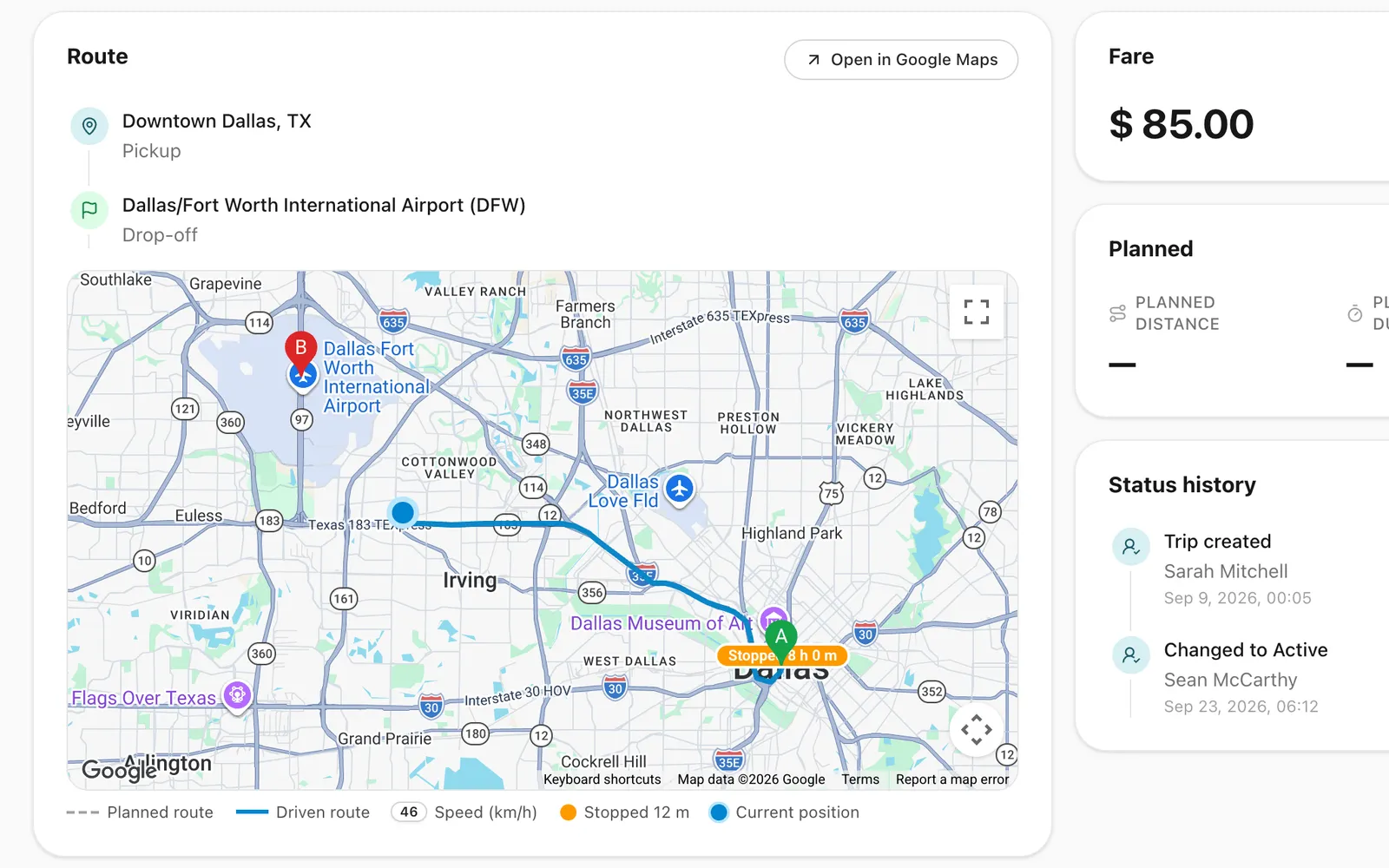
Every job is a scheduled trip with a pickup, its stops, a destination, time, customer, driver and vehicle. On tours with stops, the driver pauses and resumes the trip in the driver app at each stop, so distance and time reflect driving rather than sightseeing. Your team follows running trips on the live map.
How does billing work for travel customers?
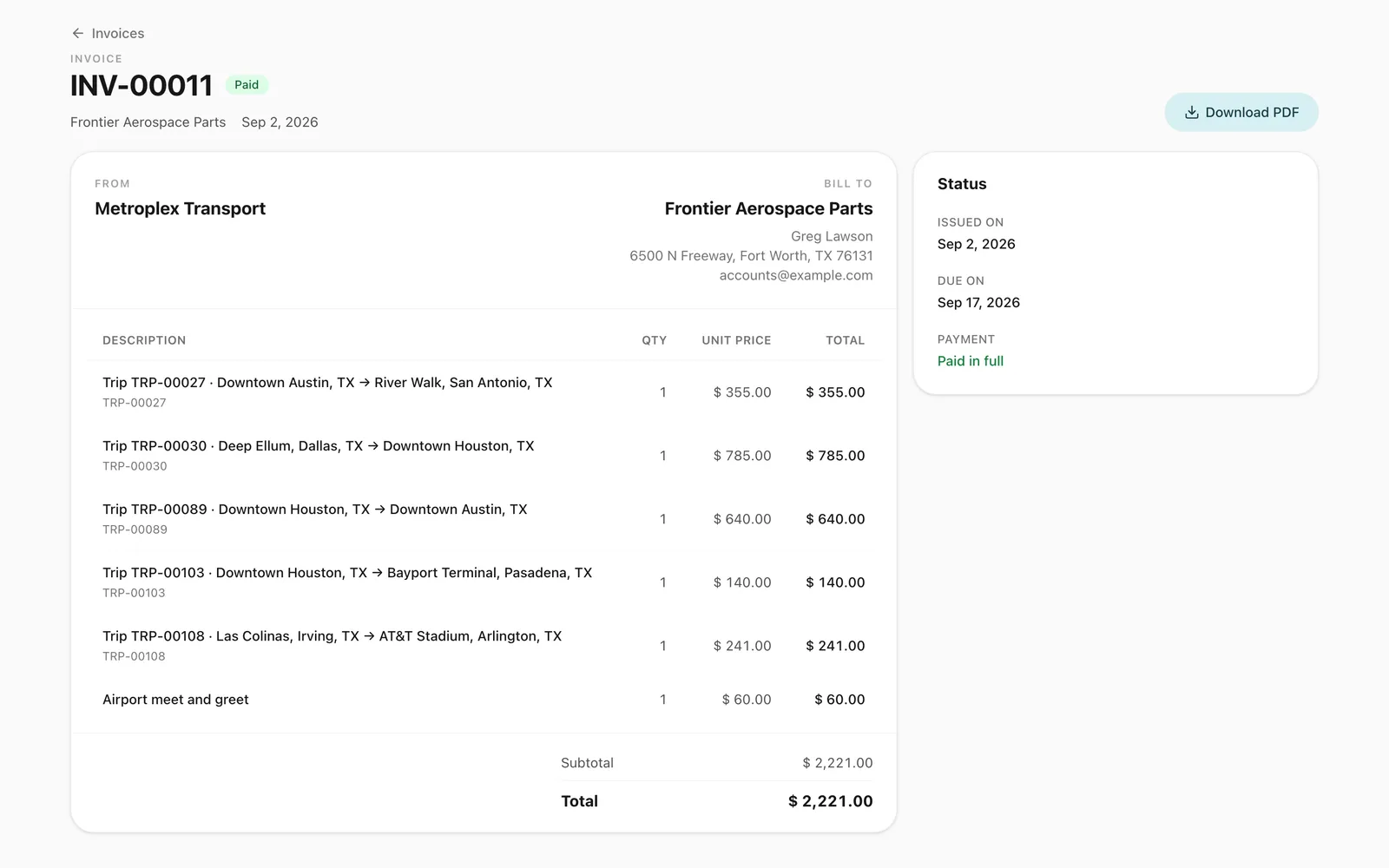
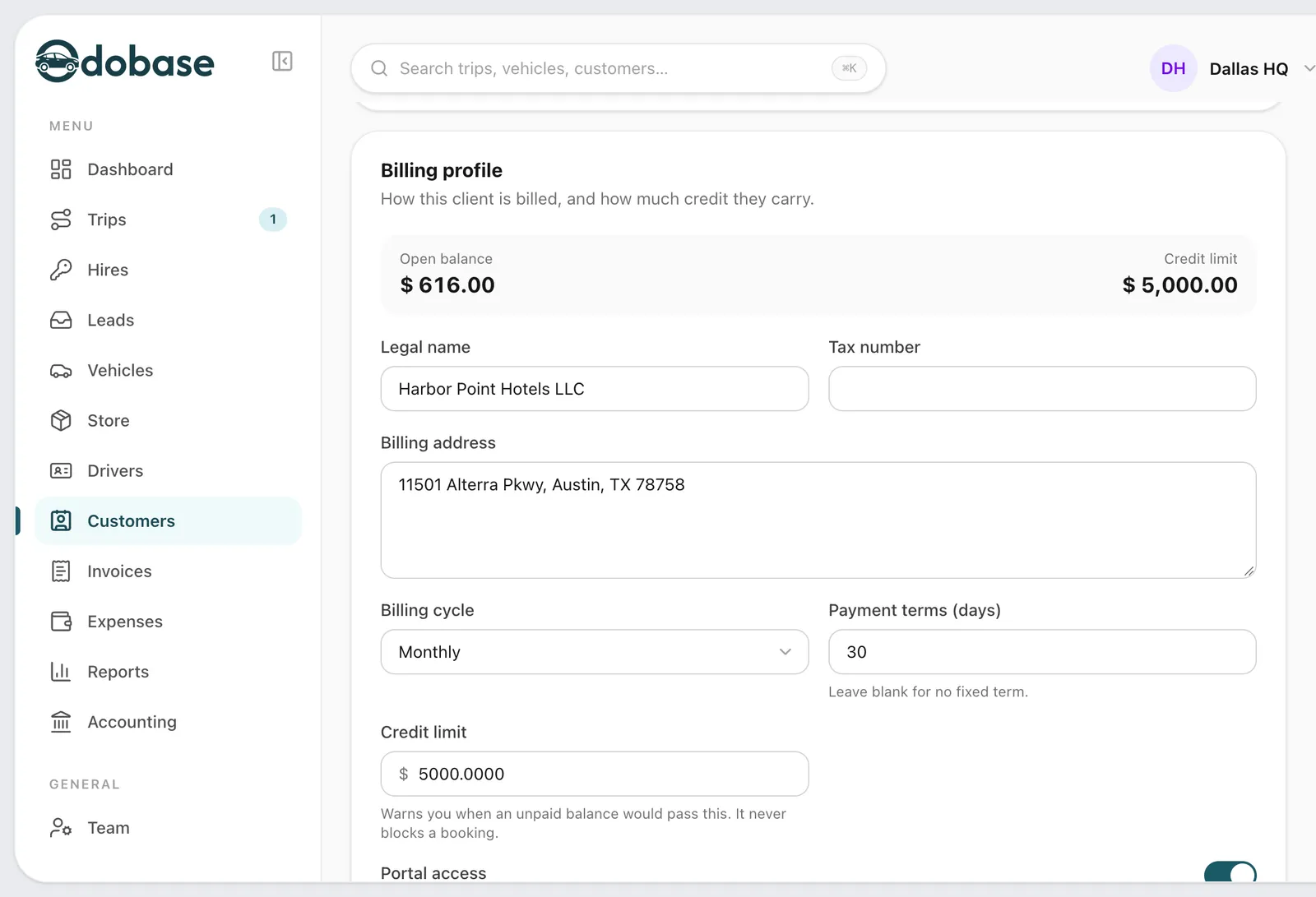
Completed trips become lines on an invoice for the customer, each filled in from the trip’s fare plus any expenses you charge on, such as tolls or parking. Agencies that keep their books in Catalyst, a travel back-office system, can post issued invoices to Catalyst from Odobase. Each posting is started deliberately by someone on your team, and Odobase records its outcome so an invoice is never posted twice.
The features you will use most
Each one has its own page with the screens and the details.
Trip management
Schedule trips, assign drivers and vehicles without double-booking, pause and resume round trips, and invoice completed work from one dashboard.
A portal under your logo where customers sign in with a code, follow trips, accept quotes and download invoices, with corporate accounts for companies.
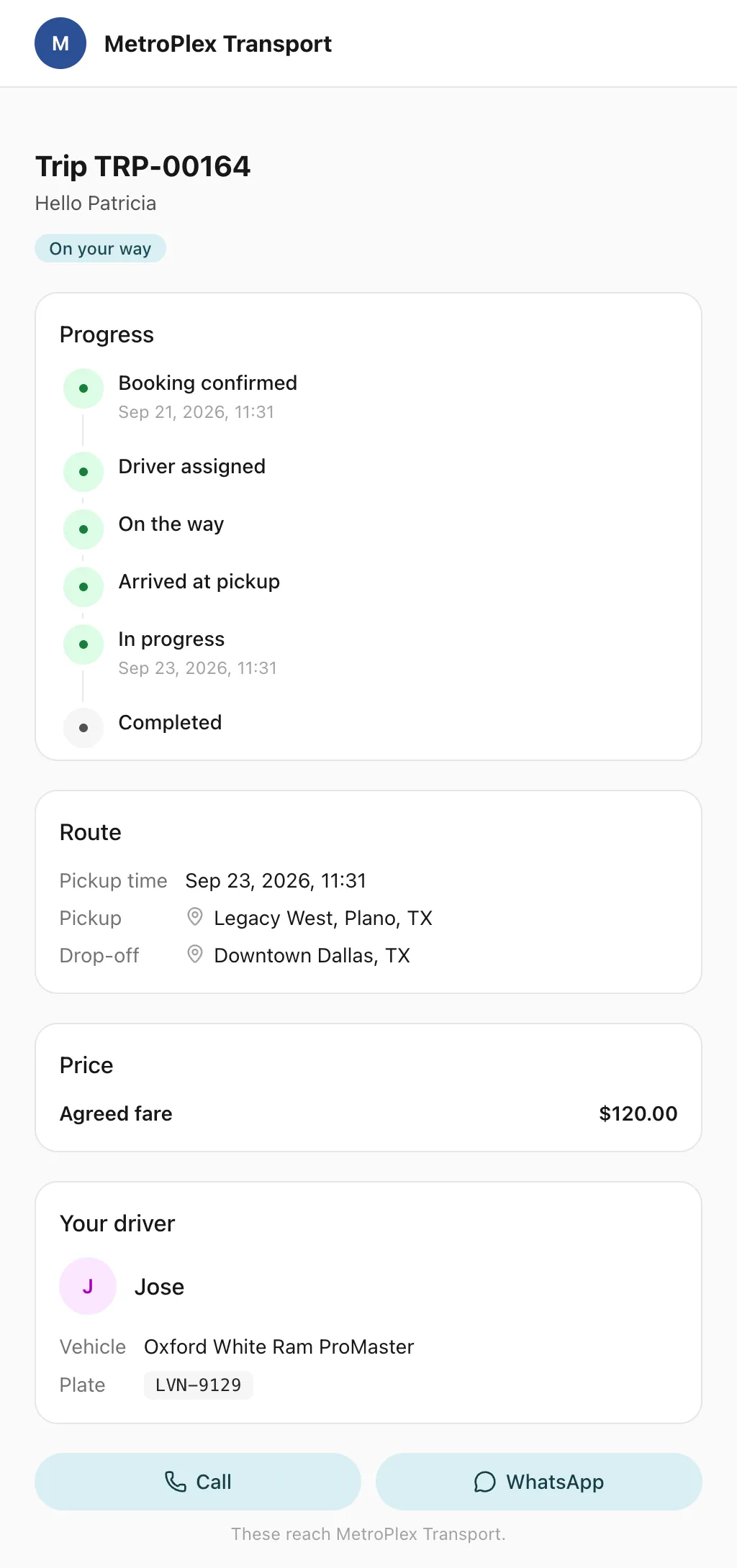
Send each passenger a link to a live trip page: status, route, the car on the map, the driver and the plate, with cancel, change and rating. No app, no login.
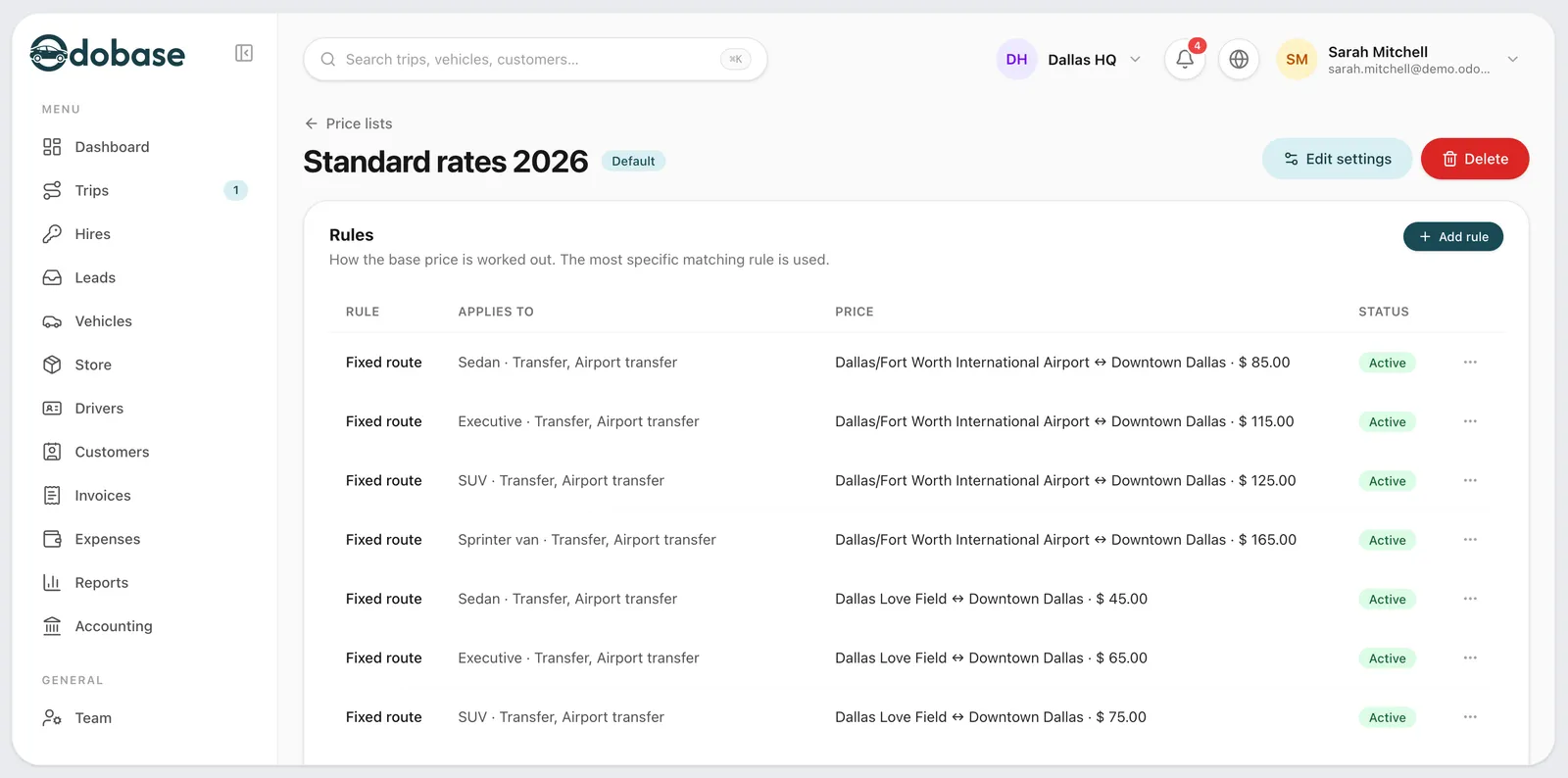
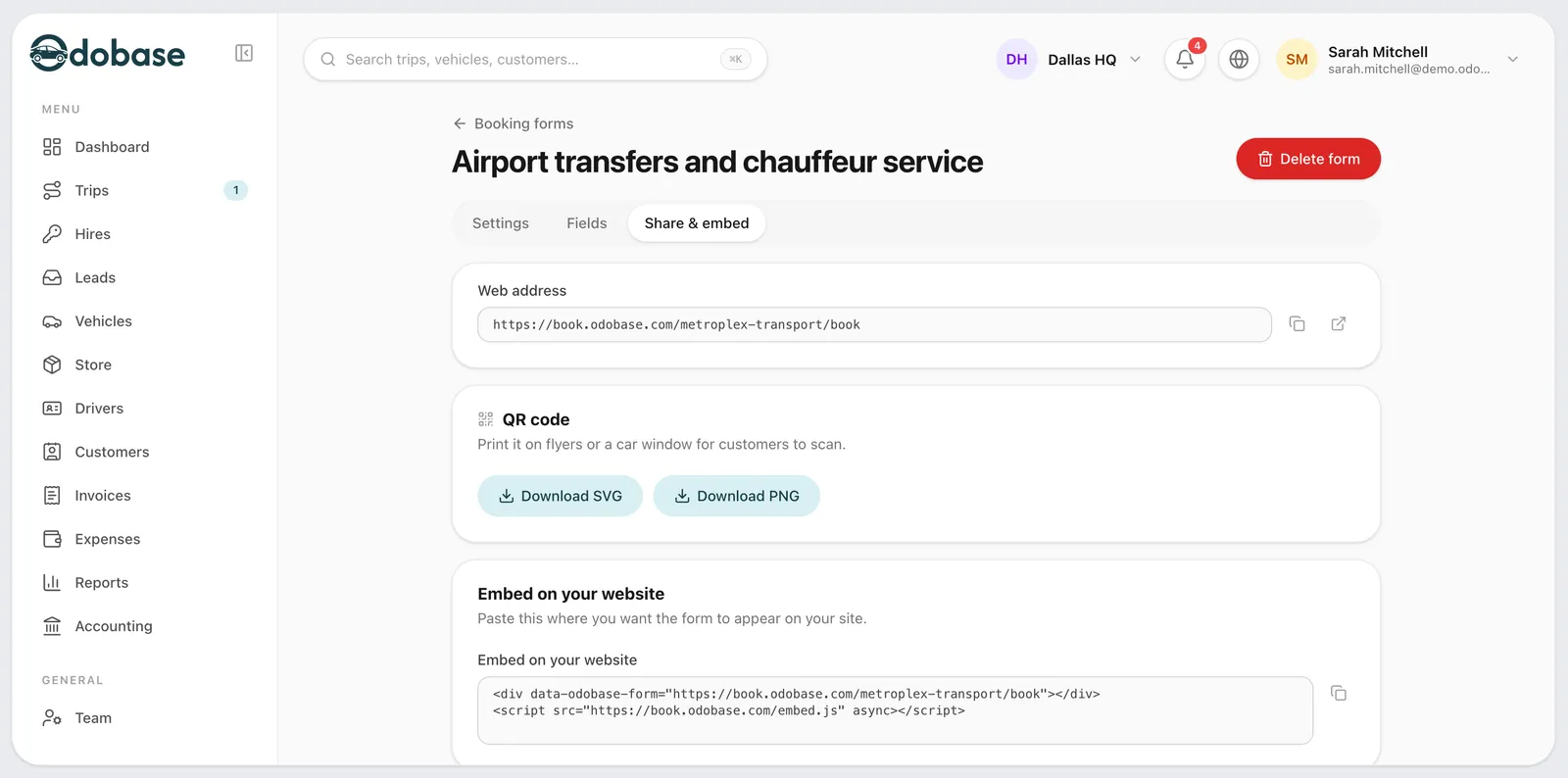
A booking form with your prices, on your website or as a link, for transfers, airport runs, hourly and day hire, plus quotes customers accept by phone.
How does Odobase handle a day tour with several stops?
The tour is one trip, with its stops planned on the route. The driver pauses it at each stop and resumes it for the next leg, recording the odometer each time, so the trip’s distance and time are accurate and the vehicle can be released between legs if needed.
Can a multi-day itinerary stay on one booking?
Yes. A trip can stay paused overnight and resume the next morning. While paused it holds neither the driver nor the vehicle, and its distance and time count only the driving. You can also book each day as its own trip.
Can Odobase post invoices to our travel back office?
If your agency uses Catalyst, Odobase can post issued invoices to it. Each posting is started by a person on your team and its result is recorded, so nothing is sent twice. Contact us to switch the integration on.
Can our drivers use the app on tours outside the city?
Yes. If the phone loses signal, the app keeps recording positions and uploads them when it reconnects, so the route is complete.
Last updated
Run your whole fleet from one dashboard
Start free, add your vehicles and drivers, and schedule your first trip in minutes. Move to a paid plan when your fleet grows.