
Feature
An online booking form for chauffeur and transfer companies
A booking form with your prices, on your website or as a link, for transfers, airport runs, hourly and day hire, plus quotes customers accept by phone.
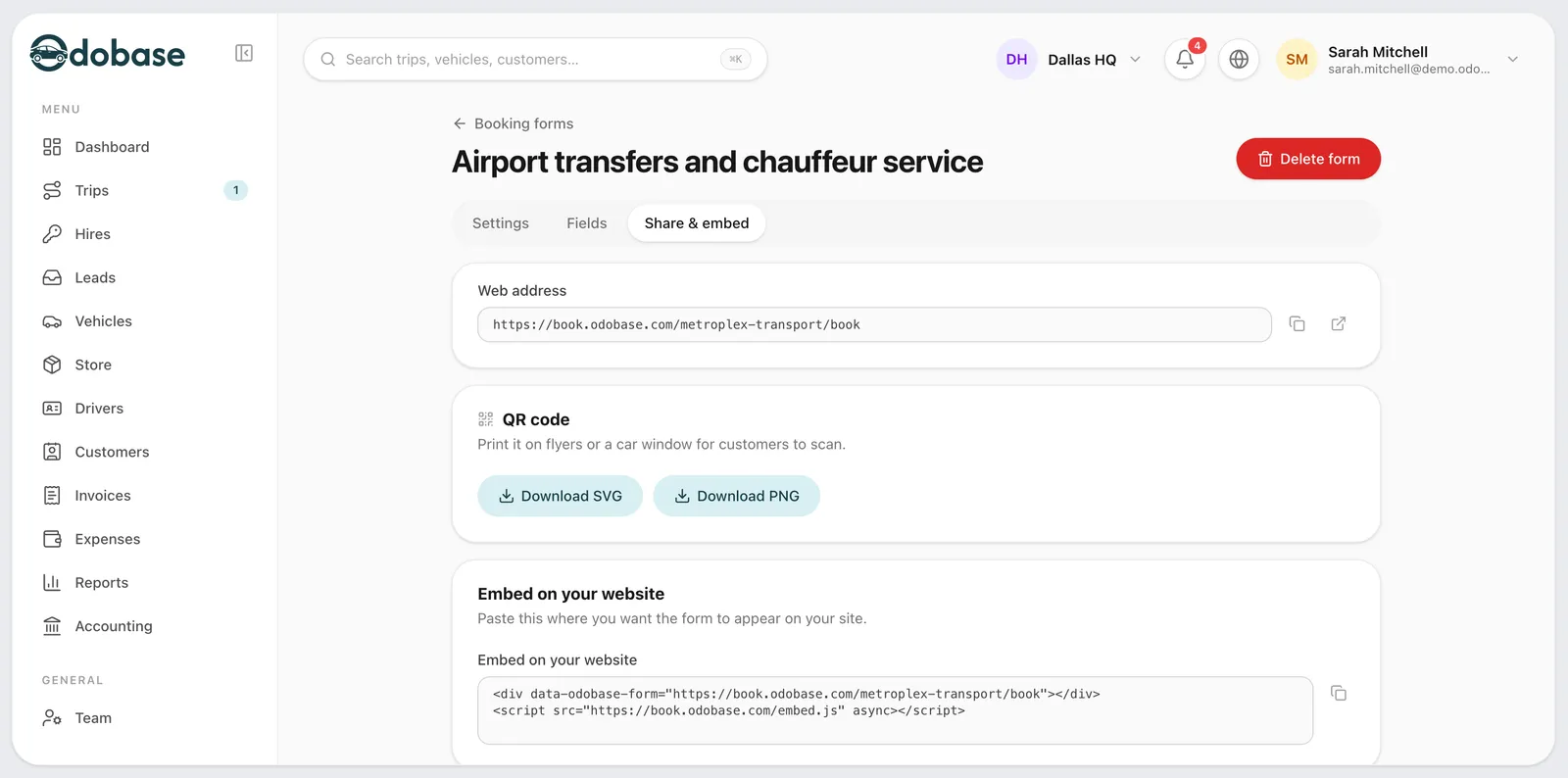
What is the Odobase booking form?
The Odobase booking form is a hosted form you share as a link or embed in your own website. As the customer chooses the route, the vehicle class and any extras, the form shows the price from your price list. Each booking lands in your leads list for you to confirm, or goes straight onto the schedule if you let the form confirm bookings on its own.
What you get
Every kind of trip
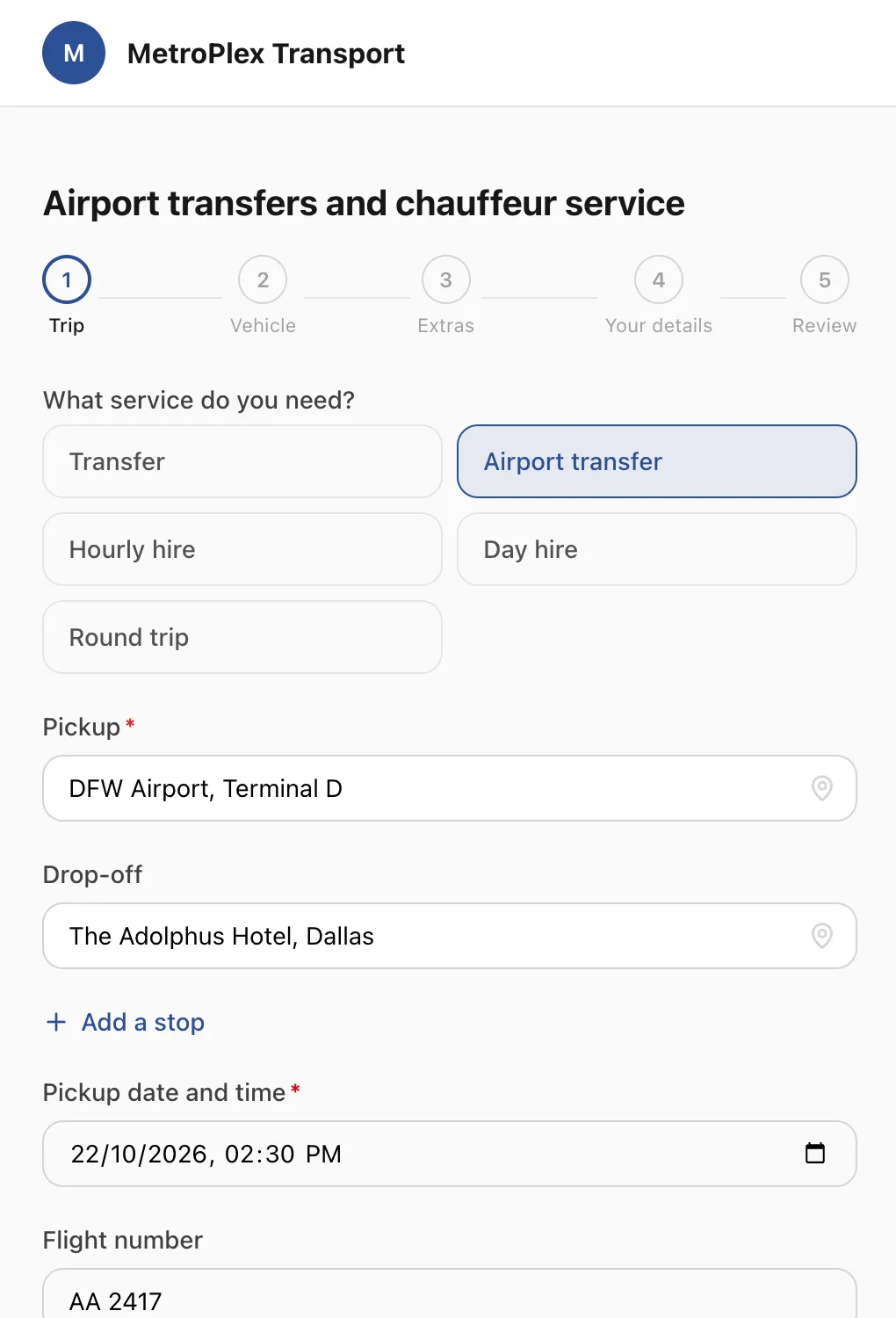
Transfers, airport transfers, hourly and day hire, and returns, with up to nine stops, passengers, luggage and a flight number.
-
On your website or as a link
Embed the form in your own website, share its link, or print its QR code.
-
Your prices, live
The price comes from your price list while the customer fills in the form.
-
Your hours, your notice
Set operating hours, the minimum notice and how far ahead people can book.
-
Quotes accepted by phone
Send a priced quote by email or WhatsApp, and the customer accepts or declines it from their phone.
-
Spam kept out
A bot check, a hidden field and a limit per connection, and a double tap never books twice.
What can customers book?
Transfers, airport transfers, hourly hire, day hire and returns. The customer enters the pickup, the destination and up to nine stops on the way, picks a vehicle class and any extras you offer, and gives the number of passengers and pieces of luggage. For an airport pickup they add the flight number. The price on the form comes from your price list, with every surcharge and extra already in it.
Where do bookings go?
By default each booking arrives in your leads list, where your office checks it and confirms it into a trip with a driver and a car. If you trust the form, let it confirm bookings on its own and they go straight onto the schedule. Each form sets your operating hours, the minimum notice you need and how far ahead people can book, so nobody books a car for ten minutes from now. When the form is embedded in your website, the lead also records the campaign that brought the visitor.
How do quotes work?
For a trip the form cannot price on its own, or a customer who wants a price first, your office sends a quote by email or WhatsApp. The customer opens it on their phone and accepts or declines it there, and a PDF of the quote comes in their language, under your logo. Customers with an account also find their quotes in the customer portal.
How is spam kept out?
A bot check, a hidden field that only bots fill in, and a limit on bookings from one connection keep junk out of your leads. If a customer taps “Book” twice, or sends the same booking again within two minutes, they get the first booking back rather than a second one. Once a booking is confirmed, the customer follows it from their trip link.
Where can you put the booking form?
Anywhere your customers are: embedded in a page of your website, shown as a pop-up from a button, shared as a link in WhatsApp or on social media, or printed as a QR code at a hotel desk. The form carries your logo, company name and colour, and speaks any of the six languages you switch on: English, Arabic, Urdu, Spanish, Italian and French.
Step-by-step guides
Already using Odobase? The help center shows each step in the dashboard.
Who uses booking form and quotes
-
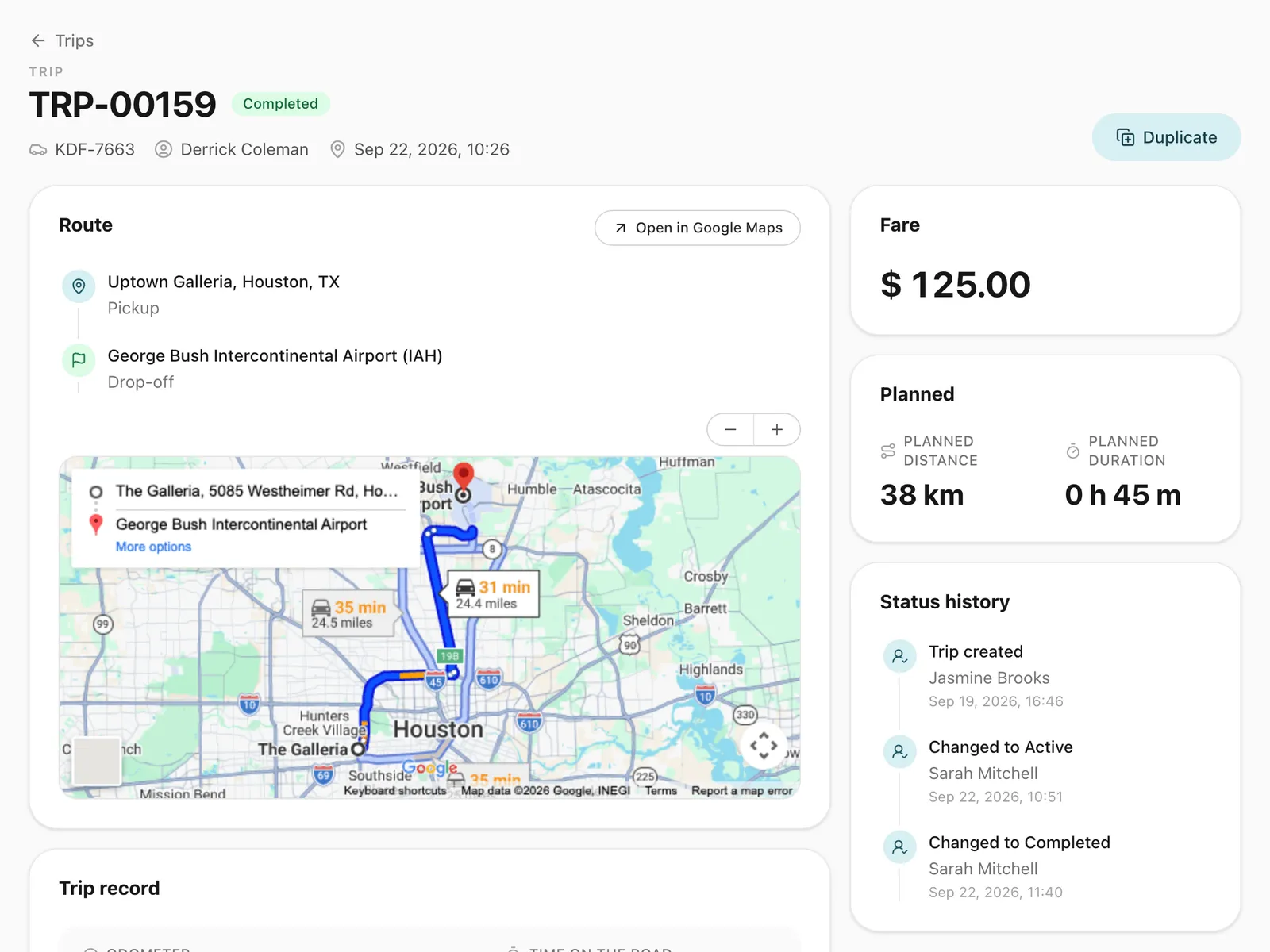
Chauffeur and limousine
Dispatch, waiting time, corporate billing
-
-
Frequently asked questions
Can customers pay when they book?
Not yet. The form takes the booking and shows the price; you collect payment the way you do today and invoice the trip as usual.
Can I add the booking form to my WordPress site?
Yes. Paste the embed code into a page of your WordPress site, or any other website, and add your site’s address to the form’s allowed websites. No plugin is needed. You can also link to the form or show it as a pop-up button.
Can I have more than one booking form?
Yes. Each form has its own address and settings, so you can run one for airport transfers and another for hourly hire, or one per website.
Can a form ask for a quote instead of booking?
Yes. A form can take instant bookings, quote requests or both. For a quote request, your office prices the trip and sends a quote the customer accepts from their phone.
Which plans include the booking form?
Every plan, including the free Starter plan. Every new account starts with booking forms switched on.
Works with
-
Trip management
Schedule trips, assign drivers and vehicles without double-booking, pause and resume round trips, and invoice completed work from one dashboard.
-
Customer portal
A portal under your logo where customers sign in with a code, follow their trips, accept quotes and download invoices, with corporate accounts for companies.
-
Price lists
Price transfers, airport runs and hourly hire by zone, distance or time, with surcharges, extras and free waiting time. Each trip keeps its price breakdown.
-
Trip tracking link
Send each passenger a link to a live trip page: status, route, the car on the map, the driver and the plate, with cancel, change and rating. No app, no login.
Last updated

Run your whole fleet from one dashboard
Start free, add your vehicles and drivers, and schedule your first trip in minutes. Every plan has the same features.