What does a passenger transport company need from its software?
A passenger transport company sells reliability: the right vehicle, at the right place, at the right time, every time. Most of the work repeats, such as a factory shift run or a daily shuttle, and the rest comes in as one-off bookings that must fit around it. The software has to hold both on one calendar, refuse a driver or vehicle booked twice, tell each driver where to be, and turn what was driven into an invoice for the customer who ordered it.
How do you plan regular routes?
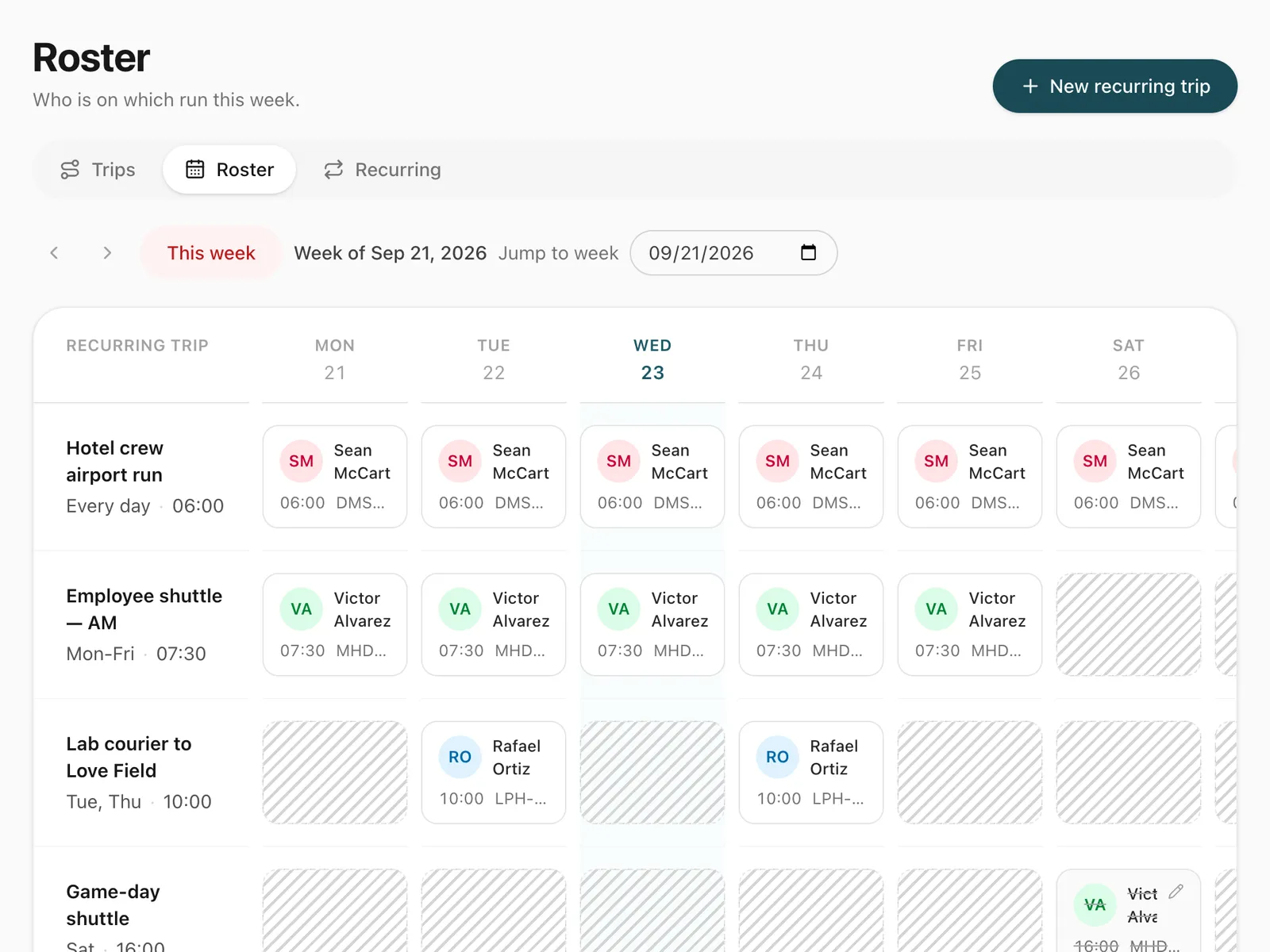
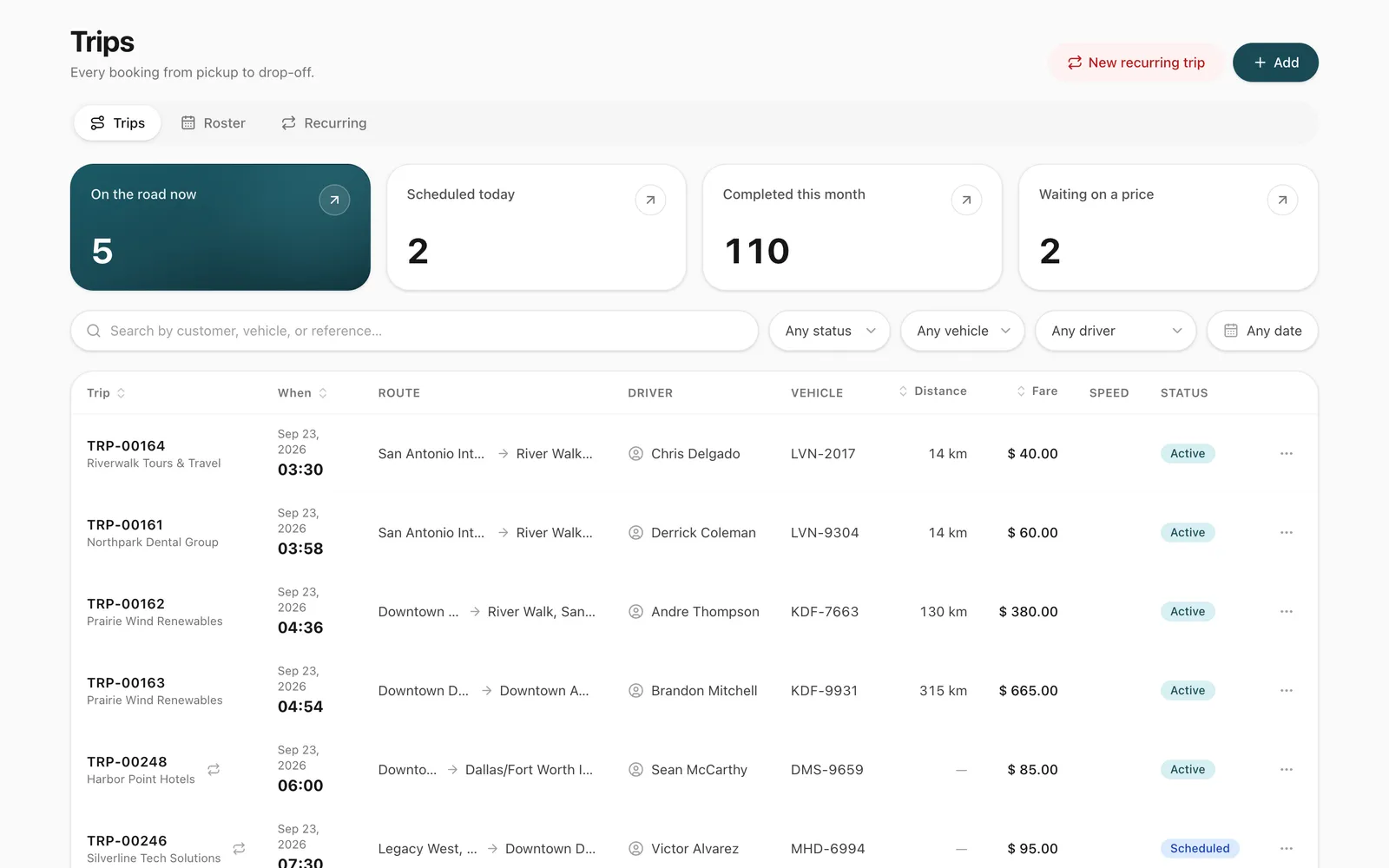
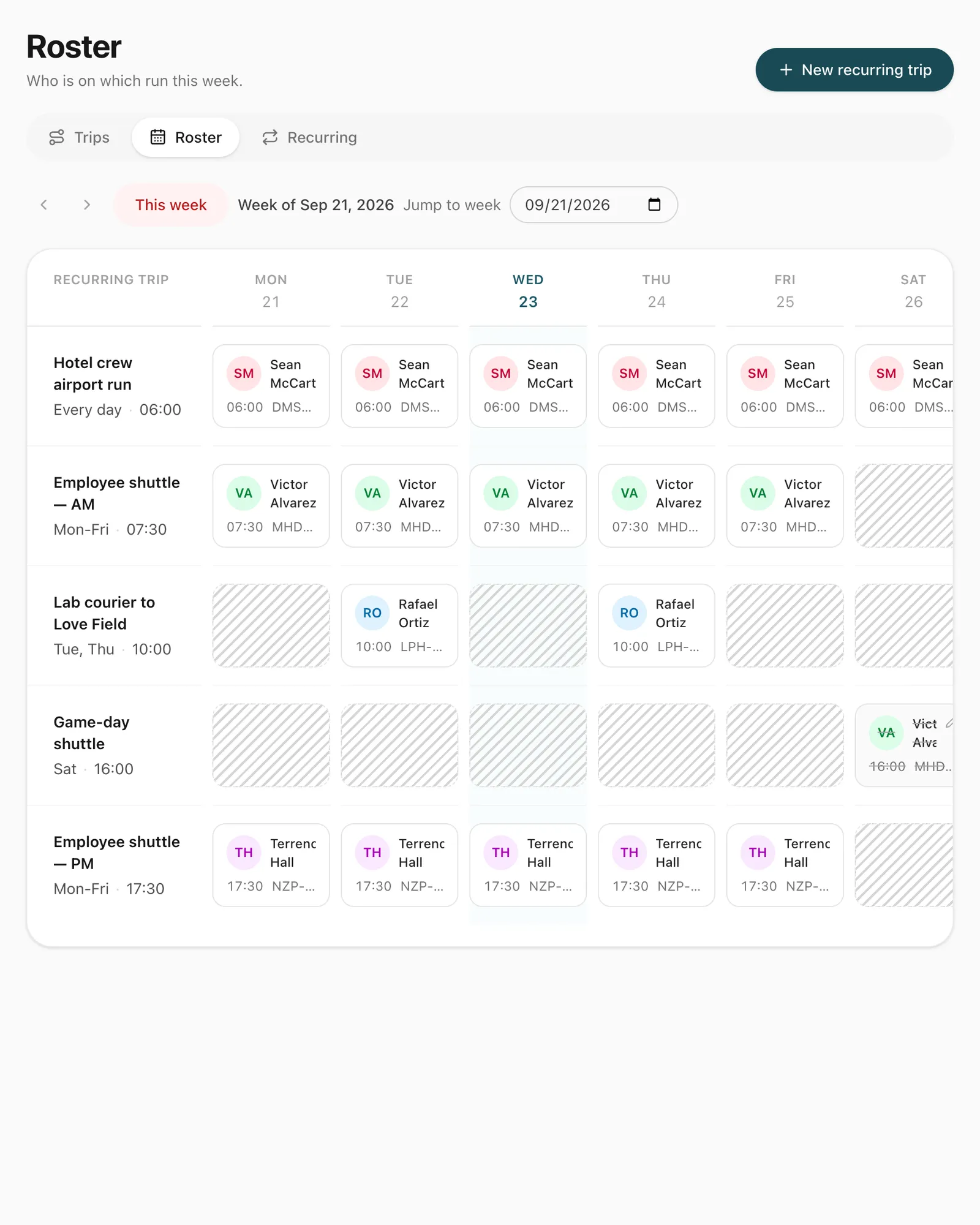
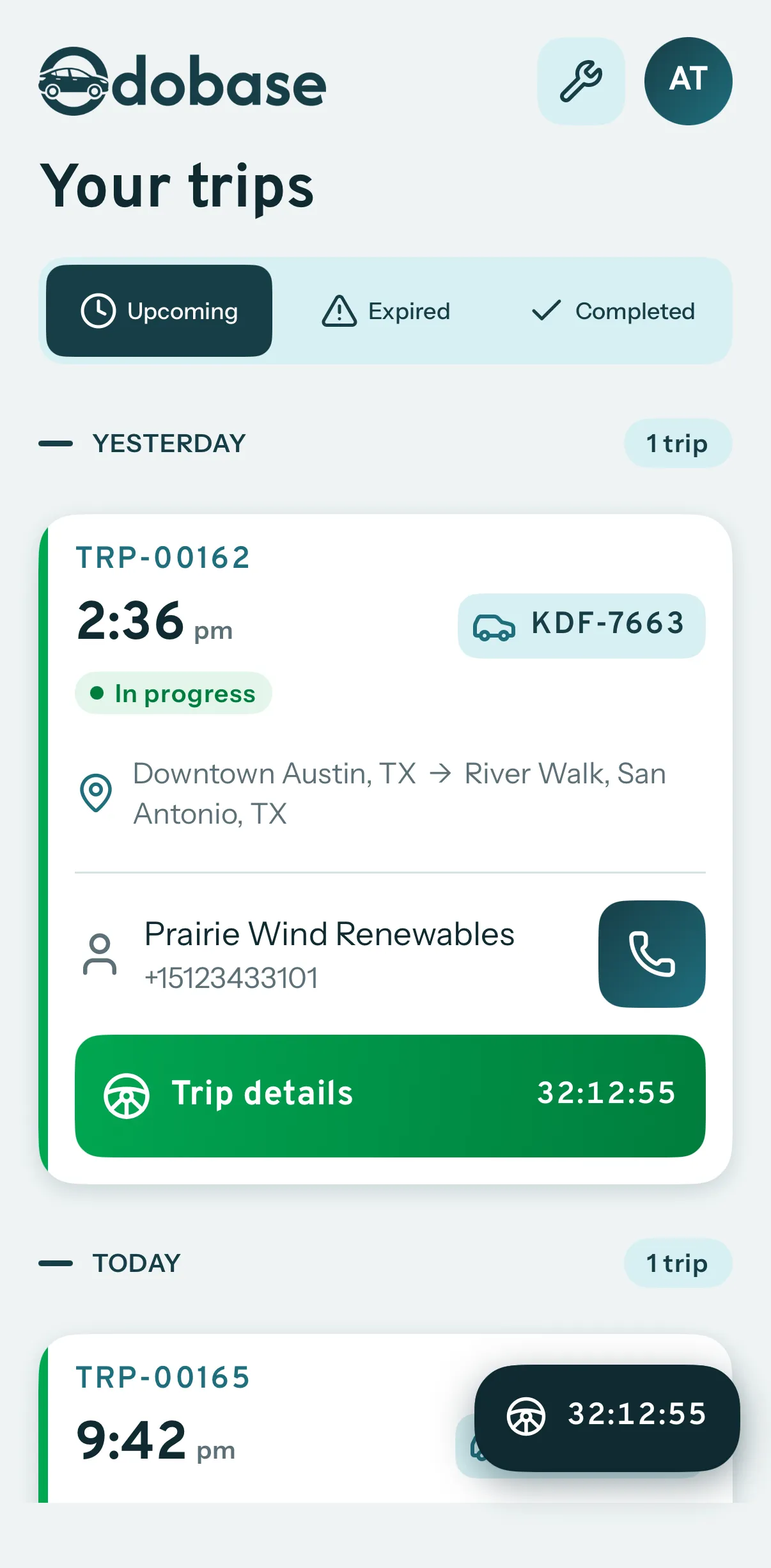
Create each route once as a recurring trip: where it starts and ends, the weekdays it runs, the start time, the usual driver and vehicle, and the contract’s start and end dates. Odobase creates each day’s run as a real trip ahead of time, so the driver sees it in the driver app and nobody else can book that vehicle for the same time. The weekly roster shows every route against every day: change the driver for one day or for the rest of the contract, skip public holidays and pause a route while a customer is closed. Our guide to running a transport roster without spreadsheets walks through the method. If you plan in Excel today, start from our free passenger transport planning spreadsheet: routes with their weekdays, a check for drivers and vehicles booked twice, a week planner and one-day driver changes.
How do one-off trips fit around the routes?
Transfers, group outings and event trips are booked as ordinary trips, by your office or by the customer through an online booking form. When you assign a driver and a vehicle, Odobase offers only those who are free at that time, including drivers already on a regular route. A long job can be paused while the group is away and resumed for the return, so the vehicle is free in between.
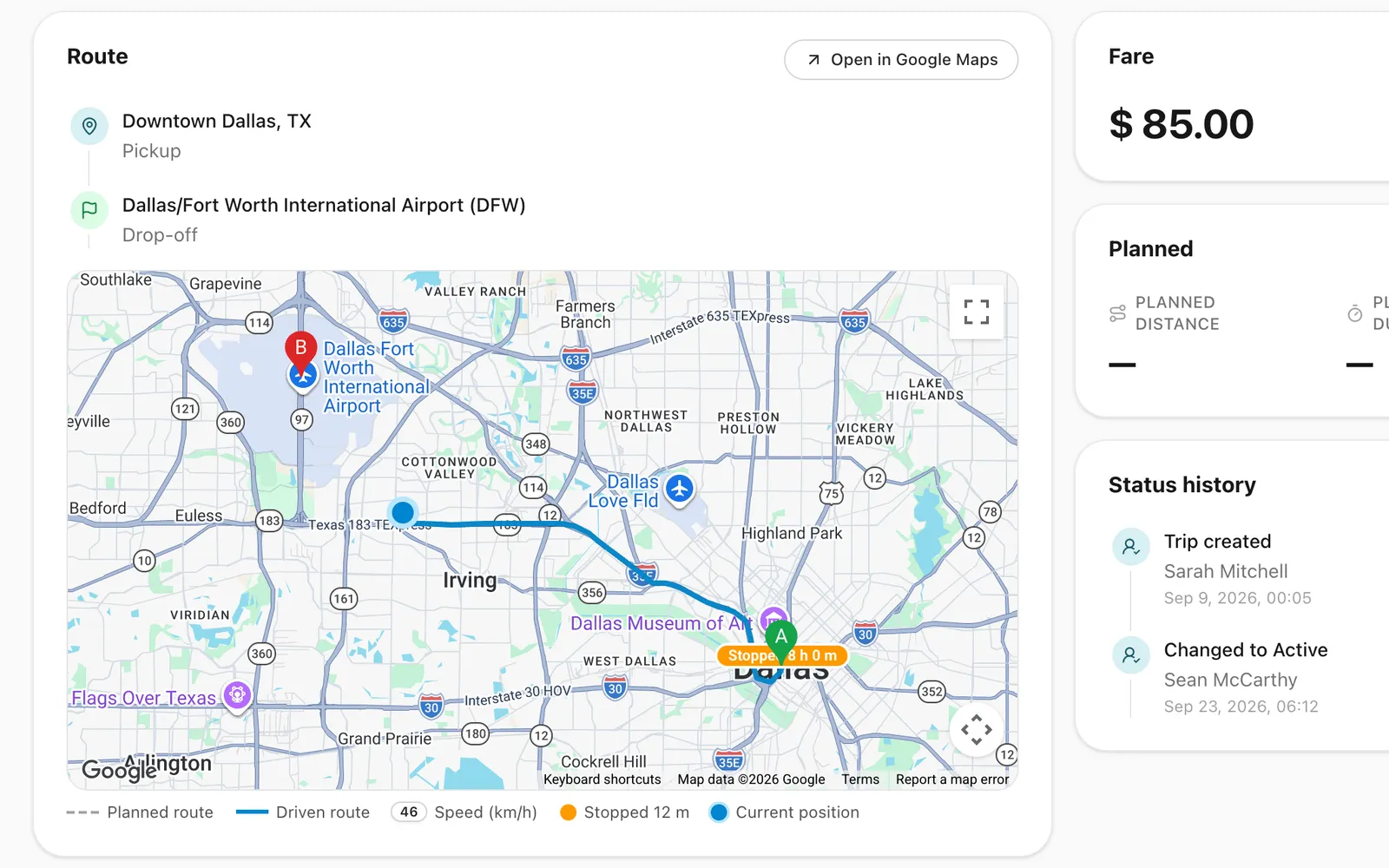
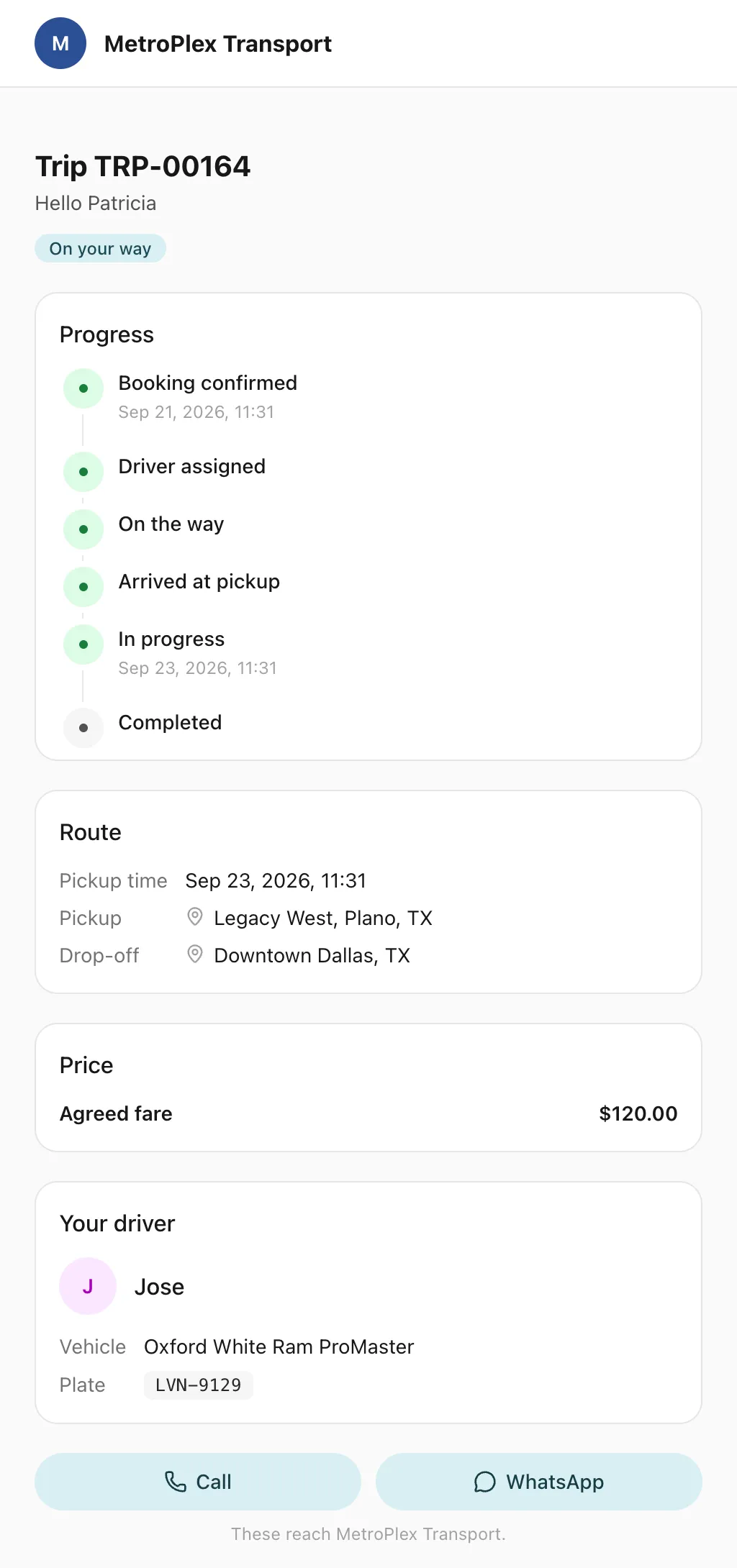
Passengers can receive trip messages by email or WhatsApp, and each trip has a live trip page that shows the driver’s first name, the vehicle’s plate and the car moving on the map, with no app or login. Your office follows every running trip on the live map. Company customers can book and follow their own trips in a customer portal, with cost centres on every booking.
How do you invoice each customer?
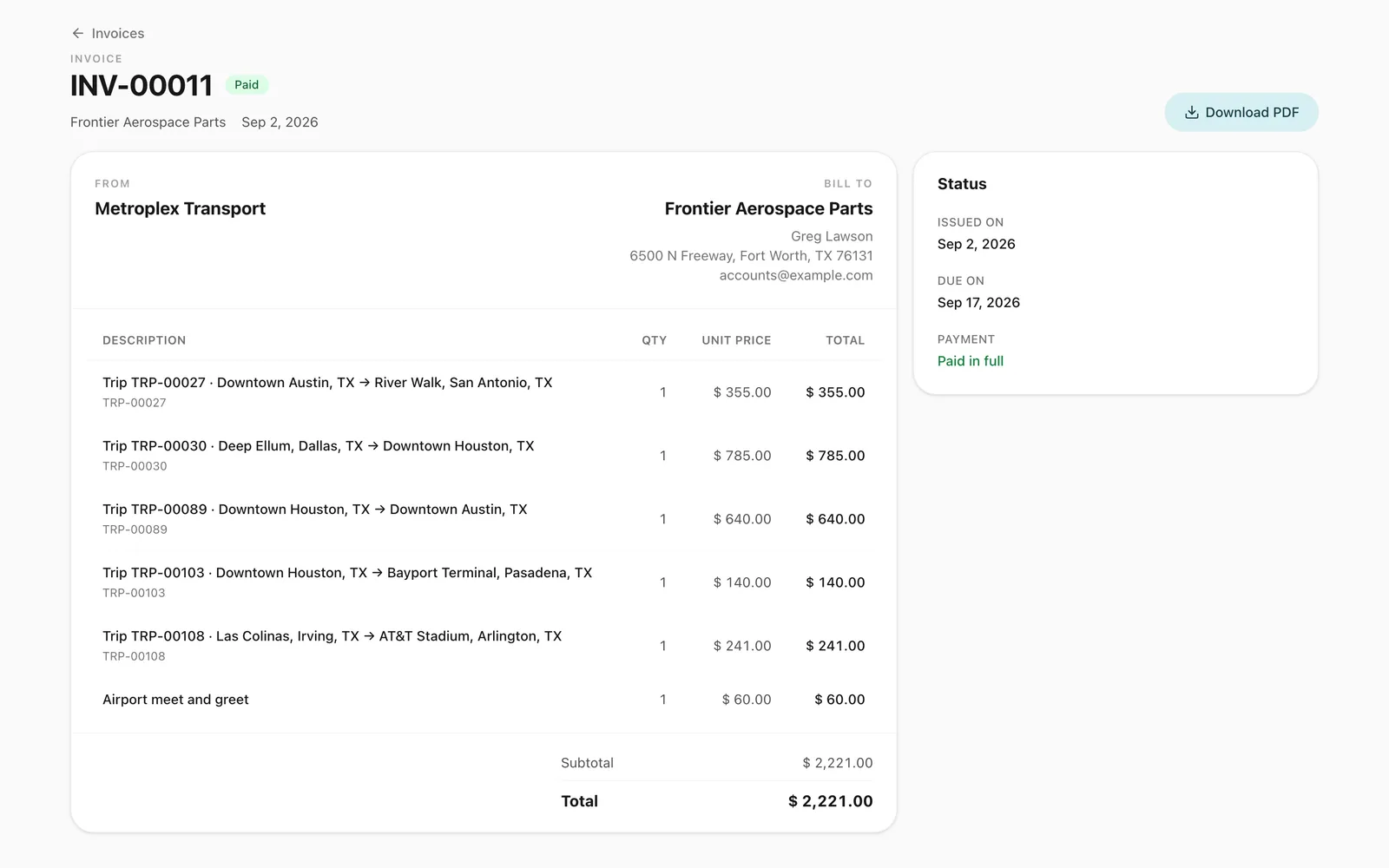
Each run is a completed trip once it has been driven, with its odometer readings and recorded route. At month end, select the customer and issue one invoice for their completed trips, with your logo on the PDF. Receivables, VAT invoices and a profit and loss statement by month and branch come with it. See also how Odobase fits employee transport, school transport and bus and coach hire.