
- Team members
- 2
- Vehicles
- 5
- Drivers
- 5
- Branches
- 1
- Trip scheduling, dispatch and live tracking
- Vehicles, drivers and maintenance records
- Invoices, expenses and accounting reports
- Team roles and permissions
- Odobase Driver app for Android and iPhone
No card needed to start Free plan
Book trips, dispatch drivers and invoice the work, from one place instead of spreadsheets and group chats.
Trip management
Schedule trips, assign drivers and vehicles without double-booking, pause and resume round trips, and invoice completed work from one dashboard.
Driver app
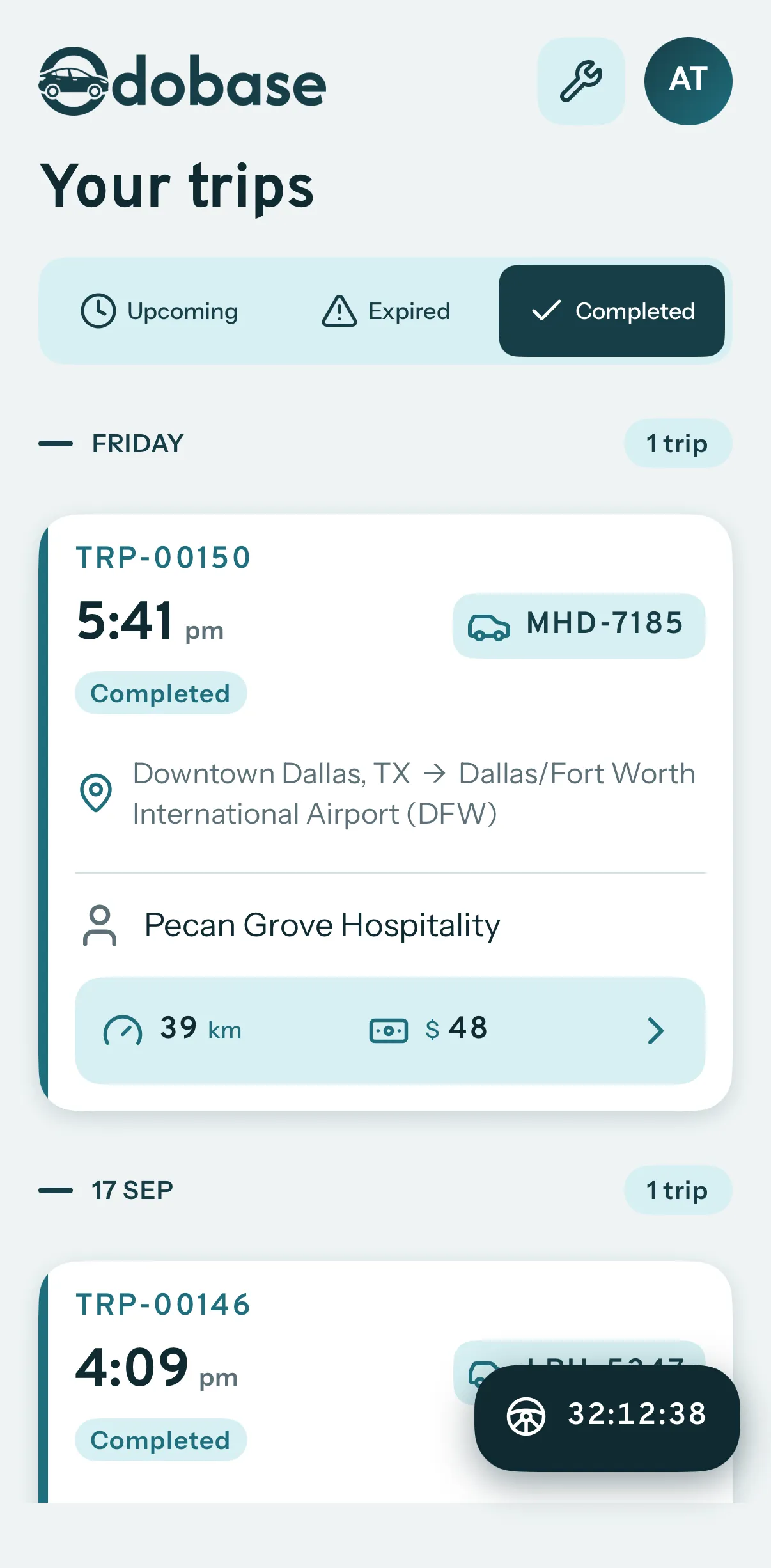
Odobase Driver lets drivers sign in with a PIN, run assigned trips, record odometer readings, log expenses with receipts and get trip alerts.

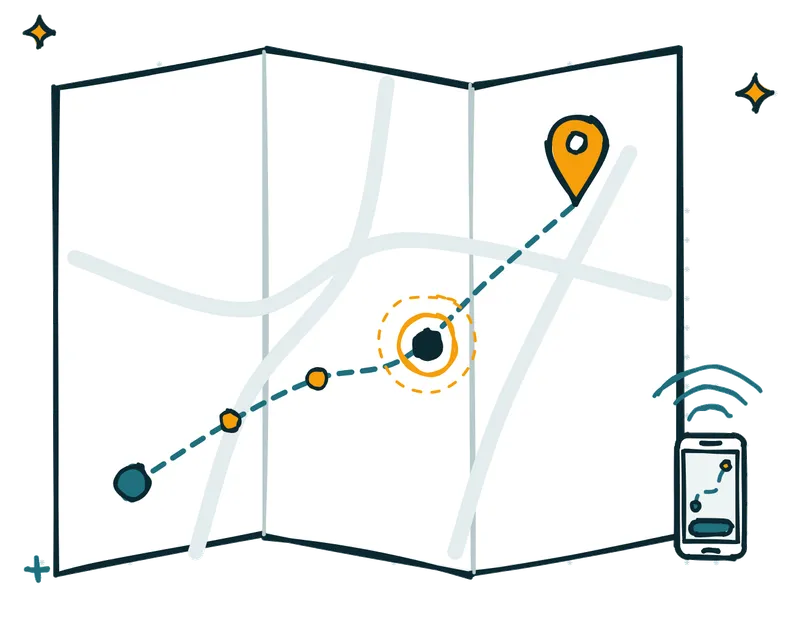
Live trip tracking
Tracking uses the driver’s phone, so there is no GPS box to buy or fit.
Invoicing and accounting
Turn completed trips and hires into branded invoices, track what customers owe, and read profit and loss by month and by branch in Odobase.

Vehicles and maintenance
Keep every vehicle’s details, photos, odometer and service history in one place, and see maintenance costs in your fleet reports and profit and loss.
Self-drive hire
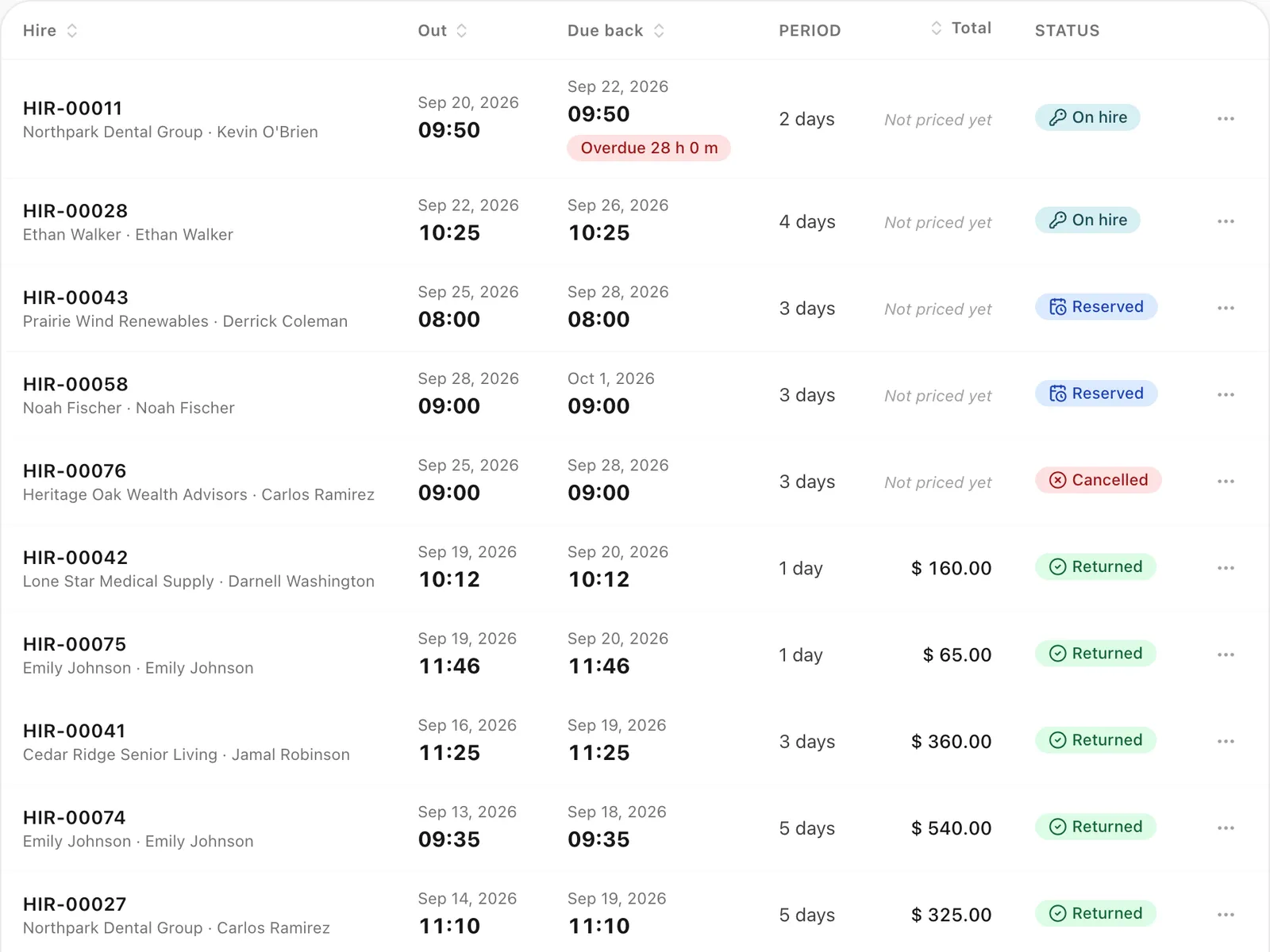
Odobase blocks availability, records handover and return, and bills overtime and extra distance.
Invoicing and accounting
Receivables show which customers owe you most, and how much is not yet due or overdue, in 30-day bands.
Accounting reports
Revenue from trips sits beside expenses, maintenance and overheads, so you can read profit and loss for each month and compare your branches.

From the first booking to the paid invoice, one system for the office and one app for the drivers.
Dispatch trips without double-booking
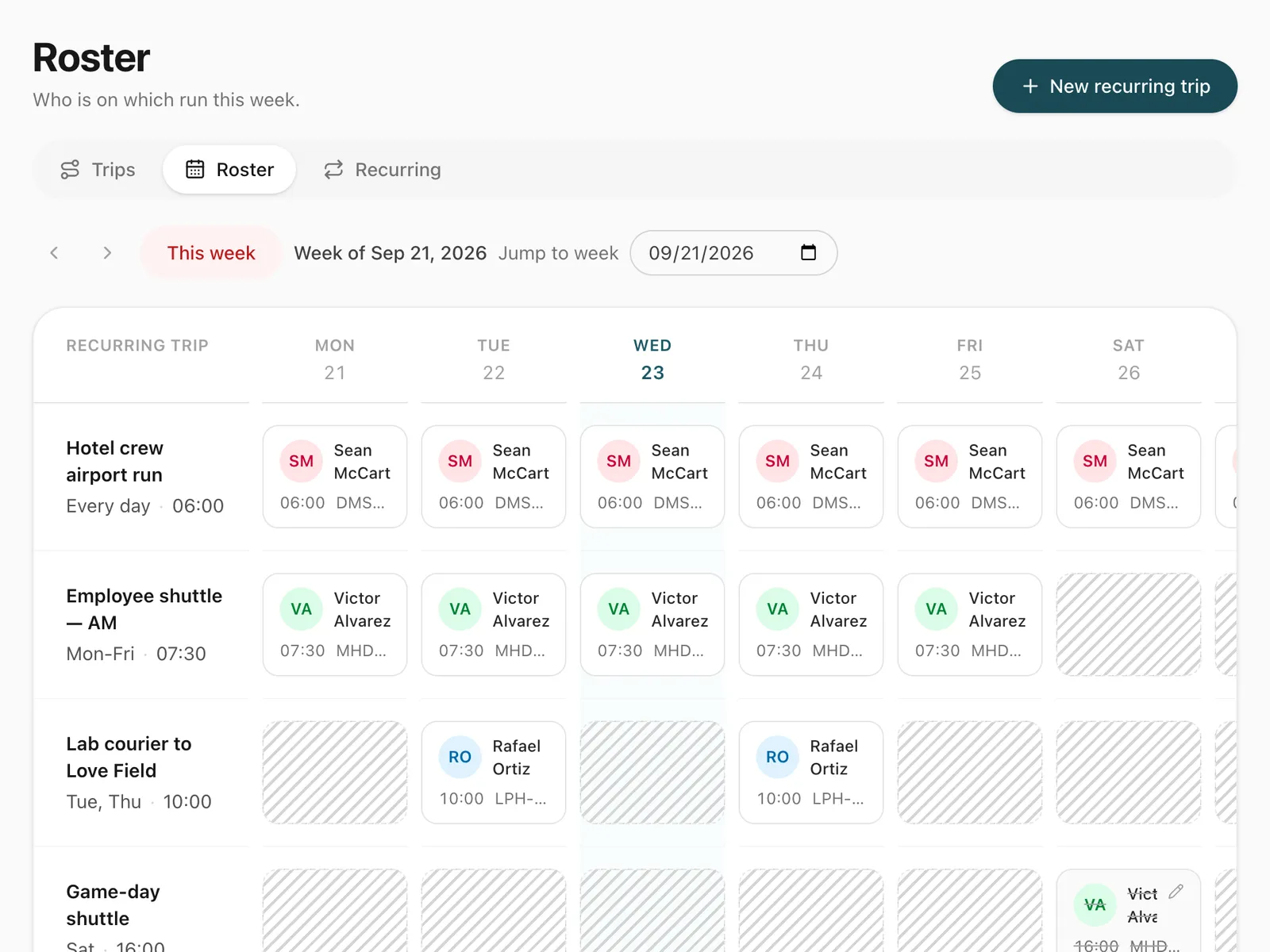
Repeating duties on a weekly roster
Rent cars out by the hour or the day
Every vehicle and its service history
Trips, odometer and receipts on Android and iPhone
Invoices, receivables and profit and loss
Follow running trips on a map
Clients see their trips, quotes and invoices
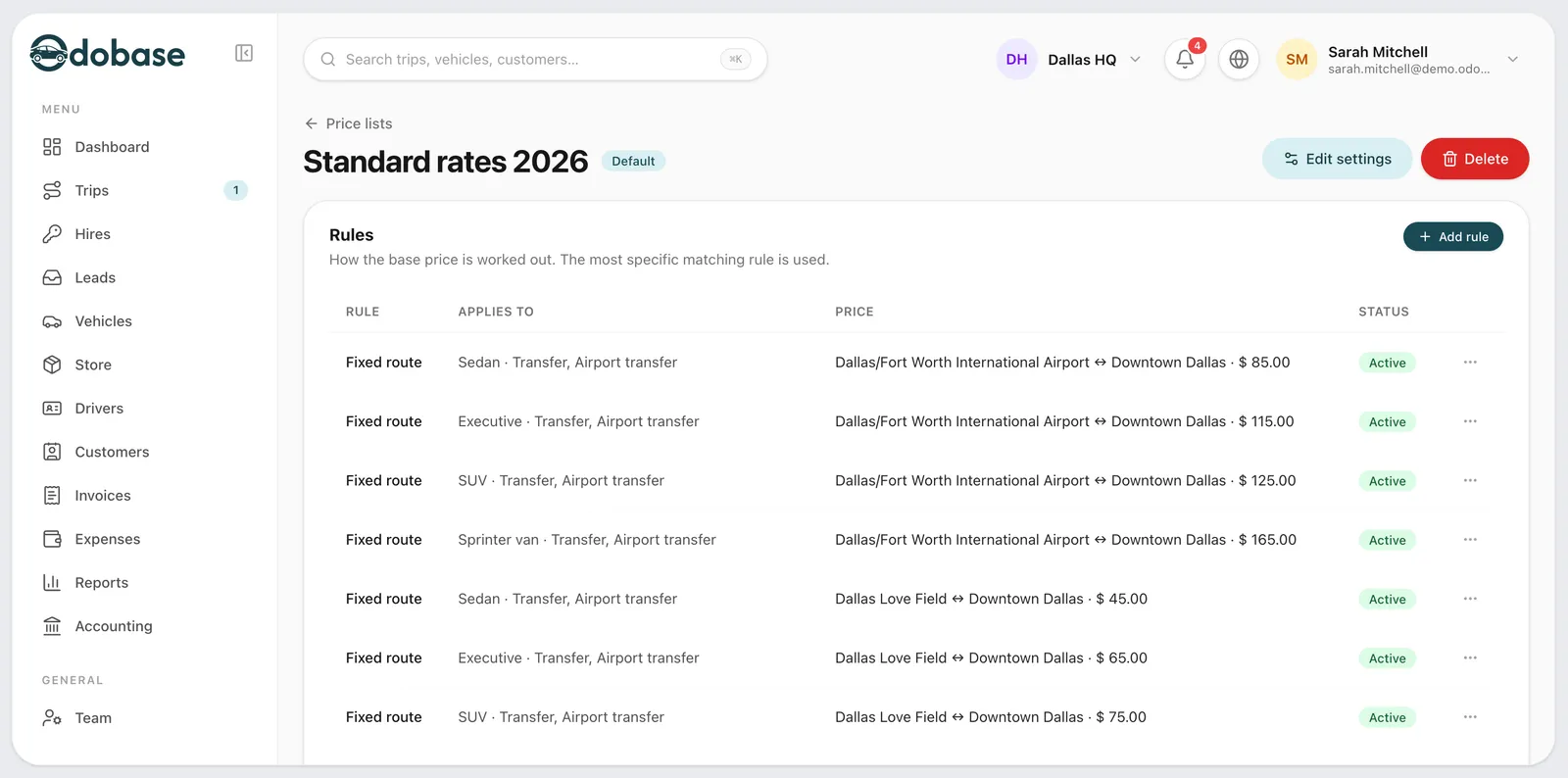
Every booking priced by your own rules
A live trip page your passenger opens
Take priced bookings on your own website
What each one does, in detail.
Odobase is fleet management software for car rental, chauffeur and transport companies. Dispatchers schedule trips and assign drivers and vehicles without double-booking, drivers run each trip from an app for Android and iPhone that records distance and expenses, and the office turns completed trips into invoices and profit-and-loss reports.
At a glance
Rental desks, chauffeur services, employee transport and tour operators run their day on it.
Dispatch, waiting time, corporate billing
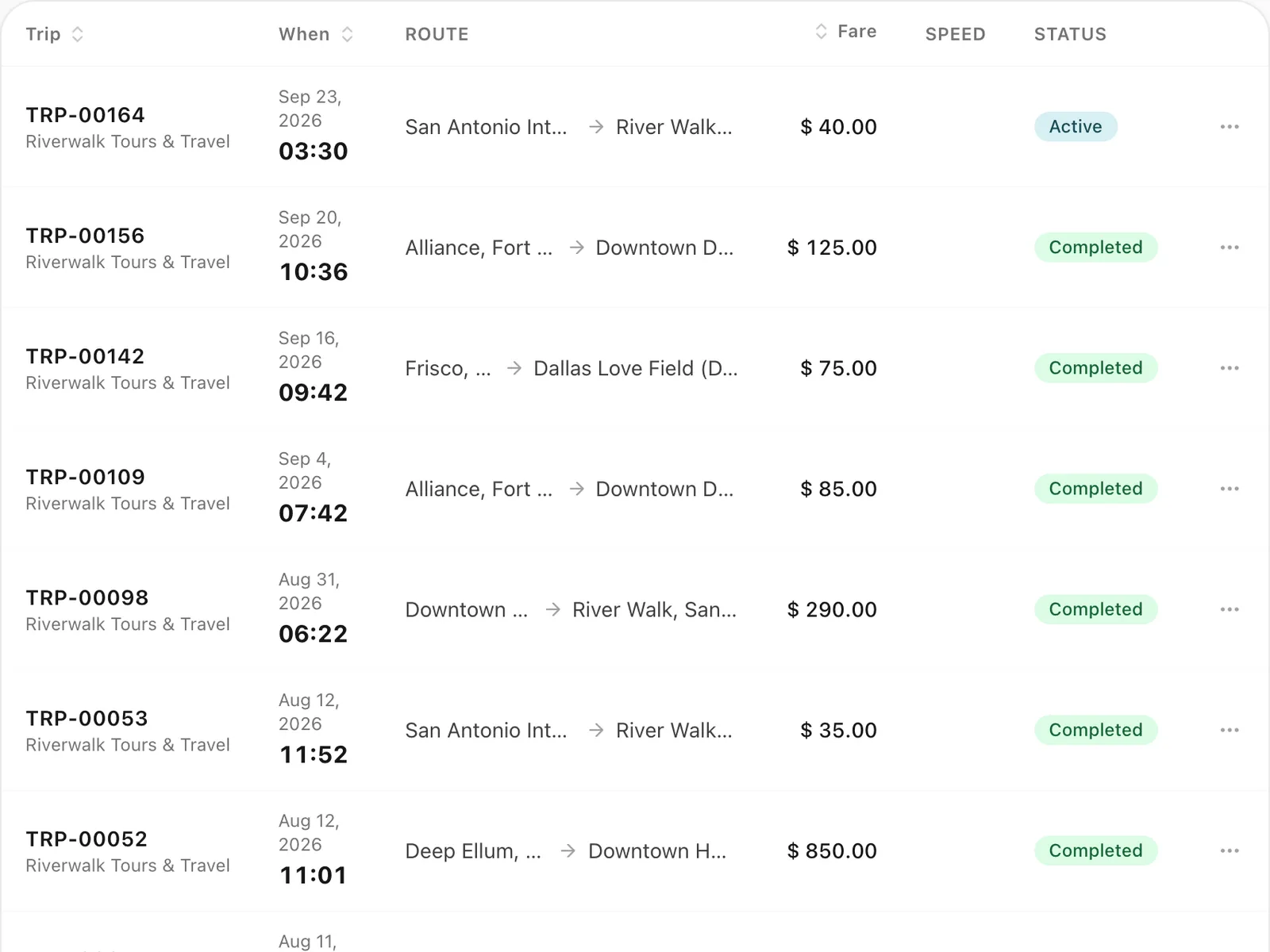
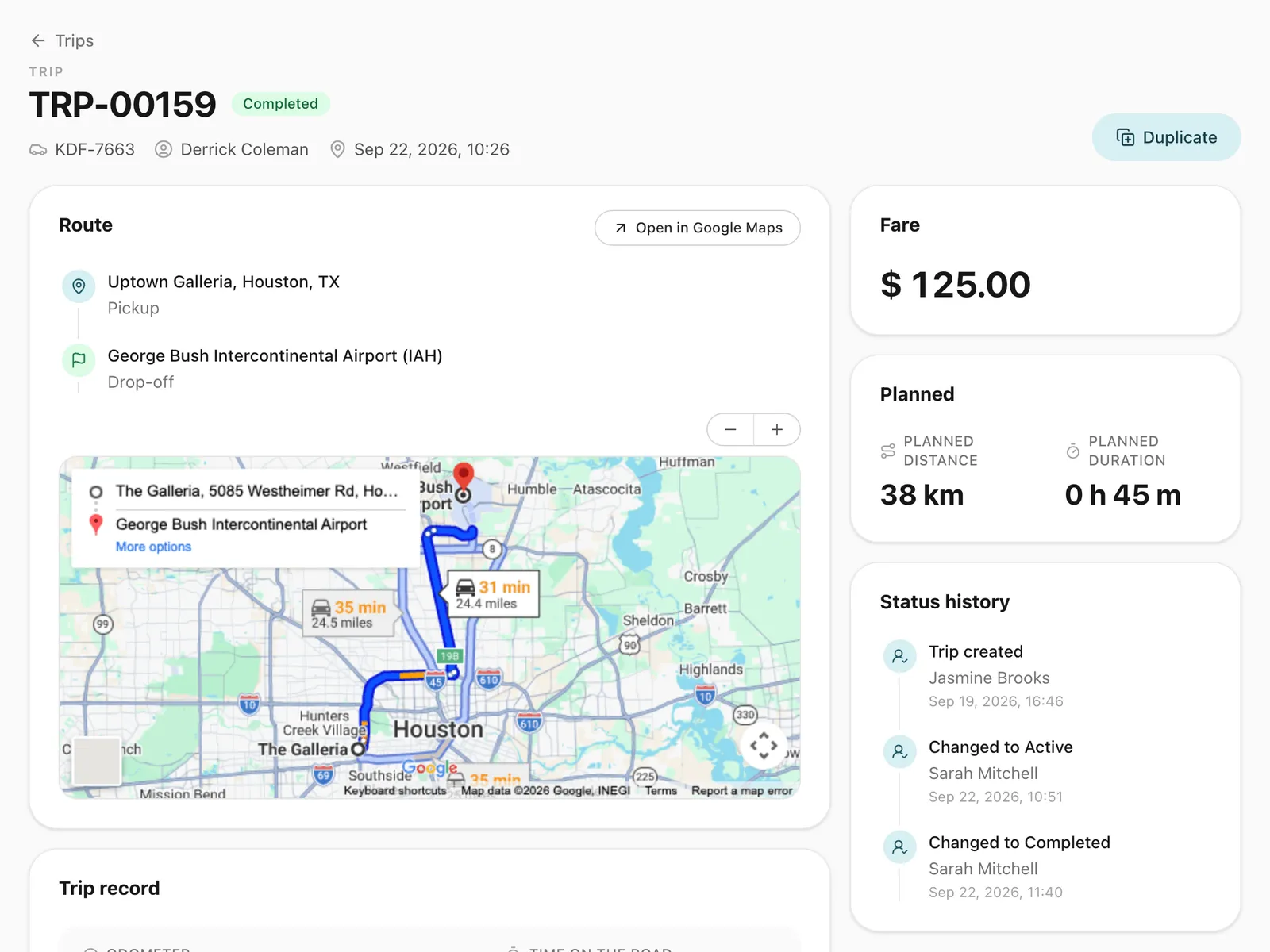
Pickups booked to the minute, with the driver, vehicle and fare on one trip record.
One invoice per client for the month, built from the trips you completed.
Scheduled runs between hotels, stations and venues, booked ahead and assigned in one place.
Round trips with waiting time and extra charges recorded on the booking.
Hand a car over, record the odometer, and bill overtime and extra distance on return.
A weekly roster of daily routes, with a driver you can swap for a single day.
Odobase connects the office and the road in four steps.
Enter your vehicles, invite your office team and add your drivers by phone number.
Schedule trips with a pickup, destination, customer and time, or reserve a vehicle for self-drive hire. Odobase refuses a booking that would put a driver or vehicle in two places at once.
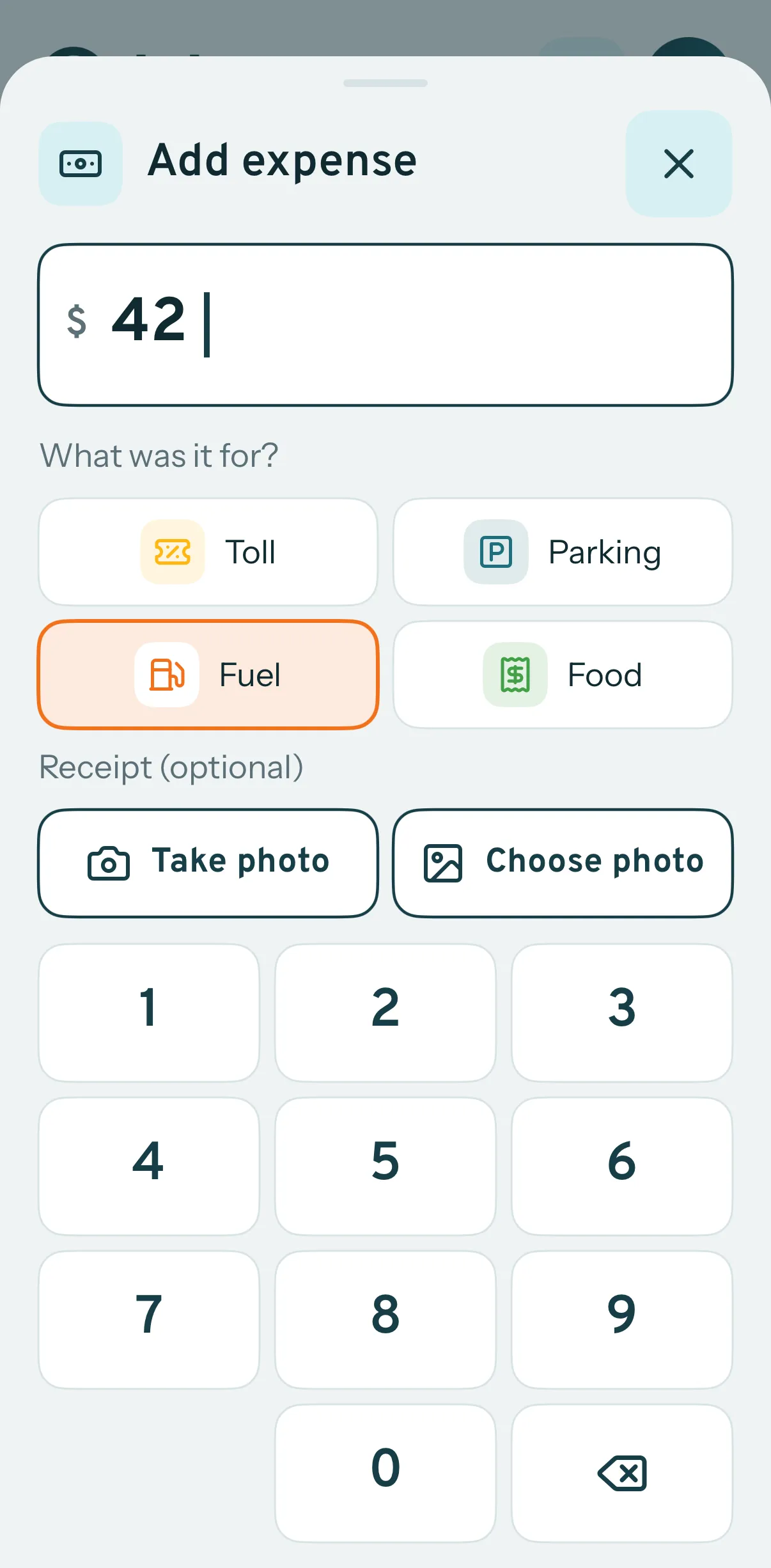
Each driver sees their assigned trips in the Odobase Driver app, starts the trip with an odometer reading, logs expenses with receipt photos and completes it when the job is done.
Turn completed trips and hires into invoices, track what customers owe, and read profit and loss by month and by branch.
The screens your office works in every day, from the first booking to the paid invoice.
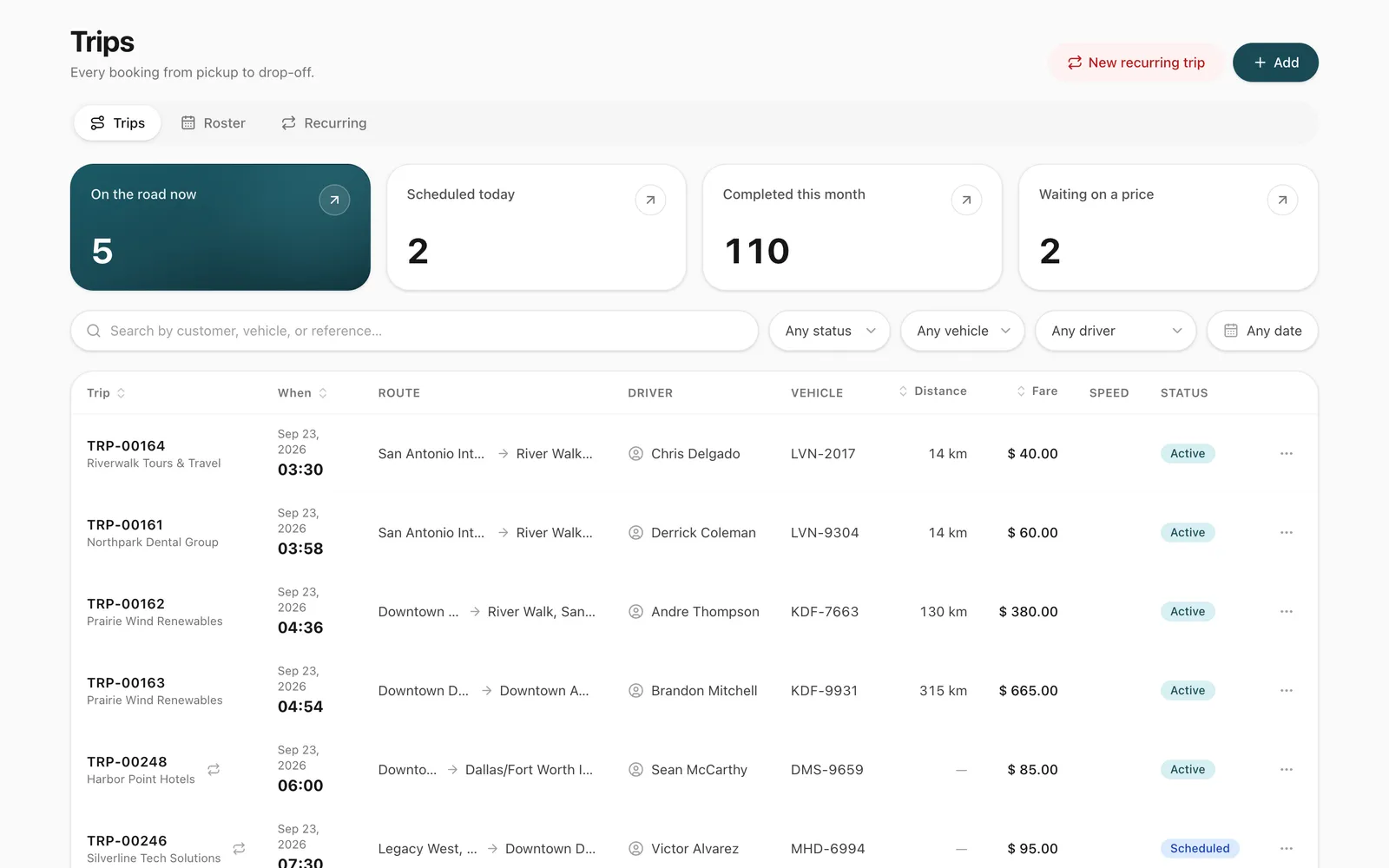
See today's trips by status, from scheduled to completed. When you assign a driver and a vehicle, Odobase offers only those free at that time, so the same car is never promised twice.
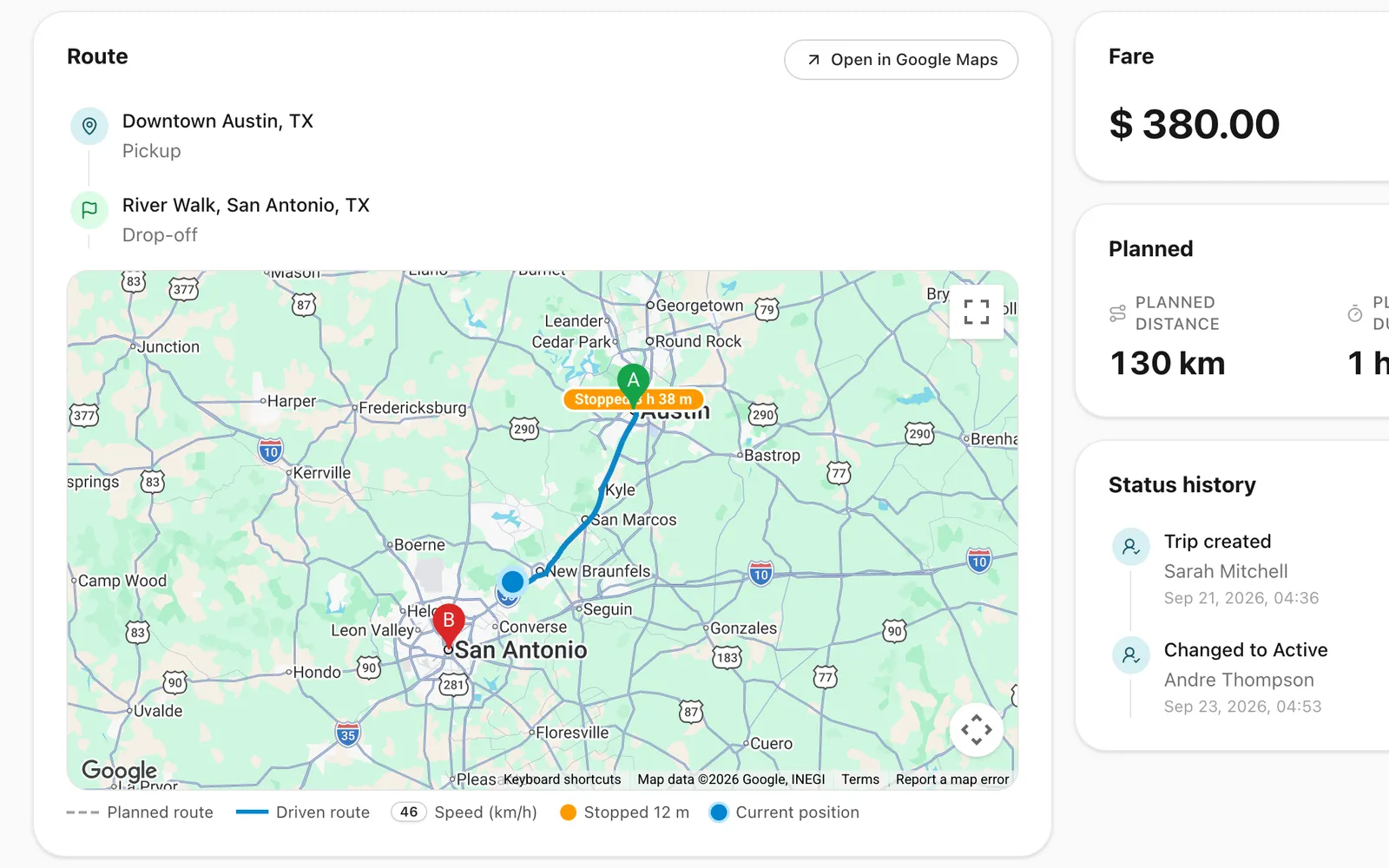
The driver's phone records the route while a trip runs, about every 30 seconds. The office follows it on the map, and the recorded route stays with the trip.
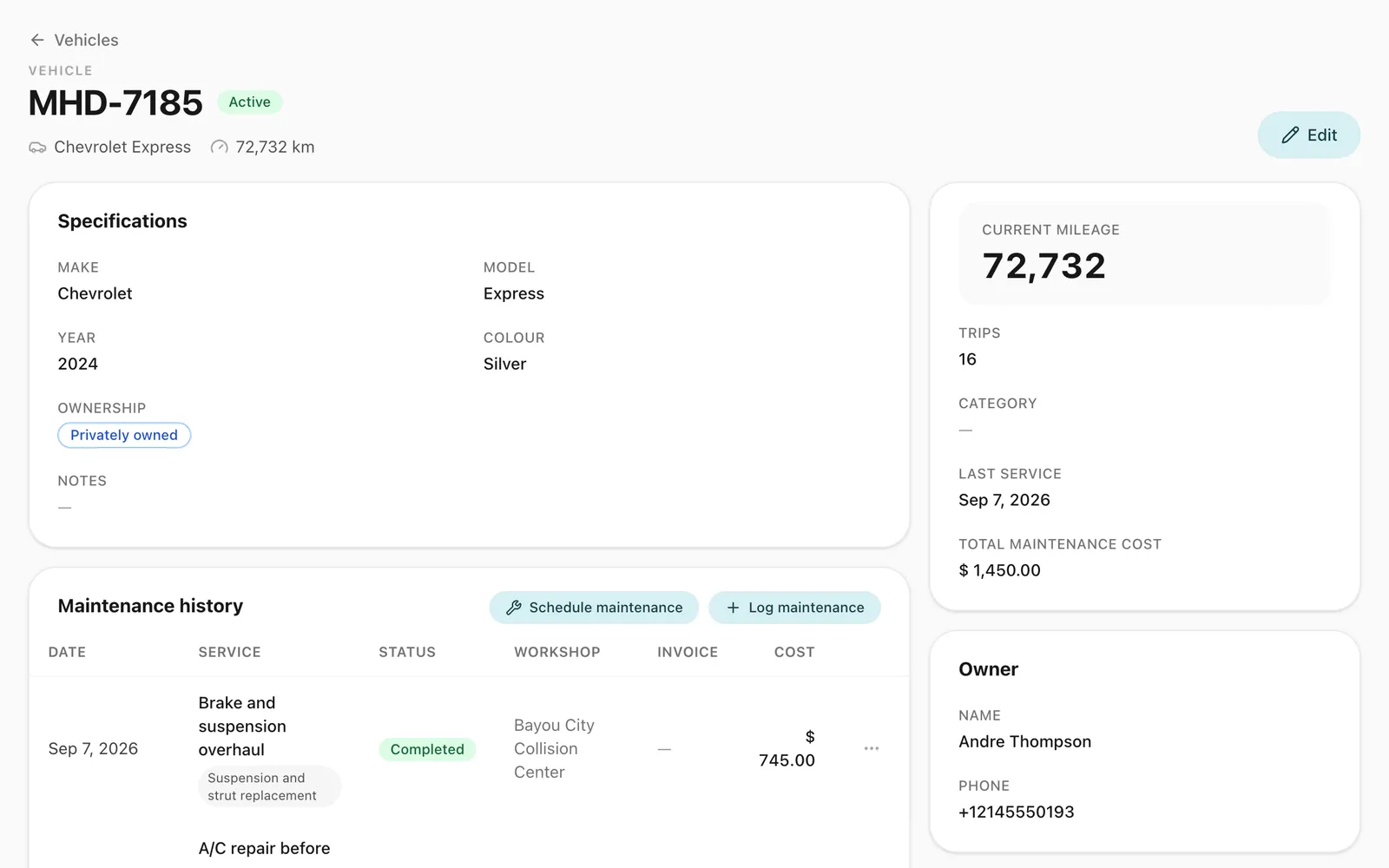
Each vehicle keeps its photos, odometer, trips, expenses and maintenance history in one record, so you know which cars are free and what each one costs to run.
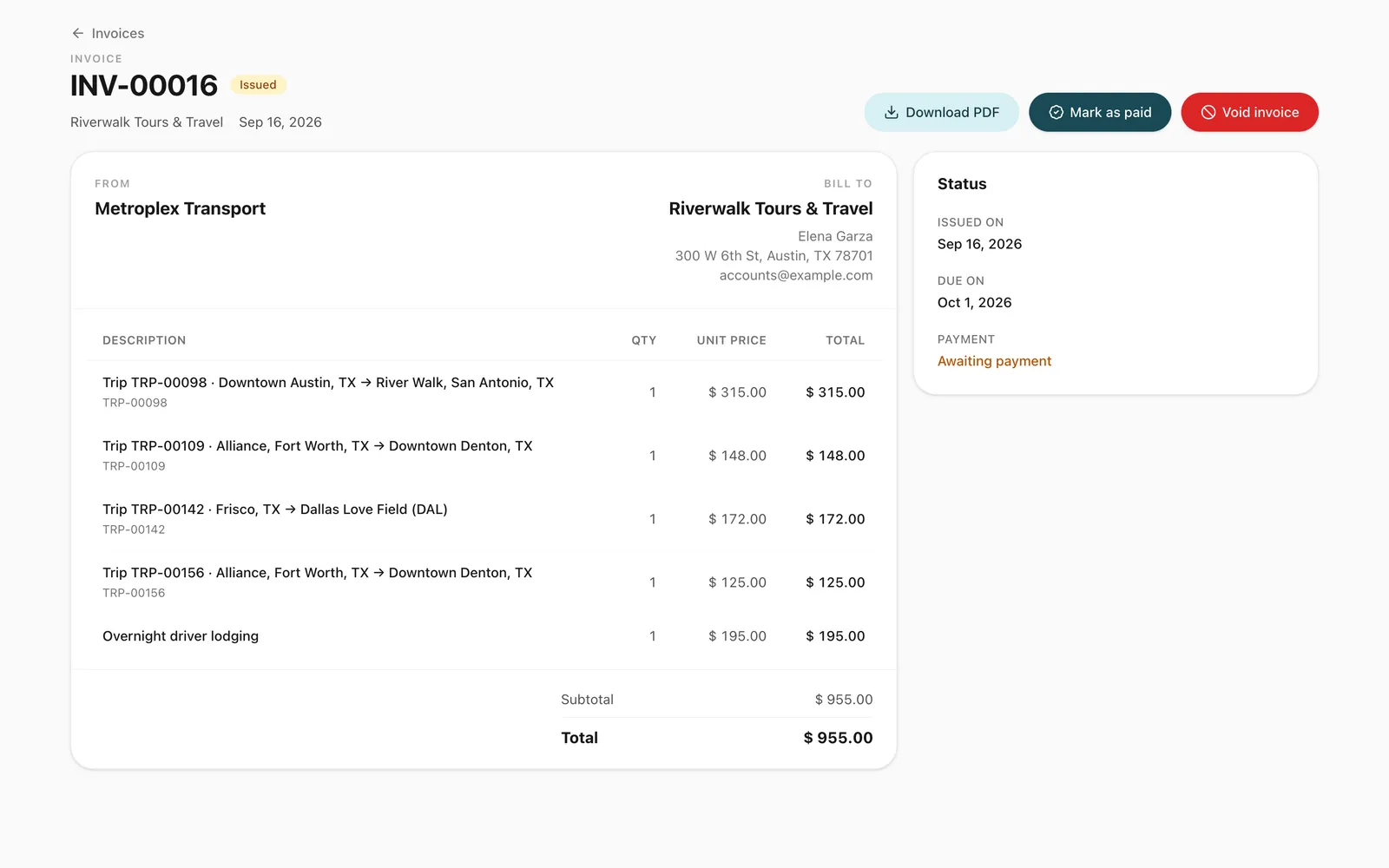
Pick a customer, link their completed trips as invoice lines, and issue one invoice with your logo. Odobase keeps track of what is draft, issued and paid.
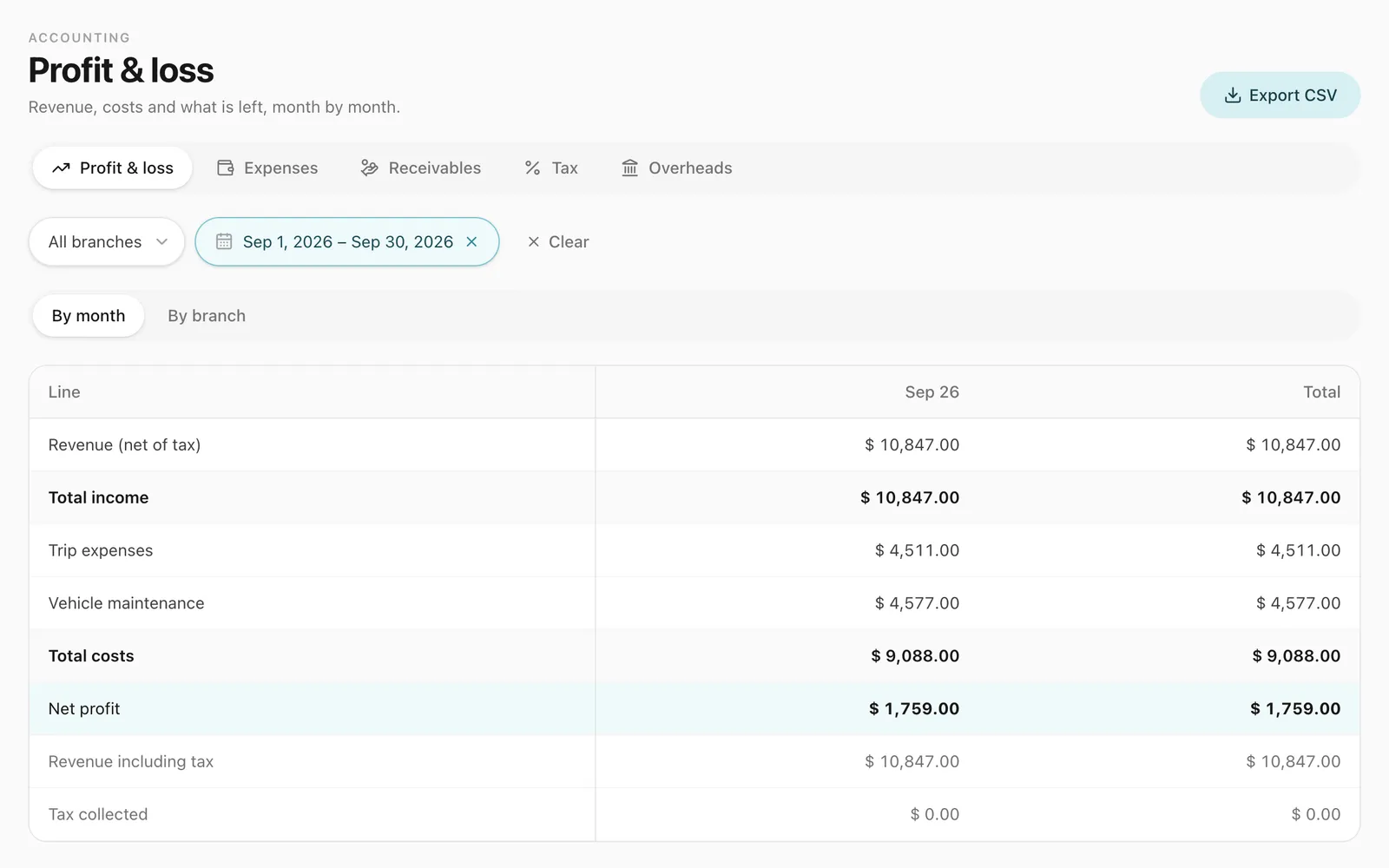
Revenue from trips sits beside expenses, maintenance and overheads, so you can read profit and loss for each month and compare your branches.
Spreadsheets and group chats work until two bookings land on the same car, a fuel receipt goes missing or a customer disputes the distance on an invoice. Odobase keeps one record of every trip, from booking to payment.
A driver or vehicle already on a trip cannot be assigned to another trip at the same time.
Scheduled, active, paused and completed. Each trip keeps its history, charges and expenses from the first booking to the invoice.
Start and end odometer readings, plus the route recorded by the driver app, sit on every trip.
Odobase records distance in kilometres, and each company sets its own currency and time zone.
Drivers photograph expenses as they happen, and each receipt is attached to the trip it belongs to.
Anyone on your team can switch the dashboard between English, Spanish, French, Italian, Arabic and Urdu, with right-to-left layouts for Arabic and Urdu.
Odobase Driver for Android and iPhone
Drivers sign in to the Odobase Driver app with their phone number and a 4-digit PIN. They see their trips, start and finish each one with an odometer reading, and log expenses with a photo of the receipt.
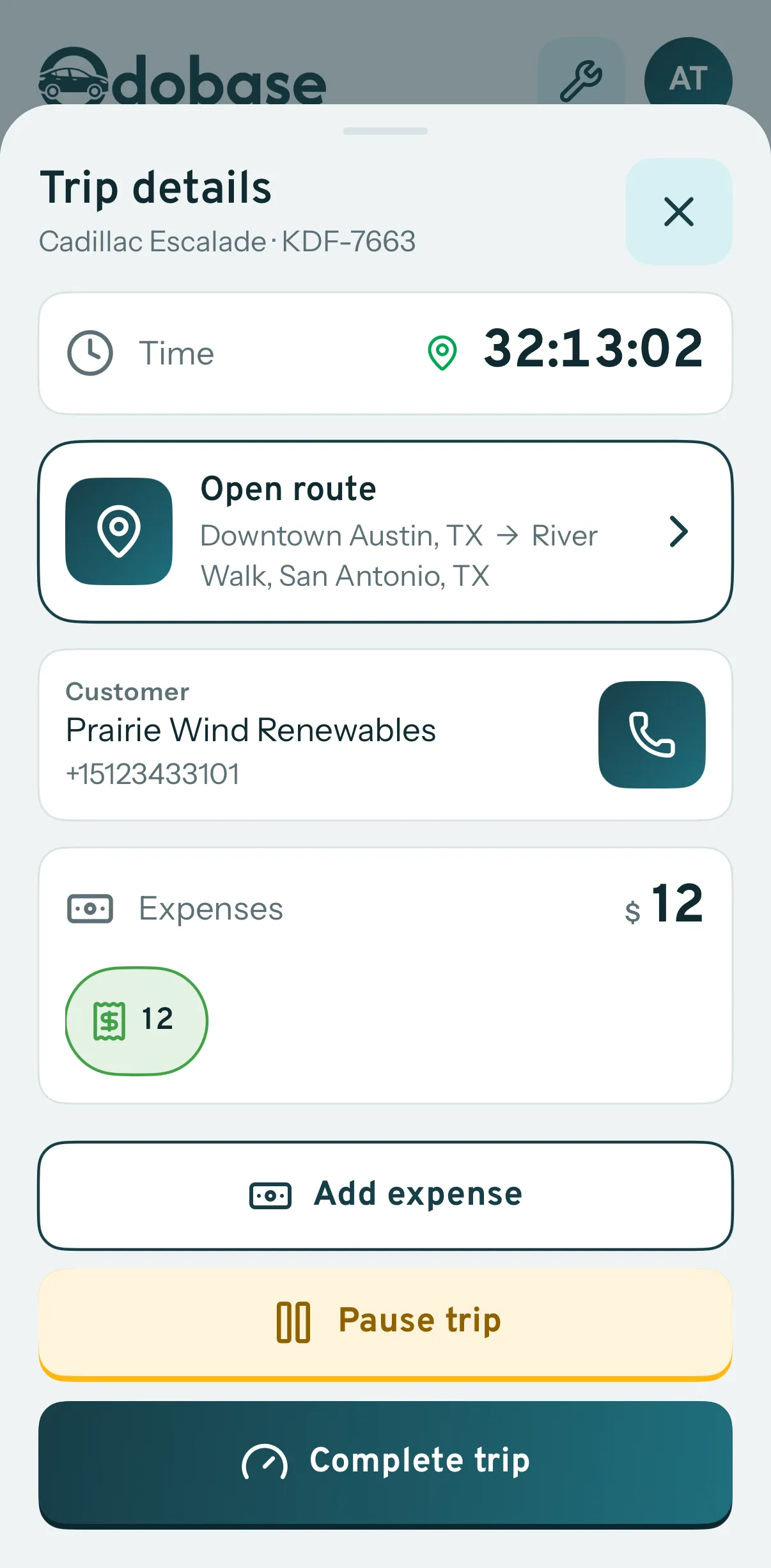
The app records location while a trip is running and stops when the trip ends.
A driver signs in with their phone number and a 4-digit PIN. If they forget it, a code sent over WhatsApp resets it, or the office sets a new one.
Start free on Starter. Every plan has the same features, with every module switched on from the start; plans differ only in how many vehicles, drivers, team members and branches they cover.
Most popular
For a growing rental or transport business with a team in the office.
$50 per month Billed monthly
$480 per year $40 a month, billed yearly
For established fleets running several branches.
$149 per month Billed monthly
$1,430 per year $119.17 a month, billed yearly
Yes. Every new account starts on the free Starter plan, which covers up to 5 vehicles, 5 drivers and 2 team members. Move to Growth or Business when your fleet grows.
Yes, an Android phone or an iPhone. Drivers use the Odobase Driver app and sign in with their phone number and a 4-digit PIN. A forgotten PIN is reset with a code sent over WhatsApp, or the office sets a new one from the dashboard.
Yes. Self-drive hire handles vehicles rented without a driver. It shares availability with trips, so a car on hire is never assigned to a trip at the same time.
The Odobase dashboard is available in English, Spanish, French, Italian, Arabic and Urdu, with full right-to-left layouts for Arabic and Urdu. Anyone on your team can switch between them at any time.
Yes. Every company’s records are isolated from every other company’s, and the data you enter belongs to you. See our privacy policy.
Yes. You can cancel a paid plan at any time, and new subscriptions can be refunded in full within 14 days of the first payment. See the refund policy.
Last updated
Drivers install the app for free on Android or iPhone and sign in with the phone number you added and a 4-digit PIN.
Start on the free Starter plan. No card is needed, and you can move to a paid plan when your fleet grows.